
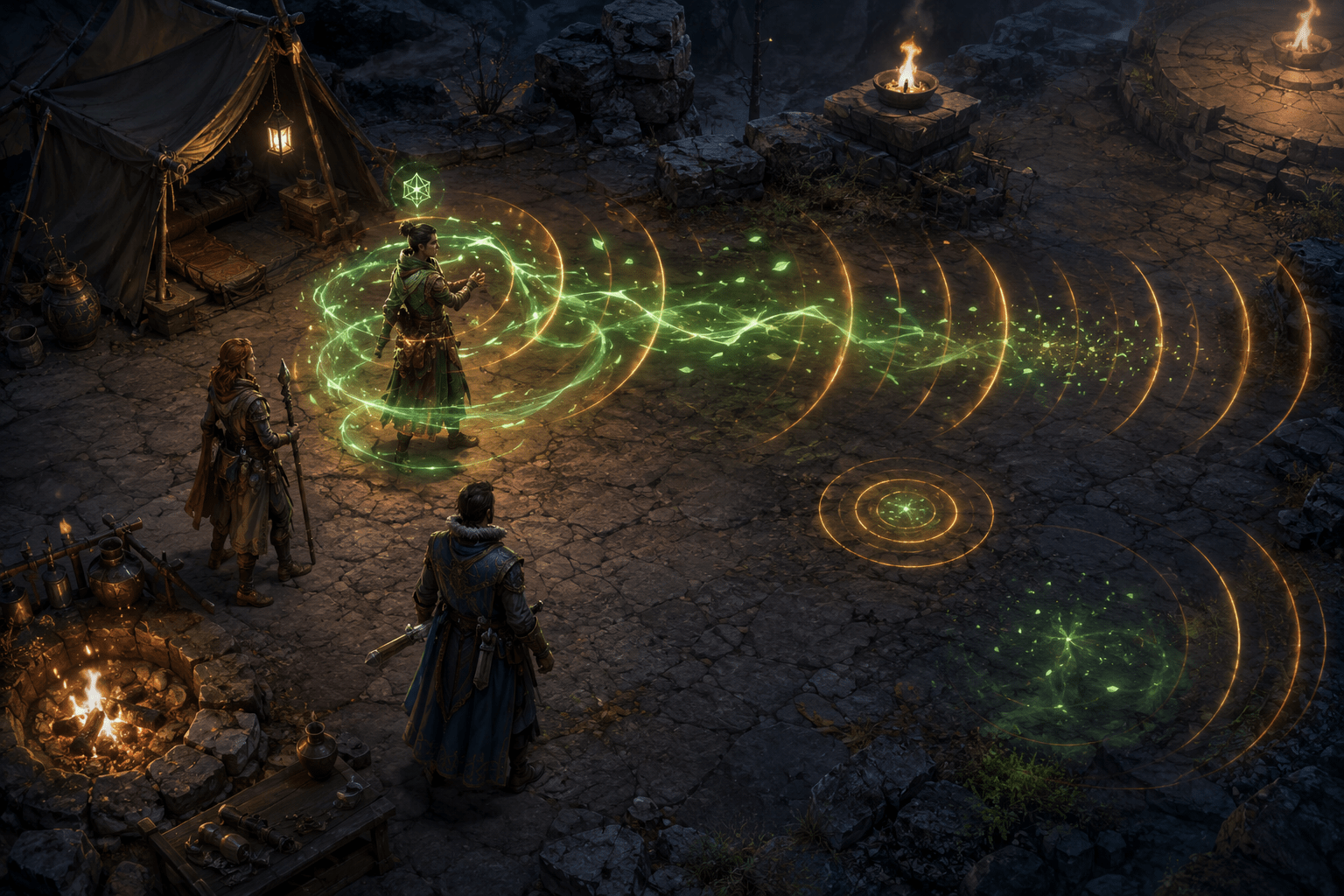
Persistent magical effects in Baldur’s Gate 3 can surround a character for hours. A long-lasting spell or passive ability may add glowing particles, moving light, a colour overlay, or a repeating sound for as long as the underlying status remains active. With four party members and numerous buffs, these effects can overlap throughout exploration and combat.
ToggleFX – MCM is a third-party PC mod that allows individual visual and sound effects associated with spells, statuses, and passive abilities to be changed or disabled. Instead of removing every magical effect through one global switch, it lets the player configure specific effects and decide whether to suppress their visuals, their sounds, both sensory components, or selected internal properties.
The underlying spell or status generally remains active. ToggleFX changes its associated visual effects—commonly abbreviated as VFX—and sound effects, or SFX. It is not designed to cancel the mechanical benefit, remove the ability from the character, or alter combat balance.
This separation is important for accessibility. A player may need relief from a continuous humming sound while still relying on a visible aura. Another may find particles or flashing overlays visually overwhelming but use sound to confirm that a status is active. ToggleFX does not require both channels to be removed together.
Why persistent effects can become a barrier
A brief magical animation communicates that something has happened. A continuous animation can communicate that the resulting status remains active. The same persistence that makes a buff noticeable can become tiring when its particles and sounds continue during exploration, dialogue, inventory management, and quieter narrative scenes.
Repeated or sustained sound may be difficult for players with sound sensitivities, tinnitus, hyperacusis, auditory-processing differences, migraine, or difficulty filtering background audio. The barrier does not necessarily come from loudness. A quiet tonal loop can remain intrusive because it repeats without stopping.
Continuous visual effects can create different demands. Moving particles, pulsing light, bright character outlines, fog-like overlays, and overlapping auras may obscure costumes, faces, terrain, objects, or combat indicators. They may contribute to visual fatigue, sensory overload, migraine symptoms, or difficulty separating mechanically important information from decoration.
Reducing the game’s master sound-effects volume is a broad response. It also lowers footsteps, attack effects, environmental sounds, and other potentially useful information. Reducing graphical quality may improve performance but does not necessarily remove a particular status aura. ToggleFX instead targets the chosen effect.
Configuration happens per spell, status, or passive
ToggleFX adds a section to Mod Configuration Menu. The player loads the game’s effects list, finds the relevant spell, status, or passive, and applies one of several modes. The creator identifies Default, Basic, No VFX, No SFX, Off, and Custom as the available choices.
Default leaves the selected effect’s original game behaviour unchanged. This provides an explicit way to restore an individually edited effect without uninstalling the entire mod.
No VFX disables the visual component while preserving its sound. No SFX does the reverse, suppressing sound while retaining the visual effect. Off disables both VFX and SFX associated with that configured effect.
This structure supports different sensory profiles. It does not assume that reducing visual information requires silence, or that removing an audio loop requires losing all visual confirmation.
The setting applies to the selected effect rather than every instance of magic in the game. A player could remove one persistent sound, simplify several especially bright statuses, and leave all other spell effects at their defaults.
Basic mode attempts to preserve secondary information
Basic is a preset intended primarily for statuses. According to the mod page, it disables the main visual and sound effects while retaining secondary ones.
This differs from turning the effect fully off. A secondary element may continue to communicate that a status exists without producing the complete continuous aura or soundscape. The result can reduce sensory intensity while retaining some information.
Exactly what remains depends on how the selected effect was constructed. A complex status may use several internal visual and audio properties, while a simpler one may not contain a meaningful secondary indicator. Basic should therefore be tested effect by effect rather than assumed to produce an identical reduction everywhere.
The preset is also not a formal guarantee that every remaining component is essential or that every removed component is decorative. The game’s effects were not originally authored around ToggleFX’s categories. The mod interprets and changes existing effect structures.
Custom mode exposes individual properties
Custom mode provides finer control over an effect’s internal properties. Rather than selecting only a complete visual or audio category, the player can decide which individual components should remain active.
This may be useful when one part of an effect causes a barrier while another supplies valuable feedback. A player might want to remove a looping body aura but retain a short activation burst. Another might retain a visible marker while disabling its continuous sound.
Granular control also introduces complexity. Internal effect properties may not have names that clearly explain what appears in the game. Players may need to change one component, refresh the status, and observe the result before deciding whether the configuration is useful.
The mod is therefore both an accessibility tool and a technical customization system. Its flexibility may be valuable, but it is not equivalent to a curated built-in menu that explains every option in ordinary gameplay language.
Existing statuses may need to be refreshed
When a status is already active on a character, changing its ToggleFX configuration does not necessarily update the effect immediately. The mod creator instructs players to use the refresh button so the status is reapplied with the new option.
This behaviour matters during testing. A player may select No SFX and mistakenly conclude that the option has failed because the old looping instance continues. Refreshing allows the active status to be reconstructed using the new configuration.
Reapplication may also make a brief activation effect occur again. Players who are sensitive to a particular effect may prefer to experiment in a controlled save or quiet camp location rather than configuring it for the first time during a visually dense battle.
Flash Mode replaces persistence with a brief reminder
ToggleFX includes a Global Flash Mode for configured status effects. Instead of keeping an effect continuously visible or removing it without any visual appearance, the mod can show it for one turn.
This is a different form of reduction. Complete removal eliminates the sensory output but may make the status easier to forget. A one-turn flash preserves a brief indication that the status was applied, after which the continuing aura disappears.
Flash Mode can reduce duration without necessarily reducing the intensity of the initial effect. If a player is affected by the activation burst itself, showing it for one turn may not address the relevant barrier. No VFX, Off, or a Custom configuration may be more appropriate in that case.
The feature also does not convert every effect into a small neutral icon. It briefly displays the existing configured effect. The result depends on that effect’s original visual design and the other ToggleFX choices applied to it.
Combat-specific options can restore information temporarily
Visual and audio effects can serve a more important informational role during combat than during exploration. A persistent aura may feel unnecessary while walking through a settlement but help identify a protected, threatened, or empowered character in a crowded fight.
ToggleFX provides several combat-oriented behaviours intended to manage this distinction. Flash on Combat can show configured effects again when combat begins. Persistent in Combat allows disabled status effects to remain hidden outside battle and become visible during combat.
Restore in Combat is broader. It restores disabled spell and passive effects while fighting. This may preserve the game’s original combat feedback while reducing the same effects during dialogue and exploration.
These options demonstrate that sensory reduction and information access can conflict. Removing particles may create a calmer image but also conceal the animation of a newly cast spell, an active protection, or an enemy condition. Restoring effects during combat prioritizes that information when tactical interpretation may be most important.
The trade-off is that combat is already the game’s most visually and audibly dense state. A player who needs reduction most during battle may prefer not to restore anything. ToggleFX permits that choice instead of treating combat visibility as universally preferable.
It does not remove the underlying status mechanics
A disabled effect can still influence the game. A character may remain blessed, protected, enlarged, illuminated, cursed, poisoned, or otherwise modified according to the original ability even if its aura or loop has been suppressed.
The mechanical status can still appear through interface icons, character statistics, tooltips, the combat log, or other game systems where supported. ToggleFX is not intended to erase these records.
This separation can reduce sensory output without changing the rules of an encounter. It also creates a risk: if the removed VFX or SFX was the player’s main reminder of the status, the mechanic may become less noticeable.
Players should retain enough information to understand important conditions. An effect that is purely irritating during exploration may become tactically necessary when it indicates danger, immunity, concentration, or the area influenced by a spell.
ToggleFX differs from a blanket NoVFX package
Several Baldur’s Gate 3 mods remove predetermined collections of effects. Those packages can be straightforward: install the file and the author’s selected VFX or SFX disappear.
ToggleFX uses an in-game configuration interface and allows the player to make those selections. It can be changed without finding or installing a separate file for every unwanted effect. Visual and audio components can also be handled independently.
The mod page credits NoVFX as a reference and warns about a specific interaction between the two approaches. ToggleFX’s flash and combat-restoration features will not work on statuses already edited by NoVFX, because the underlying effects have been altered by that separate mod.
This does not mean that every effect-removal mod is inherently incompatible. It means that ToggleFX cannot restore or flash components that another package has already removed from the relevant status definition.
Installation requires two separate PC modding frameworks
ToggleFX requires Norbyte’s Baldur’s Gate 3 Script Extender and Mod Configuration Menu. The Script Extender provides capabilities beyond the unmodified game, while MCM supplies the in-game configuration interface used to select effects and modes.
The creator instructs players to place ToggleFX after MCM in the load order. All required components need to match the installed game version. A game patch can temporarily disrupt Script Extender or another dependency until its maintainer supplies an update.
The mod author describes ToggleFX as safe to install or remove at any time and states that it works with other mods. Those are the creator’s compatibility claims rather than guarantees from Larian Studios. Mods that edit the same effects may still override one another according to load order or prevent certain ToggleFX behaviours from working.
Players should retain a backed-up save and document their configuration before changing a larger mod setup. Troubleshooting may require testing ToggleFX with other effect-changing mods disabled.
Platform restrictions are substantial
Baldur’s Gate 3 is available on Windows PC, macOS, PlayStation 5, and Xbox Series X|S, but ToggleFX is not available across all of those editions.
Its dependence on Script Extender and MCM restricts this implementation to Windows PC. It is not part of the game’s official cross-platform mod catalogue and cannot be installed through the built-in mod browser on consoles.
PlayStation and Xbox players therefore cannot use ToggleFX, even though the original visual and audio effects exist on those platforms. Mac players also cannot assume compatibility with a mod built around the Windows Script Extender environment.
The mod is free to download from Nexus Mods, but users need a legitimate PC installation of Baldur’s Gate 3 and must accept the maintenance and troubleshooting demands of third-party modding.
Sensory reduction is not photosensitivity protection
Removing selected particles, glows, and loops may make the game more comfortable for some players, but ToggleFX is not described as an epilepsy-safe mode. It does not automatically identify every flash, rapid luminance change, camera effect, environmental light, cinematic transition, or interface animation.
Only effects configured through the mod are changed. Unrelated spell animations, explosions, weather, cinematics, environmental VFX, and other screen effects can remain.
Similarly, removing selected SFX does not filter sound by frequency, compress dynamic range, caption other audio, or provide alternative feedback for every sound-dependent event. It suppresses the audio components associated with the chosen effects.
The mod may be combined with built-in volume controls, subtitle settings, graphical options, and other compatible modifications, but no combination should be assumed to guarantee freedom from all sensory triggers.
A configurable tool rather than a universal preset
The creator’s original ToggleFX – MCM page documents per-effect Default, Basic, No VFX, No SFX, Off, and Custom modes, along with one-turn flashes and combat-specific restoration.
This flexibility is ToggleFX’s primary accessibility value. It allows the player to reduce one continuous sound without silencing combat, remove one intrusive aura without deleting every spell animation, or preserve selected feedback only when combat begins.
Access needs vary, and the mod’s practical limits are significant: configuration can be technical, removed effects may conceal useful status information, other mods can interfere with restoration, updates may affect dependencies, and the system is restricted to Windows PC.