
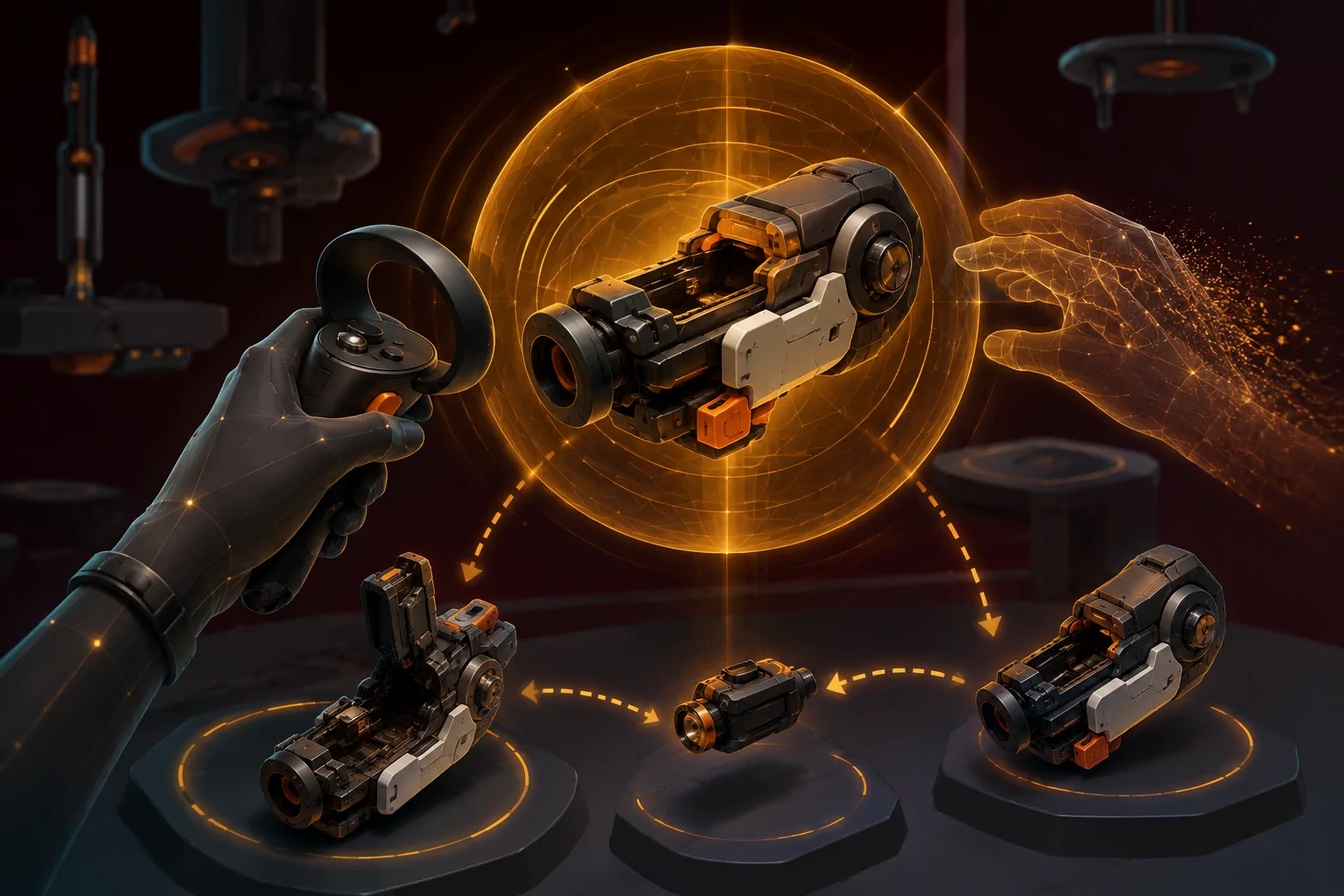
Virtual-reality games can ask the player to perform actions with both hands even when the corresponding input could theoretically fit on one controller. One hand holds an object while the other steadies it, inserts a component, operates a moving part, or presses a control located elsewhere on the object. These interactions are often presented as physical realism, but they can create a hard participation barrier for someone who uses only one tracked hand.
The third-party Accessibility Options mod for Hot Dogs, Horseshoes & Hand Grenades, commonly shortened to H3VR, changes several of these interactions. Its central feature allows a supported weapon to be locked in mid-air. The player can release it without having it fall, use the same hand to manipulate or reload it, and then take hold of it again.
The mod also includes one-handed alternatives for pump-action releases, pinned grenades, single-action revolvers, miniguns, the hoverbench, recoil behavior, grip angles, and certain interface panels. These changes are more substantial than ordinary button remapping because they alter physical rules and interaction sequences that originally assumed two simultaneous hands.
They do not make every object or every H3VR activity one-handed. Support is strongest for common weapon types, and the mod author explicitly notes that more unusual designs may require additional work.
Why remapping alone cannot solve every VR interaction
Traditional controller remapping changes which button performs an action. If crouching is assigned to an inaccessible button, remapping can move it somewhere easier to reach. That approach works when the game already represents the action as a discrete input.
Physics-based VR interactions can impose a different requirement. The game may expect two independently tracked positions to exist at the same time. One controller establishes where an object is held while the second controller interacts with another part of it. Moving a button cannot fully replace the missing second position because the game is waiting for another virtual hand, not merely another command.
This distinction appears throughout H3VR. Its detailed simulated weapons can require the player to hold an object, position another hand near a chamber or mechanism, and physically perform the next step. A conventional one-handed control profile cannot necessarily preserve all of those interactions.
Accessibility Options addresses this by modifying the interaction rather than pretending two-hand tracking is still available. The mod creates a temporary support point in the virtual environment. That can free the active hand for the next stage of the task.
How weapon-pose locking works
The mod’s Lockable Weapons system allows supported weapons to remain suspended in mid-air. The player holds the trigger while the weapon has an empty or spent chamber. After the configured hold period, the weapon’s pose becomes fixed rather than dropping when released.
The requirement for an empty or spent chamber provides a safety condition within the mod’s logic. It helps separate the locking gesture from ordinary firing. The source configuration identifies a default pose-locking trigger duration of 0.35 seconds, although the player can change that duration.
Once the weapon is locked, the same tracked hand can be removed from the grip and used to access another part of the object. The player can then return to the grip and continue. This restructures a simultaneous two-handed interaction into a sequential one-handed process.
It is assistance rather than automatic completion. The mod does not reload the weapon, select the correct component, aim, fire, or decide which mechanism to operate. The player still performs the stages of the interaction. The difference is that the game no longer requires one physical hand to maintain the weapon’s position while the other completes those stages.
This can reduce a specific motor barrier for players who use one controller, have functional movement in one arm, alternate between hands, or cannot reliably coordinate both controllers at once. It may also help someone who can use a second hand briefly but cannot sustain the grip or positional stability expected by the original interaction.
Timing reduction rather than complete timing removal
Weapon locking uses a trigger hold rather than taking effect automatically whenever the object is released. The duration can be configured, which gives the player some control over the required timing.
A shorter duration may reduce the need to sustain trigger pressure. A longer duration may reduce accidental activation when the player intends to perform another trigger action. The most appropriate value depends on grip strength, dexterity, tremor, fatigue, and the player’s ability to distinguish a quick press from a deliberate hold.
The feature does not remove timing altogether. The trigger must remain activated long enough for the lock to engage, and the weapon must meet the mod’s chamber condition. A player who cannot hold the trigger may still encounter a barrier unless controller-level remapping or another input tool can convert the action into a more suitable input.
This is also different from a toggle-versus-hold option. Pose locking produces a persistent locked state after the initial hold, but the activation gesture itself remains a hold. The mod documentation does not describe a simple press-to-lock alternative.
Coverage across common and unusual weapons
The creator states that pose locking works with the most common weapon types. The system is recursive, so compatible modded weapons that inherit from supported base-game classes may receive the behavior as well.
This is meaningful for a game with a very large and varied collection of simulated objects. It prevents compatibility from being limited only to a short hand-written list of individual items. A conventional firearm added by another mod may work if it uses an established supported class.
Inheritance does not guarantee universal coverage. A highly customized or unusually constructed weapon may use its own interaction logic. The creator specifically notes that support for more bespoke types was intended for later development.
Players should therefore test the particular weapons and scenes they want to use. Being able to lock one common pistol does not establish that a complex launcher, unusual loading system, custom modded object, or newly introduced game item will behave correctly.
One-handed pump-action controls
Pump-action weapons normally create an obvious two-handed requirement. One hand holds the primary grip while the other holds and moves the foregrip. A slide-release control can add another small input to that simultaneous arrangement.
Accessibility Options changes the release interaction. While the player holds the foregrip with one hand, holding the trigger can operate the pump’s slide release. This consolidates part of the mechanism into the active controller rather than requiring a separate hand to manipulate the release.
The feature does not turn the pump action into automatic operation. The player still needs to move the supported mechanism through its intended motion. It changes access to the release, not the entire action.
Physical movement range remains relevant. A player who cannot make the required forward-and-back controller movement may still face a barrier even when the release itself is accessible. The feature is therefore an example of simplifying one stage rather than automating a complete sequence.
Single-action revolvers and automatic cylinder advancement
For supported single-action revolvers, the mod automatically advances the cylinder by one position when a round is inserted. Ordinarily, the player may need to insert an item and then separately rotate or reposition the cylinder before accessing the next chamber.
Automatic advancement removes that repeated repositioning step. The player still selects and inserts each individual component, but the next chamber is brought into position without requiring a second hand or another fine movement.
This is a limited form of automation. It automates cylinder advancement, not the full loading process. That distinction matters because “one-handed reload” could otherwise imply that the mod completes the entire action after one button press.
The remaining sequence may still require repeated reaching, controller rotation, item selection, and accurate placement. Players with fatigue or limited precision may benefit from the removed step while continuing to encounter demands elsewhere in the process.
Pinned and capped grenades
The mod provides a controller-based alternative for pinned and capped grenades. Pressing the controller touchpad can pull each pin, and the time required for the pull is configurable.
This substitutes a controller input for an interaction that might otherwise require one hand to hold the grenade and another to grasp and remove a small component. As with pose locking, the configurable duration allows some adjustment to how long the input must be maintained.
The documentation does not claim that all throwable objects or every custom grenade design are supported. It describes pinned and capped grenades specifically. Accurate throwing, choosing when to activate the object, and managing safety remain player-controlled actions.
Touchpad dependence may introduce a hardware restriction. Not every VR controller exposes the same touchpad layout, and some systems rely primarily on analogue sticks. Compatibility should be tested with the player’s actual headset and controllers rather than inferred from generic PC VR support.
Recoil and grip-angle adjustments
Accessibility Options can force recoil to behave as though a weapon is being held with two hands. In the original simulation, firing one-handed can produce stronger movement than using a two-handed grip. The override changes that calculation.
This may reduce the physical correction and controller movement needed after each shot. It can also make one-handed firing behave differently from the game’s intended simulation. The feature is an assistance setting, not a recreation of the original one-handed recoil model.
The mod also includes a grip-angle override. Certain objects use steep holding angles when operated with one hand, which may require uncomfortable wrist rotation. The override forces weapon-holding poses to use a configurable angle.
Changing the virtual angle does not change the physical controller’s shape or the player’s real grip. It can alter how the virtual object aligns with a more comfortable wrist position, but controller weight, trigger force, button placement, and the tracking system’s physical requirements remain unchanged.
Minigun stability and its performance warning
The mod prevents supported miniguns from flying out of the player’s hand when fired one-handed. This changes an interaction that could otherwise make the object impractical to use without a stabilizing second hand.
The author includes a performance warning: frame rate is not guaranteed if the feature is abused. That limitation is particularly important in VR. Poor or unstable frame rates can cause discomfort and may create an additional accessibility barrier even when the motor interaction itself becomes possible.
A feature that supports one-handed control is not necessarily useful if its use produces unacceptable performance on the player’s computer. Hardware capability, scene complexity, other installed mods, and the number of simulated effects may influence the result.
The one-handed hoverbench
H3VR’s hoverbench is used to position and work with objects. The original interaction required the player to keep holding a weapon with one hand while pressing the bench’s lock control with the other.
Accessibility Options removes that simultaneous requirement. The mod’s one-handed hoverbench change allows the locking process without requiring the other hand to continue holding the object.
This follows the same design principle as weapon-pose locking: replace simultaneous hand use with a stable intermediate state. The object does not need to be physically supported at the exact moment another control is activated.
The feature is specific to the hoverbench interaction. It does not establish that every environmental control panel, work surface, or object-positioning system in H3VR can be operated with one hand.
Automatically locking option panels
Some option panels in H3VR can fall after they are spawned, requiring the player to catch, hold, or reposition them. The mod can automatically lock most supported panels in place.
A stable panel may reduce the need to hold an interface with one hand while pointing or selecting with the other. It can also reduce the motor precision needed to interact with a moving target.
The panels affected are determined through a configuration setting. Additional panel class names can be added where necessary. This makes the system extensible, but editing class-name lists is a technical task and may be inaccessible to players unfamiliar with configuration files.
Automatic panel locking also does not alter the visual size, contrast, text readability, or complexity of the panel itself. It addresses physical stability rather than vision or cognitive access.
Configuration and restart requirements
The mod’s individual features can be disabled through its configuration file. The Thunderstore documentation states that a restart is required for configuration changes.
This allows players to choose which mechanical changes they want. Someone may use weapon-pose locking and the hoverbench adjustment without changing recoil. Another player may want the grip-angle override but prefer the original behavior for revolvers.
The absence of a documented in-game accessibility screen creates a usability cost. Testing a grip angle or hold duration may require leaving the game, editing a file, restarting H3VR, and returning to the same interaction. That is more demanding than adjusting a slider while observing the effect.
Configuration also does not automatically choose values based on the player’s movement. The user must determine which settings and durations work for their body, controller, and play style.
Installation, dependencies, and current compatibility
Accessibility Options is an unofficial PC mod. Thunderstore lists HookGenPatcher H3VR and Sodalite as required dependencies. A mod manager may resolve these dependencies automatically, while a manual installation requires the appropriate files and folder structure.
Hot Dogs, Horseshoes & Hand Grenades is a PC virtual-reality game. The mod does not convert it into a non-VR game, eliminate the need for a compatible headset, or provide standalone support for a Quest headset without a capable PC connection.
Version 1.1.0 was the latest package available when this article was verified, and its Thunderstore listing had not been updated for approximately a year. H3VR reached its full release in July 2026, after that mod update. The project page does not provide a current guarantee that every feature has been tested against the newest game build.
Prospective users should consult the creator’s official Accessibility Options page on Thunderstore, review recent compatibility reports, and retain a way to disable the mod if an update causes errors. The public source repository can also help technically experienced users inspect the implementation or report reproducible problems.
One-handed support is not the same as complete one-handed access
Accessibility Options changes several of H3VR’s most explicit two-handed assumptions. Temporary pose locking is especially important because it converts a simultaneous physical requirement into a sequential process. The same design principle appears in the hoverbench, stable option panels, and several weapon-specific changes.
The mod does not remove every two-handed interaction, support every bespoke object, provide access for someone who cannot use VR motion tracking, or address visual, auditory, cognitive, balance, and motion-sickness barriers throughout the game. Its configuration and installation also require technical work.
Access needs vary. For some players, stabilizing an object while the same hand performs the next step may open a meaningful portion of H3VR. Its practical limits remain the supported weapon classes, required controller movements, PC VR hardware, mod compatibility, and the accessibility of the configuration process itself.