
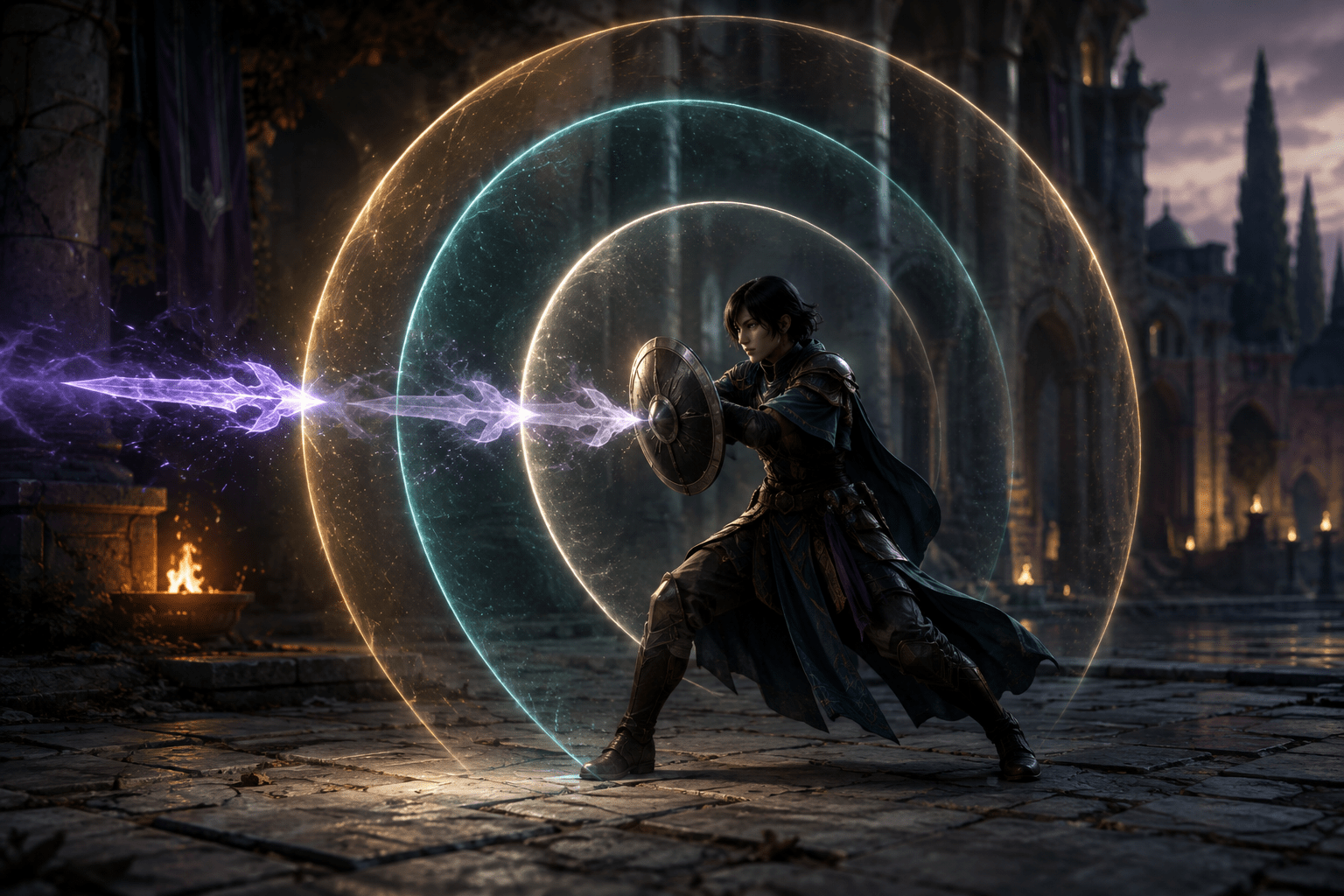
Defence in an action role-playing game can depend on a short chain of events. The player must notice an incoming attack, understand its direction and timing, decide whether to dodge or defend, and press the appropriate control before the opportunity passes. Missing any part of that sequence can result in damage even when the player understands the enemy and chooses the correct response.
Dragon Age: The Veilguard includes a Combat Timing setting that changes the timing windows for three defensive actions: Dodge, Parry, and Perfect Defend. The setting offers three levels, allowing the player to adjust how precisely those actions must be aligned with an incoming attack.
This is not a general gameplay-speed control. Characters, enemies, projectiles, animations, and the camera continue moving at their normal speeds. Combat Timing changes selected response windows inside that action rather than slowing the entire simulation.
It also does not defend automatically. The player remains responsible for identifying the threat, choosing an action, and pressing a control. The setting changes how much timing tolerance surrounds a correct defensive response.
A timing window is more than a reaction-time test
When an enemy attacks, the useful moment for a defensive input may begin shortly before impact and close soon afterward. A narrower window requires the input to occur closer to the intended moment. A wider window accepts a larger range of response times.
This difference may appear small when measured in fractions of a second, but the demand includes more than physical reflex speed. The player first has to locate the attacker, distinguish the attack from surrounding effects, interpret any warning indicator, decide which defence applies, and move a finger to the relevant control.
Visual-processing differences, attention shifts, cognitive load, pain, fatigue, tremor, limited dexterity, and input-device characteristics may all affect that sequence. Display latency and controller latency can also consume part of the available window before a response reaches the game.
Increasing the window may provide additional tolerance for these combined demands. It does not imply that a player lacks knowledge or strategy. Someone may understand precisely what an enemy is doing but need more time between recognizing the action and completing a response.
Combat Timing affects three related defensive actions
EA’s official documentation identifies Dodge, Parry, and Perfect Defend as the actions governed by Combat Timing. These actions are related, but they do not produce identical results.
A dodge moves the player character away from or through danger. It can change position as well as avoid damage, potentially creating distance or moving the character toward another hazard. Widening its timing window may make the evasive input more forgiving, but the player must still select an appropriate direction and account for the resulting position.
A parry responds directly to an incoming attack. It generally requires closer coordination between the enemy’s strike and the defensive input than maintaining an ordinary block. A successful parry can interrupt an attack or create an opportunity to respond, depending on the encounter and character abilities.
Perfect Defend is a more precisely timed form of defence. Its value comes from acting within the game’s intended defensive moment rather than simply holding protection continuously. Combat Timing adjusts the window in which the game recognizes this action.
The setting does not merge these defensive choices into one action. It does not decide whether dodging, parrying, or defending is strategically appropriate, and it does not guarantee that every attack can be handled by the same method.
Timing adjustment is not Slow Mode
Slow Mode reduces the rate at which some or all gameplay events unfold. When effective, it can provide more real-world time to observe movement, aim, navigate, and respond. It may affect an entire encounter rather than one interaction.
Combat Timing in Dragon Age: The Veilguard works differently. An enemy still begins and completes an attack at normal speed. The player does not receive a slower animation to study. Instead, the game accepts defensive input across a broader or narrower interval, according to the selected level.
This distinction matters for players whose primary barrier is recognizing fast movement. A wider window may forgive an input made somewhat earlier or later, but it does not make the attack animation easier to visually track. Someone who needs the whole sequence slowed may find that Combat Timing only addresses part of the problem.
The design also preserves the normal pace of movement, effects, dialogue, and enemy behaviour. Players who find global slowdown disorienting or who want to maintain the original combat speed can adjust timing tolerance without changing the tempo of everything around it.
Forgiveness is not automatic completion
Automation performs an action for the player when certain conditions are met. A hypothetical automatic-defence feature might recognize an incoming strike and make the character dodge or block without a defensive input.
Combat Timing does not do that. No response occurs unless the player supplies one. Pressing the wrong control, choosing an unsuitable direction, or failing to act still has consequences. The setting increases the range in which a suitable input can be recognized; it does not supply the input.
This makes Combat Timing a form of timing forgiveness rather than automatic completion. The distinction is important when evaluating which barrier the feature may address. It can reduce the precision demanded by a known action, but it does not remove the need to process combat or physically operate the controls.
It also does not turn a held block into a toggle. EA documents blocking as requiring a sustained hold. A player who has difficulty maintaining button pressure may still face that motor barrier even when the timing window for Perfect Defend is more forgiving.
Visual threat indicators provide the information before the response
A larger timing window is more useful when the player can identify the incoming attack. Dragon Age: The Veilguard provides separate visual indicators for melee and ranged threats.
The Melee Threat Indicator places a halo around the player character’s head to warn about incoming close-range attacks. The Ranged Threat Indicator uses a visual line to show the direction of an incoming ranged attack. These indicators expose information that could otherwise depend on seeing an enemy at the edge of the screen or hearing a warning from outside the current view.
Threat indication and Combat Timing address different stages of defence. The indicator may help the player detect and locate a danger. Combat Timing changes the interval in which a defensive input is accepted. Combining them may support both recognition and response.
Neither feature guarantees that the player will know the exact attack pattern. A directional warning does not necessarily communicate damage, status effects, whether an attack can be parried, or where a dodge will be safe. Enemy knowledge and situational judgment remain relevant.
Accessibility sound effects can add another warning channel
The game also includes Accessibility SFX, with a separate volume slider. These sounds provide additional feedback for selected visual mechanics, including incoming attacks, target lock-on, and conversation wheels.
An audible incoming-attack indicator can be combined with the visual melee and ranged warnings. Multiple sensory channels may make a warning easier to notice when one cue is obscured by effects, falls outside the player’s focal area, or becomes difficult to separate from other information.
Additional sound can also create a trade-off. Combat already includes music, speech, weapon effects, enemy sounds, and environmental audio. An accessibility cue must compete with that mix. The independent Accessibility SFX slider allows its prominence to be adjusted without raising every sound effect.
The presence of audio feedback does not make the combat fully playable without sight. EA describes cues for some visual mechanics rather than comprehensive narration of all enemies, positions, actions, resources, menus, and environments.
Combat Timing can be separated from enemy difficulty
Dragon Age: The Veilguard places Combat Timing within a broader customizable difficulty system. Players can begin with Storyteller, Keeper, Adventure, Underdog, Nightmare, or Custom presets. The Custom configuration exposes individual adjustments instead of treating combat difficulty as one inseparable scale.
Enemy Damage has five options controlling the strength of incoming attacks. Enemy Health has five options controlling how much health opponents possess. Enemy Aggression has five options affecting how frequently enemies attack and how difficult they are to stagger. Enemy Resistance and Vulnerability settings change selected aspects of incoming damage against enemies.
These settings solve different problems. Lower enemy damage reduces the consequence of being hit. Lower enemy aggression can reduce how frequently defensive responses are demanded. Lower enemy health can shorten fights and therefore reduce the total duration of sustained concentration or repeated inputs.
Combat Timing specifically changes precision. A player can retain stronger enemies while making defensive windows more forgiving, or reduce other combat demands while leaving the timing closer to its default. This modularity avoids assuming that every player who needs additional input tolerance also wants less enemy health or damage.
Prevent Death is a separate and restricted option
The Storyteller preset provides a Prevent Death option. This can stop combat damage from producing player-character death, but it is not equivalent to widening defensive timing.
Prevent Death changes the eventual consequence of unsuccessful defence. Combat Timing changes the opportunity to perform defence successfully. A player using Prevent Death may still be interrupted, knocked down, repositioned, or unable to execute the intended combat sequence when struck.
Prevent Death is also available only with the Storyteller preset. Combat Timing is part of the customizable combat system and can be adjusted without necessarily selecting that particular protection.
The two options may be combined when both timing precision and the risk of losing progress create barriers. They should nevertheless be described separately because one supports participation in defensive mechanics while the other limits a particular failure outcome.
The ability wheel can reduce pressure without changing combat speed
Gameplay in Dragon Age: The Veilguard can be paused by design, and its ability wheel provides another way to interrupt immediate decision pressure. On a controller, the wheel’s activation can be changed from Hold to Tap. With Tap selected, the wheel remains open without requiring continuous pressure.
This does not directly alter a dodge or parry window. It may instead provide time to review abilities, coordinate companion actions, or plan the next part of an encounter. Reducing decision pressure before returning to real-time combat can complement a more forgiving defensive window.
The Tap option also addresses a motor demand that Combat Timing leaves intact. It removes sustained pressure from the ability wheel, but it does not convert blocking into a toggle. EA explicitly notes that blocking and aiming continue to require holds.
The setting cannot remove every fast or complex input
EA states that Dragon Age: The Veilguard contains no quick-time events by design and that quick, precise timing is not required for progression. Optional finisher moves, which hasten the end of combat, may still require faster reactions.
Certain melee attack combinations can involve rapid input sequences. The ultimate ability and ability shortcuts can require simultaneous inputs. Combat Timing does not remove these demands because it is limited to Dodge, Parry, and Perfect Defend.
Basic gameplay controls can be remapped, and movement can be exchanged between the analogue sticks. However, EA notes that movement actions can only be remapped between those sticks. Remapping also does not ensure that every physical controller, switch arrangement, or alternative-input setup will be compatible with the game or platform.
A player who benefits from wider defensive windows may therefore continue to encounter barriers involving holds, repeated attacks, simultaneous controls, reach, or physical device support.
Timing windows do not correct technical latency
The practical response window includes the game, controller, display, and player. Wireless connections, television image processing, inconsistent frame delivery, or cloud-streaming latency can delay what the player sees or when an input reaches the game.
A more forgiving Combat Timing level may absorb some variation, but it is not a technical latency correction. Activating a television’s low-latency game mode, maintaining stable performance on PC, and using an appropriate controller connection may still affect consistency.
The setting also cannot ensure identical timing across every encounter. Enemy animations, projectile travel, camera angle, environmental effects, and the number of simultaneous threats can change how much time a player effectively has to perceive and understand an attack.
Platform coverage and practical limits
Dragon Age: The Veilguard is available for PlayStation 5, Xbox Series X|S, and Windows PC. EA’s official accessibility resource documents Combat Timing as three options that adjust the windows for Dodge, Parry, and Perfect Defend in the US English version for PC and consoles.
The absence of PlayStation 4, Xbox One, and Nintendo Switch editions is a meaningful platform limitation. Players also need access to the game’s settings and sufficient visual or auditory information to select and evaluate an appropriate timing level.
Combat Timing may reduce the precision required for three important defensive actions while preserving the game’s normal movement and combat speed. Access needs vary, however: it does not slow difficult animations, defend automatically, remove sustained blocking, simplify every attack combination, or eliminate all consequences of being hit.