
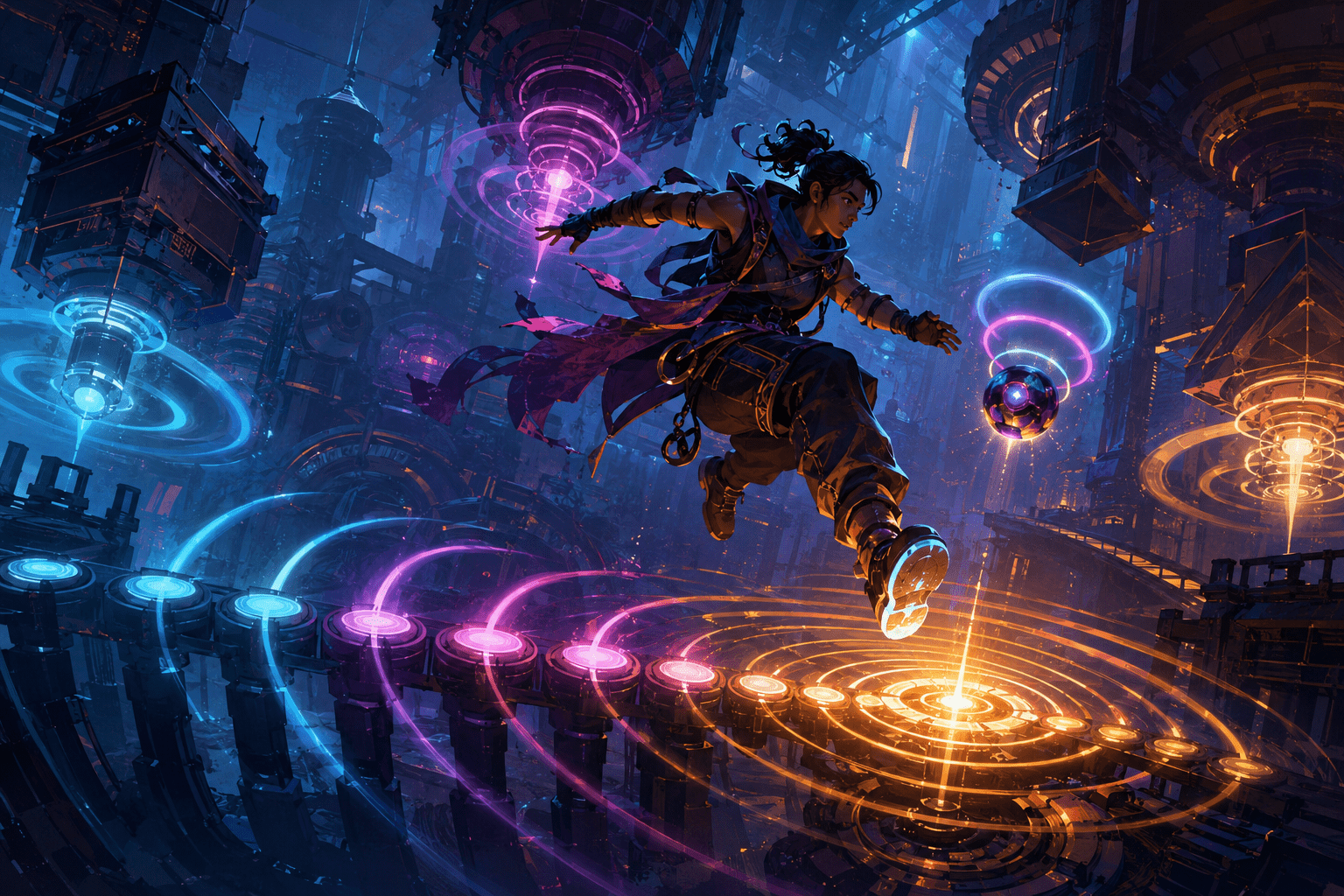
Hi-Fi RUSH is built around synchronization. Its music, character animations, machinery, environmental movement, enemy attacks, and combat timing all follow a shared beat. Players can attack at any time, but acting in rhythm strengthens the relationship between combat and music, improves timing-based actions, and contributes to higher performance ratings.
That design creates a potential barrier when the beat cannot be heard clearly or reliably. Deaf and hard-of-hearing players may not receive enough rhythmic information from the soundtrack. Auditory-processing differences can make it difficult to isolate a steady beat from voices, effects, and layered music. Other players may hear the soundtrack but have difficulty converting it into precise input timing.
Hi-Fi RUSH addresses part of this problem by representing rhythm through multiple visual channels. Its environments and characters move in time with the music, an optional on-screen rhythm meter displays the beat directly, and the Rhythm Visualization setting makes the companion 808 pulse visibly with it. Together, these systems allow the game’s central timing structure to be seen as well as heard.
Rhythm Visualization does not automatically press buttons or widen every timing window. It provides timing information. The player must still recognize that information, anticipate the next beat, and decide when and how to act.
The world itself keeps time
The first layer of visual rhythm is built into the game’s presentation rather than placed in an accessibility menu. Much of the environment moves on the beat. Industrial machinery pumps, platforms shift, lights pulse, and background objects animate according to the same underlying timing system. The protagonist’s idle movement and other character animations also reinforce the rhythm.
This means the music is not the only source of the beat. A player may watch a piece of machinery, a light sequence, or a repeating body movement and use it as a visual metronome. Because several parts of the scene share the same timing, losing track of one object does not necessarily remove every visual reference.
Environmental synchronization is a form of redundant communication: important information appears through more than one sensory channel. It differs from decoration that merely reacts to music. The repeating movement can help establish when each beat occurs and support anticipation of the next one.
Its usefulness is not uniform, however. Background motion can be obscured by enemies, effects, camera position, or the visual complexity of combat. A cue located in the environment may also move outside the player’s focus while they watch an opponent. For some players, having many objects pulse simultaneously may add visual load rather than clarify timing.
The rhythm meter provides a fixed timing reference
The game also provides a rhythm meter that can be displayed along the lower part of the screen. Instead of requiring the player to infer the beat from environmental animation, this meter presents a repeating sequence that moves toward a central timing point. The convergence shows when an input should align with the beat.
A fixed meter addresses a different problem from environmental movement. Machinery and character animation are integrated into the scene, but their size and visibility change with the camera. The meter remains in a consistent screen position and uses a deliberately simplified pattern.
This can support players who need a predictable visual reference or who find it difficult to extract rhythm from a busy environment. It may also help during early play, when the relationship between the soundtrack, animations, and input timing is still unfamiliar.
The meter communicates pulse rather than musical content. It does not transcribe lyrics, identify instruments, describe changes in the soundtrack, or provide captions for non-speech audio. It also does not explain which combat command should be used. The player sees when a beat occurs, but must still choose an attack, dodge, parry, partner action, or other response.
Keeping attention on the lower screen introduces a trade-off. Looking repeatedly at a fixed meter can draw focus away from enemies, hazards, and positioning. Some players may use it continuously, while others may treat it as a temporary learning aid until the game’s other rhythmic movement becomes easier to recognize.
808 can become a visual metronome near the action
The dedicated Rhythm Visualization setting uses 808, the small companion that follows the protagonist, as another visual representation of the beat. When enabled, 808 produces repeating visible pulses synchronized with the game’s rhythm. The accessibility menu offers three visualization styles, allowing the player to select the representation that is easiest to perceive.
This changes the location of the timing cue. Instead of placing all rhythmic information at the edge of the display, it associates the beat with an object that travels through the game world near the player character. The pulse can therefore remain closer to the area where combat and movement are taking place.
A near-character cue may reduce the need to shift visual attention between the action and a separate meter. It can be particularly useful when the environment lacks an obvious repeating object or when background animation is difficult to distinguish from other movement.
The choice among three pulse appearances is also meaningful. A visualization that is clearly visible to one player may be distracting, too subtle, or difficult to separate from combat effects for another. Offering alternatives provides some control over the cue’s visual prominence without requiring the entire game’s art direction to change.
Rhythm Visualization does not remove the auditory soundtrack or transform every sound into a visual symbol. It specifically represents the shared beat. Enemy identities, dialogue, positional audio, attack effects, and other sound-dependent information require their own visual communication.
Visualization is not the same as timing assistance
A visible beat can make timing information available, but availability does not guarantee that a player can act within the required interval. Perceiving a pulse, processing its meaning, selecting a response, and pressing a control are separate demands.
This distinction matters because Hi-Fi RUSH includes other options that affect rhythm interactions more directly. Single Button Rhythm Game replaces multi-button sequences in supported rhythm events with one button or key. It simplifies which input must be pressed, but precise timing is still required. It is input simplification, not rhythm automation.
Auto-Action Mode goes further during combat. When the player continues pressing an attack button in time with the beat, the game can automatically perform rhythm-based attacks, dodges, parries, and partner actions. This reduces the number of different commands needed to produce supported combat sequences.
Even Auto-Action Mode does not remove the beat. The player must continue pressing in rhythm, and certain techniques are unavailable while the setting is enabled. It is assistance with action selection and execution rather than automatic completion of combat.
Rhythm Visualization can be combined with either feature. A player might use 808’s pulse to identify the timing, Single Button Rhythm Game to remove changing-button demands from rhythm events, and Auto-Action Mode to reduce combat-command complexity. Each setting addresses a different part of the interaction.
The game does not require every ordinary attack to be perfectly timed
Hi-Fi RUSH is rhythm-based, but its ordinary action is not structured like a conventional music game in which every incorrect note immediately stops progress. The protagonist’s attacks remain synchronized with the underlying beat even when the player presses between beats. Better timing improves damage, combo performance, Beat Hits, and scoring, but imperfect rhythmic input does not make all ordinary combat actions fail.
This distinction may reduce the barrier for players who can identify the general pulse but cannot maintain exact synchronization. They can participate in much of the action, practise the rhythm, and accept a lower score rather than being excluded by every missed beat.
Some sequences are more restrictive. Rhythm parries, call-and-response events, and other dedicated timing sections can require accurate responses for progression or defence. Visualizing the beat may support these interactions, but it does not turn them into untimed events.
Difficulty selection may reduce surrounding combat pressure, while the single-button option can simplify supported rhythm prompts. Neither setting universally removes timing checks. Players who require timing to be eliminated may continue to encounter barriers in particular encounters.
Visual rhythm may support more than hearing access
The most direct purpose of Rhythm Visualization is to provide an alternative to hearing the beat. It may support deaf and hard-of-hearing players by making the game’s timing structure visible. It may also help players who can hear music but cannot reliably separate its beat from other audio.
Some players with attention, working-memory, or rhythm-processing differences may benefit from having a stable external reference instead of maintaining the pulse internally. A repeated visual signal can reduce the need to remember the interval after an auditory cue has passed.
These potential benefits should not be generalized to everyone with a particular disability or diagnosis. A visually dense pulsing cue can create additional sensory or cognitive demand. Some players process auditory rhythm more easily than visual rhythm; others may prefer haptic timing information, which the visualization does not replace.
The system can also be useful in practical situations unrelated to disability, such as playing at low volume. That broader usefulness does not erase its accessibility function. The design addresses a real sensory dependency by ensuring that a central game mechanic is not communicated exclusively through sound.
Visual access can create its own sensory costs
Hi-Fi RUSH has a highly animated presentation. Strong colours, rapid combat effects, moving backgrounds, camera activity, rhythmic flashes, and repeated pulses may appear together. Adding another visible beat indicator increases the amount of movement on screen.
A player who benefits from visual rhythm cues may therefore need to balance their visibility against visual fatigue or overload. The 808 pulse can keep information close to the action, but that also places additional motion near the player’s main focal area. The lower rhythm meter is more spatially separate, but it requires attention to move away from combat.
The three 808 visualization choices offer limited personalization, not complete control over the cue. They do not provide independent adjustment of every characteristic such as pulse speed, colour, size, position, opacity, or frequency. The tempo remains determined by the game’s music.
Players with photosensitive epilepsy or other sensitivities to flashing and patterned visual effects should not assume that Rhythm Visualization makes the overall presentation safer. It adds a synchronized visual reference; it is not a photosensitivity mode and does not remove the game’s other animated or flashing effects.
Display performance can affect synchronization
Visual rhythm depends on the display presenting each cue at the expected time. KRAFTON’s current support documentation explains that Hi-Fi RUSH ties its music and audio triggers closely to game actions and was designed around stable 60-frames-per-second performance. Frame-rate instability can contribute to desynchronization or input latency.
On PC, lowering graphics settings may help maintain a stable frame rate when the hardware cannot sustain the selected configuration. Display processing can also matter. Some televisions introduce latency through motion smoothing or other image processing, while a low-latency game mode may reduce that delay.
This is a technical limitation rather than a failure to understand the rhythm. A player can respond correctly to the cue they see and still receive an inconsistent result if the visual signal or their input is delayed. Testing synchronization settings and display latency may therefore be necessary before evaluating whether the visualization itself is useful.
Platform availability and configuration
Hi-Fi RUSH is available natively for PlayStation 5, Xbox Series X|S, and Windows PC, including PC distribution through Steam, the Epic Games Store, and Microsoft’s Xbox ecosystem. Cloud availability can depend on current subscription and service conditions.
Rhythm Visualization is located in the accessibility options and can be adjusted during play. This allows players to compare the three 808 pulse styles in the game’s actual environments rather than committing to a choice before encountering combat.
The current publisher’s official accessibility documentation for Hi-Fi RUSH also describes Auto-Action Mode and Single Button Rhythm Game. These are useful companion settings, but their presence should not be interpreted as complete coverage of every motor, hearing, cognitive, or sensory barrier.
A visible beat preserves participation rather than replacing it
Rhythm Visualization is most useful when understood as information access. The game retains its shared musical timeline, while synchronized environments, a fixed meter, and 808’s selectable pulses expose that timeline visually. The player continues to read the encounter, make decisions, and perform actions.
That approach preserves the relationship between rhythm and play rather than bypassing the mechanic entirely. It may allow a player who cannot rely on the soundtrack to engage with the same beat that organizes the combat and environment.
Access needs vary, however. The visual cues may reduce dependence on hearing, but they do not remove every precise timing requirement, prevent visual overload, compensate for display latency, or make all sound information visible. Their practical value depends on how comfortably and consistently each player can perceive and act on the pulse.