
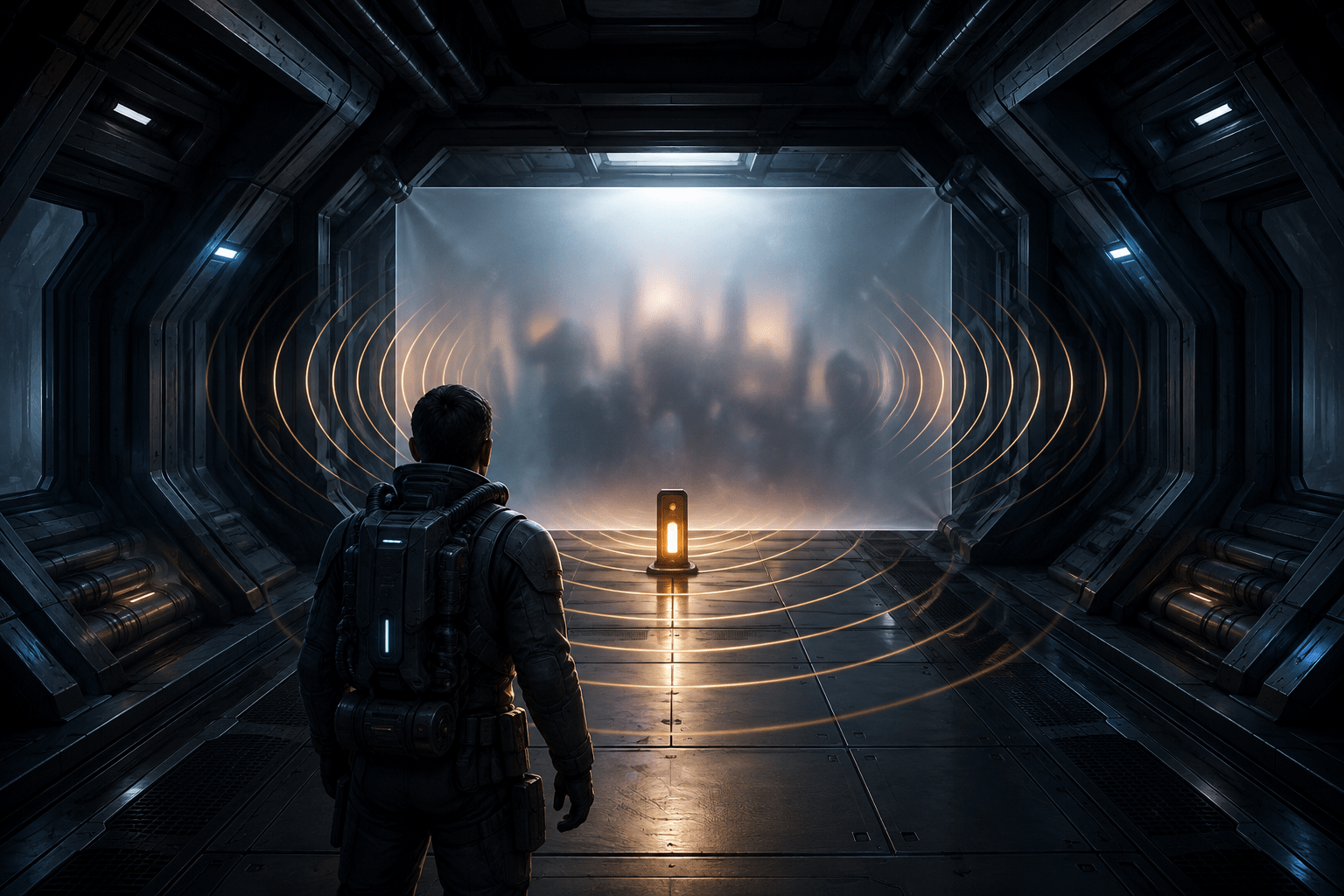
Horror games frequently ask players to accept all of their disturbing material as an inseparable package. The 2023 remake of Dead Space takes a more selective approach through two connected options: Show Content Warning and Hide Disturbing Scenes. One provides advance information about selected scenes, while the other obscures some of their visual content behind a screen effect.
Neither setting converts Dead Space into a gore-free or non-horror experience. EA states that the game still contains blood and gore, and that violence involving its hostile creatures is not the main target of these options. Audio also continues while selected visuals are concealed. Understanding those boundaries is essential for deciding whether the settings address a player’s access needs.
Two settings with different purposes
Show Content Warning provides advance notice before selected material that may be disturbing. EA describes the warning as a non-intrusive pop-up containing a brief description of the type of event ahead. Warnings can appear before a scene and before relevant audio or video logs are played.
The warning does not remove or alter the event. Its purpose is to reduce uncertainty and allow the player to anticipate the nature of selected content. A player may be able to prepare, ask another person for assistance, mute or remove headphones, look away, or decide whether to continue. The setting provides information rather than making the decision for the player.
Hide Disturbing Scenes takes a further step by placing a visual screen effect over selected scenes. According to EA, the effect conceals the visuals until the scene has finished. The associated audio continues. The setting also applies to Isaac Clarke’s death animations and some disturbing material shown through video logs.
These are separate forms of support. A warning can be useful even when a player still wants to view the scene, while concealment may be useful when advance knowledge alone is insufficient. Players can choose whether they want information, visual reduction, or both.
Advance notice is not a skip option
A content warning changes what the player knows before an event. It does not automatically pause the game, bypass the sequence, or provide a choice that branches around the material. If the player continues, the event still occurs unless the concealment setting applies to its visuals.
This distinction matters for players who require time to act on a warning. A brief pop-up may identify the category of content, but the game’s documentation does not describe a universal confirmation screen that waits indefinitely for the player. A warning should therefore not be treated as equivalent to a skip prompt.
Nor does warning language predict how every person will respond. Describing a scene involving self-harm, intense violence against a human, or psychological horror may provide useful preparation, but categories cannot fully communicate duration, sound, framing, personal associations, or emotional intensity. The same description may be sufficient for one player and too limited for another.
Visual concealment does not remove the scene
Hide Disturbing Scenes reduces selected visual exposure by covering the relevant image with an effect. The underlying sequence continues, and the game resumes after it has played. This is different from editing the scene out of the narrative or replacing it with an alternate event.
Most importantly, EA explicitly states that the audio remains. Screams, impacts, dialogue, or other sounds associated with a concealed scene may still be heard. A player whose barrier is primarily auditory may receive little benefit from visual concealment alone. Someone affected through multiple sensory channels may need to combine the feature with volume controls, temporarily mute the game, remove headphones, or use another personally appropriate strategy.
Continuing audio can also communicate what the screen effect is hiding. Concealment may reduce visual detail without removing the meaning or emotional impact of the event. The setting should therefore be described as visual filtering, not complete trigger removal.
Which material is covered
EA explains that the feature primarily focuses on scenes involving intense violence against humans, strong psychological horror, and self-harm. The official content-warning page provides a chapter-based overview of selected material and describes categories such as disturbing deaths, suicide, body transformation, medical abuse, needles, and self-amputation.
That chapter overview is not presented as an exhaustive inventory of every scene or gameplay moment. It can help a player anticipate some prominent content, but it should not be interpreted as a guarantee that every personally disturbing event has been identified.
The developers also state that violence against Necromorphs is not targeted by the system. Combat therefore continues to contain the dismemberment and creature violence central to the game. Environmental blood, bodies, horror imagery, and other disturbing details may remain visible outside specifically covered sequences.
Hide Disturbing Scenes does cover Isaac’s death animations, reducing exposure to the player character’s most graphic death sequences. It does not prevent Isaac from dying, change combat difficulty, or remove the gameplay consequences of failure. The player may still return to a checkpoint and repeat the encounter.
Possible cognitive and sensory uses
Uncertainty can be a barrier in its own right. A player may be able to engage with difficult material when they know what is coming but find unexpected imagery or themes destabilizing. Advance descriptions can support planning and reduce the cognitive load of continually anticipating an unknown shock.
The visual filter may help some players who can follow horror narratives but need to limit exposure to particular graphic images. This could include people with trauma-related access needs, strong aversions to specific material, difficulty regulating after unexpected imagery, or sensory sensitivity to graphic visual detail. These possibilities vary considerably between individuals and should not be treated as universal responses associated with any diagnosis.
The options may also support shared play. A player can enable warnings to know when another household member may prefer to leave the room, or use concealment when streaming or playing around someone who does not want to see selected material. That use does not change the feature’s access limitations: the game remains an intense horror experience before and after the covered sequence.
Disabled by default
Both content-control features are optional and disabled by default. Show Content Warning is offered during the game’s initial setup, but a player must actively enable it. Someone who begins the game quickly or assumes warnings will appear automatically may encounter disturbing material without advance notice.
The default matters because a feature cannot reduce a barrier if the player does not know it exists. Players setting up the game for specific content needs should review the accessibility options before beginning. Enabling Show Content Warning does not necessarily imply that Hide Disturbing Scenes is also active; each setting serves a different function and should be checked independently.
Combining the settings with audio and visual controls
Dead Space provides separate sliders for master volume, dialogue, sound effects, music, and audio logs. Because concealed scenes retain their audio, these controls may help a player develop a workable setup. However, a global or category volume reduction affects more than disturbing scenes and may also make gameplay information harder to hear.
Subtitles can preserve spoken information when audio is reduced, but subtitles are not a replacement for comprehensive sound-effect captions. EA documents subtitle customization for dialogue, including size, capitalization, colour arrangement, background opacity, speaker names, and speaker-name colour. These options may help maintain access to speech while a player limits audio, but they do not necessarily describe every disturbing non-speech sound.
Camera Shake can be disabled, the floating motion of the main menu can be turned off, and a persistent screen dot can be enabled. These address motion-related or orientation barriers rather than graphic content. Combining them with the disturbing-content settings may reduce several different sources of sensory strain, but one setting does not substitute for the others.
What the options do not make accessible
The game’s broader atmosphere remains deliberately oppressive. Dark corridors, threatening sound design, sudden attacks, bodies, environmental storytelling, and graphic combat are fundamental parts of play. The disturbing-content settings do not provide a general reduction for suspense, jump scares, darkness, creature appearance, or all depictions of death.
They also do not automate combat or traversal. A player must still aim, manage resources, respond to enemies, navigate the ship, and complete required interactions. If the same sequence is repeated after death, the warning or concealment may reduce selected exposure but does not remove the repetition itself.
Because judgments about disturbing content are subjective, the developers’ selection cannot cover every personal trigger. A scene that falls outside the feature’s categories may still be difficult for a particular player. Conversely, another player may prefer to receive warnings without obscuring anything. The options provide choices, not a universal definition of what should be hidden.
Platforms and authoritative information
The 2023 remake of Dead Space is available for PC, PlayStation 5, and Xbox Series X|S. These settings concern the remake rather than the original 2008 release, so the game version should be identified precisely when discussing their availability.
EA’s official content-warning resource for Dead Space describes the game’s graphic-content categories and provides a chapter-based overview. EA’s developer accessibility discussion supplies the clearest explanation of the difference between advance warnings and the screen effect used to hide selected visuals.
Selective control rather than complete removal
Together, Show Content Warning and Hide Disturbing Scenes offer two levels of control: information before selected events and visual concealment during some of them. Their separation allows a player to prepare without necessarily hiding content, or to reduce selected visuals when preparation is not enough.
Access needs vary, and these settings have firm practical limits. They do not remove accompanying audio, routine creature violence, the game’s horror atmosphere, or every potentially disturbing image; they provide advance notice and selective visual filtering for a documented subset of content.