
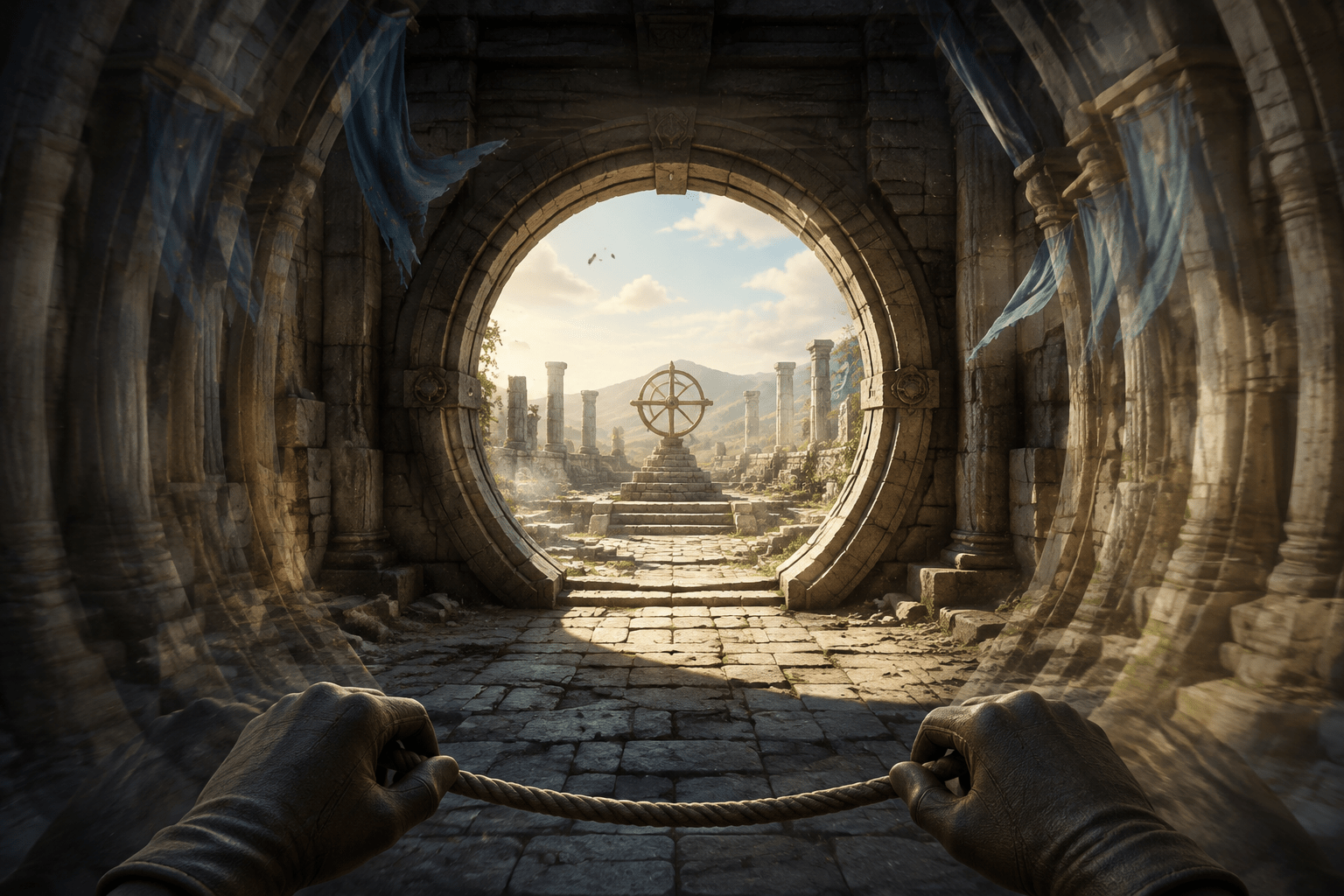
First-person games create motion through more than deliberate camera input. The viewpoint may rise and fall with footsteps, tilt during combat, sway during movement, or use animation to communicate the physicality of the player character. Separate effects can shake the screen during explosions and other events, while motion blur changes how moving images are rendered. These effects may look related, but they create different visual demands.
Indiana Jones and the Great Circle includes Camera Stabilization to reduce camera motion. Bethesda states that the stabilized setting may reduce discomfort for some players, while warning that reduced combat animation may feel less immersive. The option is especially useful to examine because it is not simply another name for Screen Shake, Motion Blur, or Field of View.
What Camera Stabilization changes
Bethesda describes Camera Stabilization as an option to enable or disable camera motion. When stabilization is enabled, some of the viewpoint animation ordinarily associated with movement and combat is reduced. The world remains interactive and the player continues to control where the camera looks; the setting changes added camera movement rather than locking the view in place.
This can matter in a first-person game because the camera effectively represents the player’s eyes. Movement applied to it affects the entire visible scene, including the horizon, architecture, enemies, interface elements, and objects the player is trying to track. Even a modest repeated motion can become significant when it occurs during most walking or combat.
The setting does not convert the game to third person or provide a permanently fixed camera. Turning, aiming, looking up and down, climbing, and other player-directed view changes remain part of play. Cinematic camera work and movements required to represent changes in position may also remain. “Stabilization” should therefore be understood as reducing camera animation, not eliminating every source of on-screen motion.
Why camera motion may create a barrier
Some players experience nausea, dizziness, headache, eyestrain, disorientation, or other discomfort when the visual motion shown on a screen does not match the motion sensed by the body. Experiences vary, and no single camera configuration prevents discomfort for everyone. A feature that helps one player may be neutral or even less comfortable for another.
Repeated viewpoint movement can also make visual tracking more difficult. An enemy, interaction point, or path may shift on screen even though the player is not intentionally moving the look control. Reducing that secondary motion may make it easier to maintain visual attention on a target or interpret the geometry of an environment.
For players with limited camera-control precision, stabilization may reduce the need to continually compensate for animated motion. It does not provide aim assistance, but it may make the visual result of aiming feel more predictable. The game offers separate aim-assistance strength and look-sensitivity settings for players who also need support with target acquisition or camera input.
Camera Stabilization versus Screen Shake
Screen Shake is a separate toggle. Bethesda describes it as controlling screen shaking during certain in-game events. This may include moments where the game deliberately shakes the view to communicate impact, force, or environmental disruption. The effect is event-driven rather than necessarily present throughout ordinary movement.
Camera Stabilization addresses camera motion more broadly. A player may still experience disruptive movement after turning off Screen Shake if viewpoint animation remains active during walking or combat. Conversely, enabling Camera Stabilization does not necessarily mean every event-based shake has been disabled. Players seeking the least camera motion should evaluate both settings rather than assuming either one covers the other.
Their trade-offs may also differ. Removing Screen Shake can reduce intense bursts of movement during specific events. Stabilization may have a more continuous effect on the way first-person movement and combat feel. Bethesda specifically identifies reduced combat animation as a possible cost of stabilization, whereas Screen Shake is documented as a distinct effect attached to particular events.
Camera Stabilization versus Motion Blur
Motion Blur changes the appearance of movement by blurring parts of the image. It does not necessarily reduce the underlying movement of the camera. A rapidly moving view can still follow the same animated path when blur is disabled; the frames may simply appear sharper.
Indiana Jones and the Great Circle provides seven Motion Blur choices ranging from Off to Supreme, with High as the documented default. This degree of adjustment allows players to reduce the effect rather than choosing only between its maximum presentation and no blur.
Some players may prefer a sharp stabilized image with Motion Blur off. Others may find a small amount of blur makes movement appear smoother. Because Camera Stabilization and Motion Blur alter different properties, they can be configured independently. Disabling blur should not be described as stabilizing the camera, and enabling stabilization should not be assumed to remove blur.
Camera Stabilization versus Field of View
Field of View determines how much of the game world is visible within the frame. Bethesda explains that a wider angle shows more of the surrounding area but may reduce performance. It may reduce discomfort experienced by some players at lower field-of-view settings. A narrower angle reduces the fishbowl effect and may be more comfortable for other viewers.
Changing Field of View does not directly disable camera animation. Instead, it changes the visual scale and apparent movement of the scene. At a narrow field of view, movement may appear more magnified. At a very wide setting, peripheral distortion can create a different kind of discomfort. The best value depends on screen size, viewing distance, performance, and individual perception.
Camera Stabilization can be combined with either a wider or narrower field of view. Players may need to adjust the settings iteratively because changing one can alter how the other feels. There is no universally accessible combination.
The immersion trade-off
Bethesda explicitly notes that reducing camera animation in combat may feel less immersive. First-person animation is often used to communicate weight, exertion, recoil, and physical impact. Stabilizing the view may weaken some of those sensations because the camera no longer moves as strongly with the character’s body.
This is a presentational trade-off, not evidence that the setting makes combat automatic or mechanically easier. Enemies continue to attack, and the player still needs to move, block, strike, aim, and make tactical decisions. The reduced animation may make visual information easier to follow, but it does not change documented enemy damage or awareness values.
The game provides separate Action Experience controls for combat challenge. These include the number of simultaneous melee and ranged attackers, enemy awareness speed, enemy damage, and Auto-Parry. A player who needs both a stable view and fewer simultaneous combat demands can configure those systems together. Camera Stabilization alone does not alter the combat rules.
Combining stabilization with related visual settings
Chromatic Aberration can be disabled separately. This effect creates colour fringing associated with a cinematic lens appearance, and Bethesda notes that disabling it may reduce discomfort for some players. Film Grain can also be reduced, while Depth of Field can be disabled to avoid deliberately blurring objects outside the focal plane.
These options do not control movement, but they influence how clearly a moving scene can be interpreted. Stabilizing the camera while leaving strong blur, colour fringing, or focus effects active may not address a player’s complete visual barrier. Conversely, removing all post-processing effects may not help when the core issue is the motion path of the camera.
Brightness can be adjusted to support navigation in dark environments. High Contrast Mode can tint or outline gameplay objects and characters, with adjustable strength and independently configurable colours for elements such as enemies and pick-ups. These features may help a player find targets in a stabilized image, but they serve visibility and identification rather than motion reduction.
Limitations beyond the setting
Camera Stabilization does not remove every potentially uncomfortable sequence. Player-controlled turning can still be fast if look sensitivity is high. Climbing, falling, cinematics, scripted movement, rapid combat, and other positional changes may continue to create large visual shifts. The official description does not claim that every animation or cutscene is stabilized.
The game can be paused during gameplay and cutscenes, which may allow some players to take breaks when discomfort begins. Pausing is not a substitute for a comfortable camera configuration, and symptoms may not disappear immediately when movement stops. Players should use their own judgment rather than relying on the setting as a guarantee against motion-related discomfort.
A stabilized camera can also leave other sensory demands unchanged. Combat sound, controller vibration, bright lighting changes, visual complexity, and sustained first-person navigation remain. Vibration intensity and audio categories have separate controls, but Camera Stabilization does not modify them.
Platforms and current availability
Indiana Jones and the Great Circle is available on PC, Xbox Series X|S, and PlayStation 5. The game initially launched on Xbox Series X|S and PC, with the PlayStation 5 version following on April 17, 2025. The accessibility guide documents Camera Stabilization within the shared accessibility options rather than identifying it as exclusive to one platform.
Bethesda’s official accessibility guide for Indiana Jones and the Great Circle documents Camera Stabilization alongside Field of View, Motion Blur, and Screen Shake. Its acknowledgement of reduced combat animation is important because it identifies a real trade-off instead of treating stabilization as a cost-free universal preference.
A steadier view, not a motion-free game
Camera Stabilization reduces ongoing camera animation and may make the first-person viewpoint more comfortable or predictable. Its effect is distinct from disabling event-based Screen Shake, changing the rendering of movement through Motion Blur, or altering visual scale through Field of View.
Access needs vary, and the setting may reduce immersion without removing every source of discomfort. It steadies part of the camera presentation; it does not eliminate player-directed movement, scripted motion, combat demands, or all sensory barriers.