
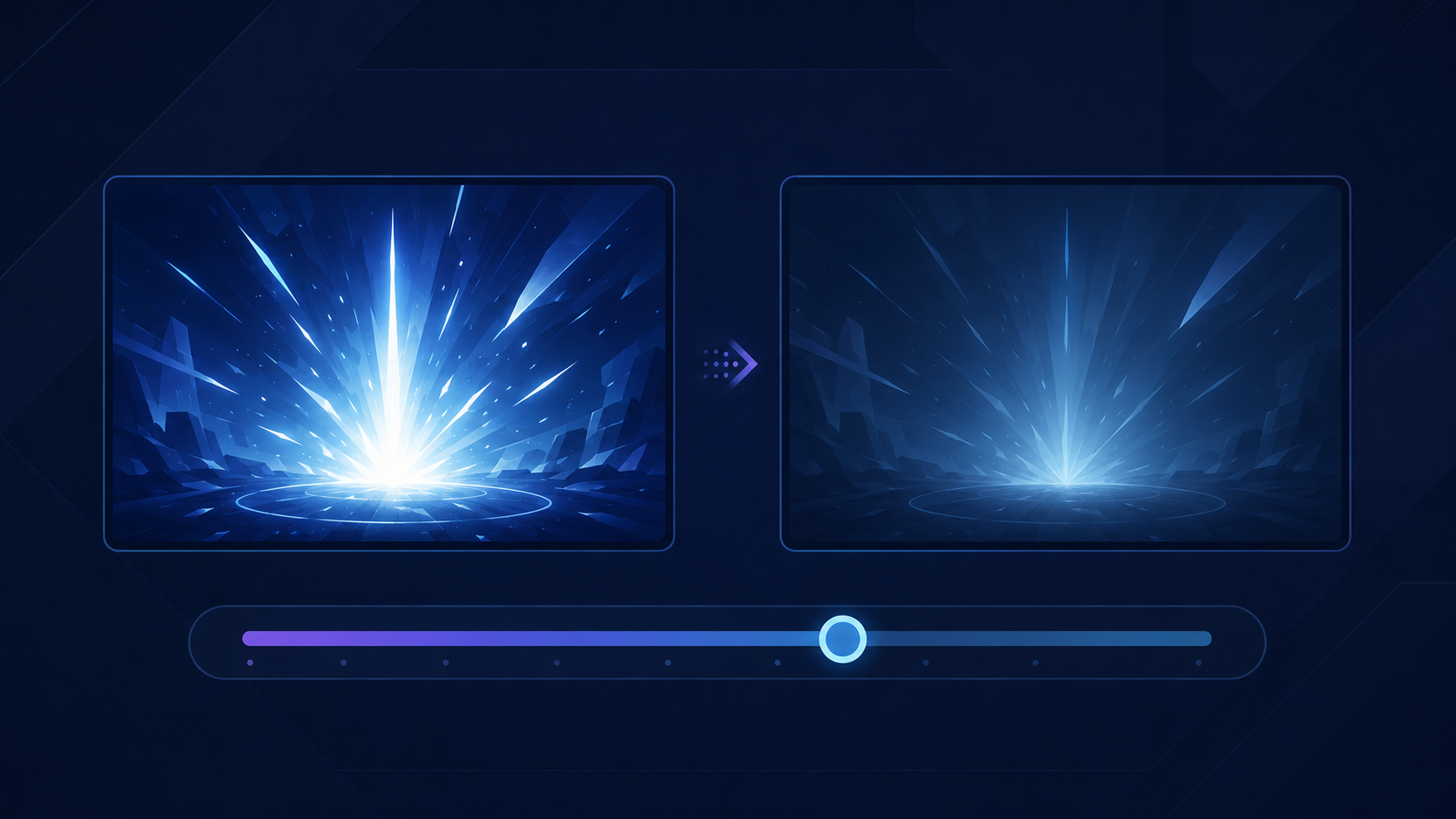
Flashing-light controls vary considerably between games. Some reduce full-screen flashes, while others limit rapid brightness changes or address only a specific environmental effect.
These settings may make play more comfortable for some people, but they should not be treated as guarantees of seizure-safe gameplay. A game may still contain flashing, flickering, lightning, explosions, rapidly changing colours, or effects not covered by its setting.
God of War Ragnarök
God of War Ragnarök includes a built-in Reduce Flashing switch. It reduces flashing during moments that use full-screen effects, including effects resembling a flashbang.
The official God of War Ragnarök accessibility guide documents the setting for the PlayStation 4 and PlayStation 5 editions. The game is also available on PC.
Reduce Flashing does not claim to eliminate every bright or rapidly changing visual. Camera shake, motion blur, film grain, and other visual effects have separate controls.
Halo Infinite
Halo Infinite uses an Exposure slider rather than a single flashing-effects switch. Lowering it reduces the intensity of full-screen exposure effects during explosions, equipment use, and cinematics.
The official Halo Infinite accessibility documentation confirms that Exposure can be reduced from its default value of 100 percent. Separate sliders control radial blur, screen shake, and other full-screen effects.
The documentation does not state that reducing Exposure removes every flash. Halo Infinite is available on Xbox One, Xbox Series X|S, and Windows PC.
Minecraft: Java Edition
Minecraft: Java Edition includes Hide Sky Flashes in its Accessibility Settings. Enabling it prevents lightning bolts and certain environmental effects from making the sky flash.
The flash sources remain visible, according to the official Minecraft Java accessibility guide. In The End, the setting prevents flashes from illuminating the world, but the source can remain visible and its sound still plays.
Hide Sky Flashes is narrower than a general photosensitivity setting. It does not remove every flickering texture, particle effect, explosion, or player-created lighting sequence.
Alan Wake 2
Alan Wake 2 allows its horror-flash visual intensity to be changed between Normal and Low. Visual and audio intensity can be adjusted separately.
Remedy explains in its Alan Wake 2 Gameplay Assist article that horror flashes are used to alter environments, spawn enemies, change lighting, and control other scripted events. Consequently, they cannot be completely disabled without breaking parts of the game.
The setting softens the effect rather than removing it. It is available on PC, PlayStation 5, and Xbox Series X|S.
Rainbow Six Siege X
Rainbow Six Siege X includes a dark mode for bright flashes. Ubisoft lists it alongside separate screen-shake and motion-blur controls in the game’s visual-intensity settings.
The official Rainbow Six Siege X accessibility spotlight does not specify every event affected or state that flashes are fully removed. Players should review the current Visual settings before relying on it for a particular effect.
Siege X is available on PC, PlayStation 4, PlayStation 5, Xbox One, and Xbox Series X|S.
DOOM Eternal
DOOM Eternal takes a broader approach with its Contrast Filter. Rather than targeting one scripted flash, it limits how rapidly brightness can change.
Its Per-Pixel Brightness Velocity slider controls rapid changes affecting individual pixels, including those occurring during explosions and intense combat. The Fullscreen Brightness Velocity slider limits how quickly the average brightness of the entire display can change.
Bethesda documents both controls in the official DOOM Eternal Update 6.66 Rev 2 notes. The filter moderates transitions; it does not remove the underlying explosions, combat effects, or every possible flash.
All six features are built into their games and do not require mods. Test settings cautiously when exact visual triggers matter, because their coverage can differ between gameplay, cinematics, menus, editions, and installed updates.