
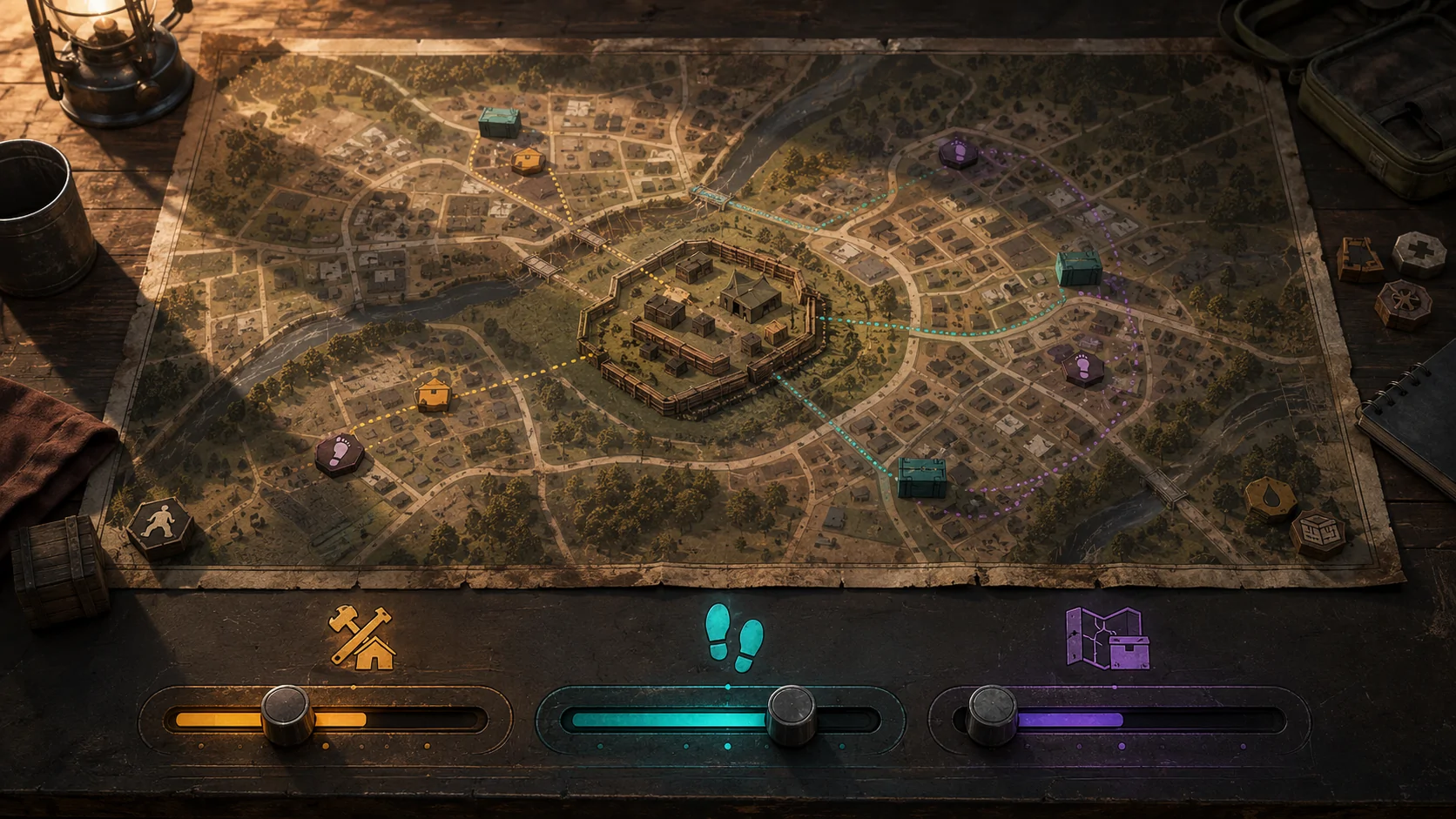
State of Decay 2: Juggernaut Edition does not require every part of the game to use the same difficulty. Its Action, Community, and Map sliders can be adjusted separately, allowing players to change combat, resource availability, and community management without treating them as one challenge.
Each slider can use Green, Standard, Dread, Nightmare, or Lethal difficulty. Matching all three creates a conventional difficulty preset, while mixing them creates a customized experience.
Action Difficulty
The Action slider changes direct survival threats. It affects the number and toughness of zombies, the frequency of special infected enemies, the danger presented by hostile humans, vehicle durability, and the severity of blood plague.
Lowering Action difficulty can reduce combat pressure without increasing the number of supplies available or changing the demands of community management. Conversely, players can increase combat difficulty while leaving the other systems at Green or Standard.
Community Difficulty
The Community slider controls the demands associated with building and maintaining a survivor community. It affects morale, skill progression, resource costs, influence gains, and other management variables.
A lower Community setting can reduce pressure from resource consumption and morale while preserving more demanding combat or scavenging. This separation may be useful for players who enjoy exploration and combat but do not want the same level of ongoing management pressure.
Map Difficulty
The Map slider changes the availability of resources, weapons, items, and vehicles. It also affects the number of plague hearts placed on the map.
Increasing Map difficulty creates a more resource-scarce environment without automatically making individual zombies or hostile survivors stronger. A player could therefore create a quieter but resource-limited map by using a higher Map setting and a lower Action setting.
Changing Difficulty During a Community
Difficulty settings can be changed after a community has been created, but the three sliders do not have identical consequences.
Changing Action or Community difficulty does not require the community to relocate. Changing Map difficulty regenerates the map so it can apply the new distribution of resources and plague hearts. Players should review the in-game warning carefully before confirming a Map change.
Difficulty sliders can only be changed while playing in a single-player session. When another player joins, the client receives information about the host’s Action difficulty.
Difficulty and Achievements
Achievements connected to difficulty consider the lowest setting among the three sliders. For example, an achievement requiring every area to be set to at least Dread will not qualify if Action and Map are set to Dread but Community is set to Standard.
This means players can mix sliders and still work toward some difficulty achievements, provided none of the relevant sliders falls below the required level.
Related Gameplay Controls
The difficulty system works alongside other settings. Aim assistance can be set to None, Normal, or Maximum, and the game can be paused during single-player play. Pausing is unavailable during multiplayer sessions.
State of Decay 2 also allows rapid button tapping to be replaced with holding a button. Holding to aim can be changed to a toggle. Players can adjust camera and aiming sensitivity, disable controller vibration, reduce automatic camera movement, and remap keyboard, mouse, and most controller inputs.
These controls are independent of the three difficulty sliders. A player can use stronger aim assistance, reduced camera movement, or alternative input behaviour without lowering Community or Map difficulty.
Read the official State of Decay 2 accessibility information and the customizable difficulty documentation for additional details.
Access needs and preferences vary. Adjustable difficulty can change particular barriers or sources of pressure, but it does not guarantee that every part of the game will meet an individual player’s needs.