
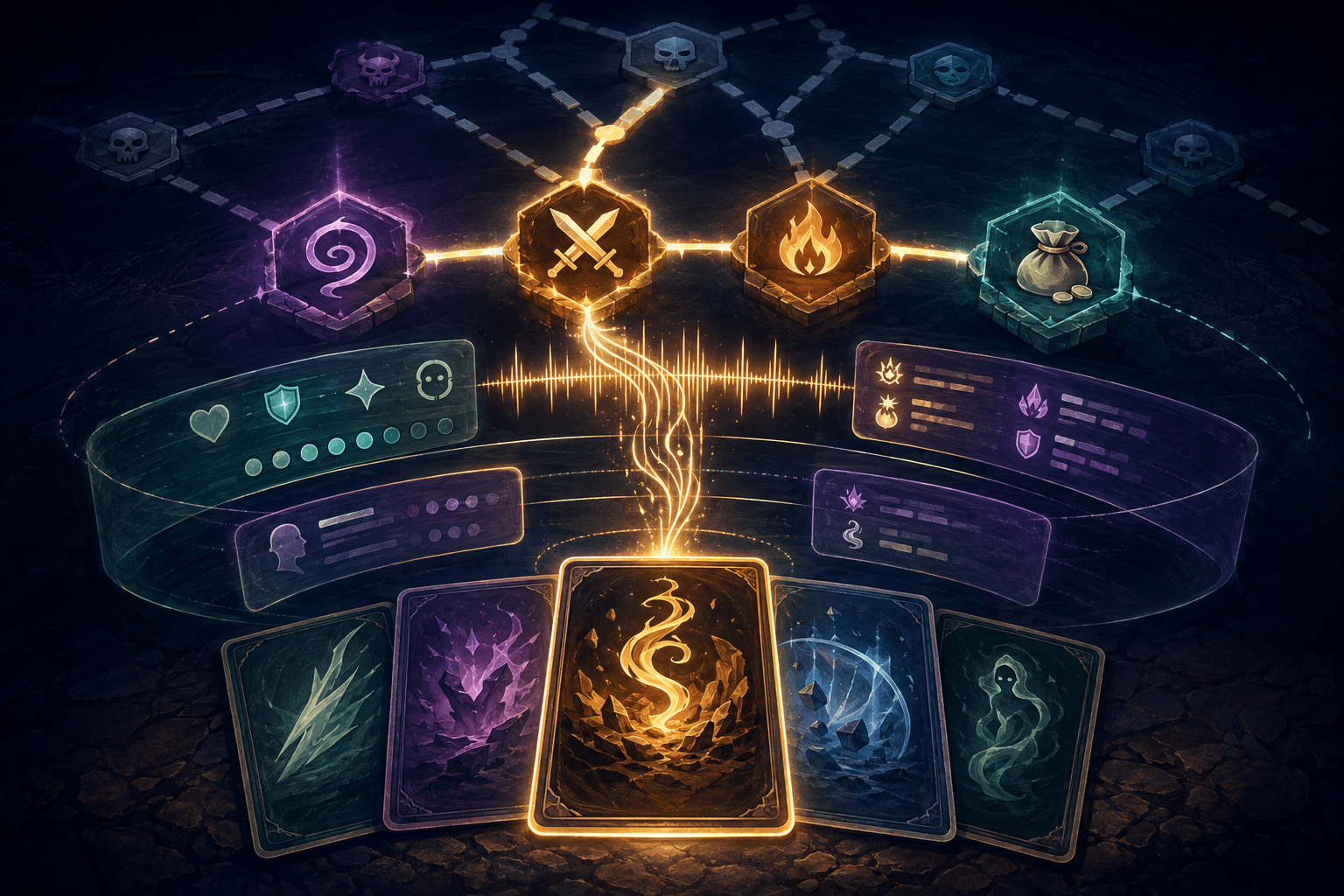
Slay the Spire 2 is built around decisions that are normally communicated through densely layered visual information. During combat, players compare cards, energy costs, damage values, status effects, enemy intentions, health totals, relics, and recent events. Between encounters, they examine a branching map and decide which sequence of combats, shops, rest sites, and unknown rooms to follow.
Say the Spire 2 is a third-party accessibility mod that adds screen-reader support for blind and low-vision players. Among its most important features are two closely connected systems: contextual information buffers for reviewing cards and game state, and a tree-based map viewer for inspecting branching routes. Together, these systems reorganize information that would otherwise be distributed across the screen into structures that can be explored sequentially with a keyboard or controller.
The mod does more than read whichever control currently has focus. Its buffers let the player move between several categories of relevant information without repeatedly relocating the ordinary game cursor. Its map viewer similarly separates inspection from selection, allowing routes to be explored without immediately committing to a room.
This distinction matters. Screen-reader output alone can expose text, but a strategy game also requires a practical way to compare relationships: the card in focus against the player’s current energy, a proposed attack against an enemy’s block, or one map destination against the routes beyond it. Say the Spire 2 attempts to preserve that decision-making process through structured review rather than automatic play.
What the buffer system does
When the player focuses a card or another interface element, Say the Spire 2 creates one or more contextual buffers. A buffer is a reviewable list of information rather than a new visual menu that must be opened and closed. The currently relevant buffer is selected automatically, but other available buffers remain accessible.
For example, focusing a card causes the card buffer to become active. It can include the card’s name, energy cost, rules text, and other relevant details. By default, a keyboard player reviews entries with Control plus the Up or Down arrow. A controller player uses the right stick vertically.
This review does not move through the cards in the player’s hand. It moves through information about the card already in focus. The ordinary directional controls, D-pad, or left stick continue to handle interface navigation, while the buffer controls form a separate information-review layer.
The separation reduces the need to repeatedly move away from a card to inspect another part of the screen. A player can remain focused on a potential action while reviewing related information. Control plus Left or Right, or horizontal movement on the right stick, changes between available buffers.
Depending on the situation, those additional buffers may contain player information such as health, energy, or gold; recent gameplay events; multiplayer lobby information; or details associated with another object on the current screen. Recent versions of the mod have also added or refined contextual buffers for situations such as selecting a creature as the target of a card. In that case, the card information can reflect modified values relevant to the selected creature.
This is not the same as automatically announcing every available fact at once. Continuous narration of all cards, status effects, combat events, and statistics would quickly become difficult to follow. Buffers instead let the player request information in a chosen order and repeat individual entries when necessary.
Why reviewable information matters in a card game
A sighted player can often glance between several areas of the screen without abandoning the card being considered. They might check remaining energy, look at an enemy intention, compare health totals, and then return to the card. Conventional linear narration can make this comparison cumbersome because information is encountered one item at a time and may disappear from working memory as additional details are spoken.
Say the Spire 2’s buffer system cannot reproduce simultaneous visual observation, but it may reduce the navigation required to reconstruct the same decision. The player can revisit the card buffer, switch to player or event information, and return without searching the interface from the beginning.
The events buffer is particularly significant because combat state changes rapidly. Cards are drawn, damage is applied, block is gained or lost, powers activate, and enemies or players receive status effects. The mod can announce combat events as they occur, but spoken output may overlap, be missed, or become difficult to retain during a complicated turn. A reviewable history gives the player another way to determine what happened.
Say the Spire 2 also provides configurable combat-event announcements. Players can adjust which sources and event types are spoken rather than treating narration as an indivisible feature. This may help manage excessive verbal output, although reducing announcements also creates a risk of suppressing information the player later needs.
Buffers should therefore be understood as information access, not strategy assistance. They expose card properties and game state, but they do not determine which card should be played, calculate an optimal turn, or automatically resolve target selection. The player still evaluates combinations, manages resources, and accepts the consequences of each decision.
Turning a visual route map into a tree
The act map presents a different problem. It is not merely a list of rooms. Each room is a node connected to particular rooms above it, producing routes that split and sometimes reconnect. A room’s value depends partly on what it leads to. Selecting a rest site may prevent access to a particular shop later, while a more dangerous combat route may lead toward a desired elite encounter or reward.
Say the Spire 2 represents these connections through a map view cursor controlled with the same inputs used for buffers. The viewer begins from the player’s current room and places its review cursor on a connected destination. Moving horizontally cycles through rooms reachable from the current node. Moving upward follows the selected room forward and exposes the rooms connected to it. Moving downward travels back through the reviewed route.
This creates a tree-like navigation model. Instead of estimating the position of icons in a two-dimensional grid, the player explores the map in terms of relationships: which rooms are available now, what each choice connects to next, and how to return to an earlier branch for comparison.
The map view cursor is separate from the ordinary selection cursor. Inspecting a node does not automatically click it or commit the player to that destination. This is an important difference between navigation guidance and route automation. The mod supports route inspection, but it does not choose a path, move the character through multiple rooms, or guarantee that the reviewed route is strategically desirable.
Separating review from activation can also reduce the risk of an exploratory input becoming an irreversible choice. However, it creates an additional cursor concept that must be learned. A new user needs to understand whether they are moving through selectable interface elements or moving a virtual review cursor through the map’s connections.
Combining buffers, narration, and contextual help
The buffers and map viewer operate within a broader screen-reader interface. Say the Spire 2 narrates focused controls and gameplay events, supports keyboard and controller navigation, and provides context-sensitive help. By default, F1 on a keyboard or Left Trigger plus the controller’s back or share-style button opens help for the current screen.
Help messages can describe available controls and actions. This may reduce reliance on remembering every command, although the number of bindings remains substantial. The mod’s settings screen can be opened with Control plus M on a keyboard, Left Trigger plus Start on an Xbox-style controller, or L2 plus Options on a PlayStation-style controller. Inputs can be configured rather than being permanently restricted to the documented defaults.
The systems can be combined in stages. A player can use standard navigation to focus a card, review its buffer, switch to player status, check recent events, return to the card, and then play it. On the map, the same review controls change function when a map node or view-only map is active, allowing the player to examine connected rooms.
This reuse limits the number of completely separate control groups, but it may also cause confusion when the current context is unclear. The mod’s release history records fixes for cases where buffer controls navigated the map while focus was on another control. That history illustrates the technical difficulty of maintaining predictable focus and input behavior while the underlying game continues to change.
Controller access is not the same as console support
Say the Spire 2 supports both keyboard and controller input, including documented Xbox-style and PlayStation-style button equivalents. That does not mean the mod is available on game consoles. It is a third-party modification installed into the PC version of the game.
The official installation documentation is centered on the Steam PC release and provides Windows installation paths and screen-reader configuration instructions. Players should not assume that owning Slay the Spire 2 on another platform provides access to the mod.
Controller users are instructed to disable Steam Input for Slay the Spire 2. According to the mod documentation, the game’s Steam Input configuration can cause inputs to be interpreted incorrectly, including treating both analog sticks as the left stick. Because the right stick is used for buffer and map review, this conflict can make central parts of the accessibility system unavailable until Steam Input is disabled for the game.
Controller compatibility therefore involves more than connecting a physical controller. The mod adds accessible controller commands, but it does not remove every configuration barrier between the controller, Steam, the game, and the mod.
Installation introduces its own access requirements
Say the Spire 2 is not built into the game. The recommended installer downloads the latest release, places the required files in the game directory, and changes the game settings needed to enable mods. The game must be launched at least once before installation so that its settings file exists.
The installer offers screen-reader support and an option to disable Godot UI Automation. The documentation recommends disabling Godot UIA for screen-reader users, particularly people using NVDA, while warning that sighted players or people relying on other UIA-based accessibility tools may need a different choice.
JAWS users can install additional configuration files. These allow inputs such as arrow keys to pass through to the game and suppress some repeated announcements associated with UI Automation behavior. This means the experience can depend on both the mod and correct screen-reader-specific configuration.
Manual installation is possible, but it requires extracting files into the game directory and editing a JSON settings file to enable mods. That process may be more difficult for players who are unfamiliar with folders, archives, or structured configuration files. An accessible in-game feature does not automatically make every step required to obtain it accessible.
Limitations and changing compatibility
Because Slay the Spire 2 and Say the Spire 2 are actively changing, compatibility is not fixed. Updates to the game can alter interface layouts, focus behavior, controls, or data exposed to the mod. The mod’s releases include repeated fixes for screens or controls that stopped reading correctly after changes to stable or beta game branches.
The creator also documents difficulty dismissing some first-run tutorial popups. Multi-page tutorials currently require moving left and right through their pages and then moving beyond the final page to return to normal play. The ordinary confirm input may not behave as a new player expects.
Some popups require a separate Accept binding rather than the usual confirmation control. That same binding can end a combat turn, so pressing it in the wrong context may have an unintended gameplay consequence. Context-sensitive help can explain available inputs, but it cannot eliminate every ambiguity created by overlapping game actions.
Spoken access also has unavoidable temporal costs. Reading several card descriptions, status values, enemy powers, and possible map branches takes time. A player may be able to obtain the information but still need more time than someone who can scan the entire display. Narration speed, verbosity, familiarity with card terminology, and working-memory demands can all affect the practical experience.
The system’s audio output may compete with music, sound effects, voice chat, or other announcements. Players who are sensitive to layered sound may need to adjust game audio and announcement settings. Filtering narration can reduce overload, but excessive filtering can make important events less noticeable.
A review system rather than an automatic player
Say the Spire 2’s buffers and map viewer address two different forms of visual dependence. Buffers convert dispersed card and status information into lists that can be reviewed and repeated. The map viewer converts spatial connections into a navigable hierarchy of parent and child routes.
Neither system automatically completes the underlying decisions. The buffers do not select cards or calculate a winning turn. The map viewer does not recommend a route or move through it automatically. They provide access to information and relationships so that the player can participate in the game’s strategy.
Current controls, installation instructions, and changes should be confirmed through the creator’s Say the Spire 2 documentation and the project’s release page before installation, particularly after an update to Slay the Spire 2.
Access needs vary, and structured narration will not remove every memory, audio-processing, configuration, or compatibility barrier. Say the Spire 2 can make card information and branching routes available through nonvisual review, but it remains a PC mod that depends on continued compatibility with an actively changing game.