
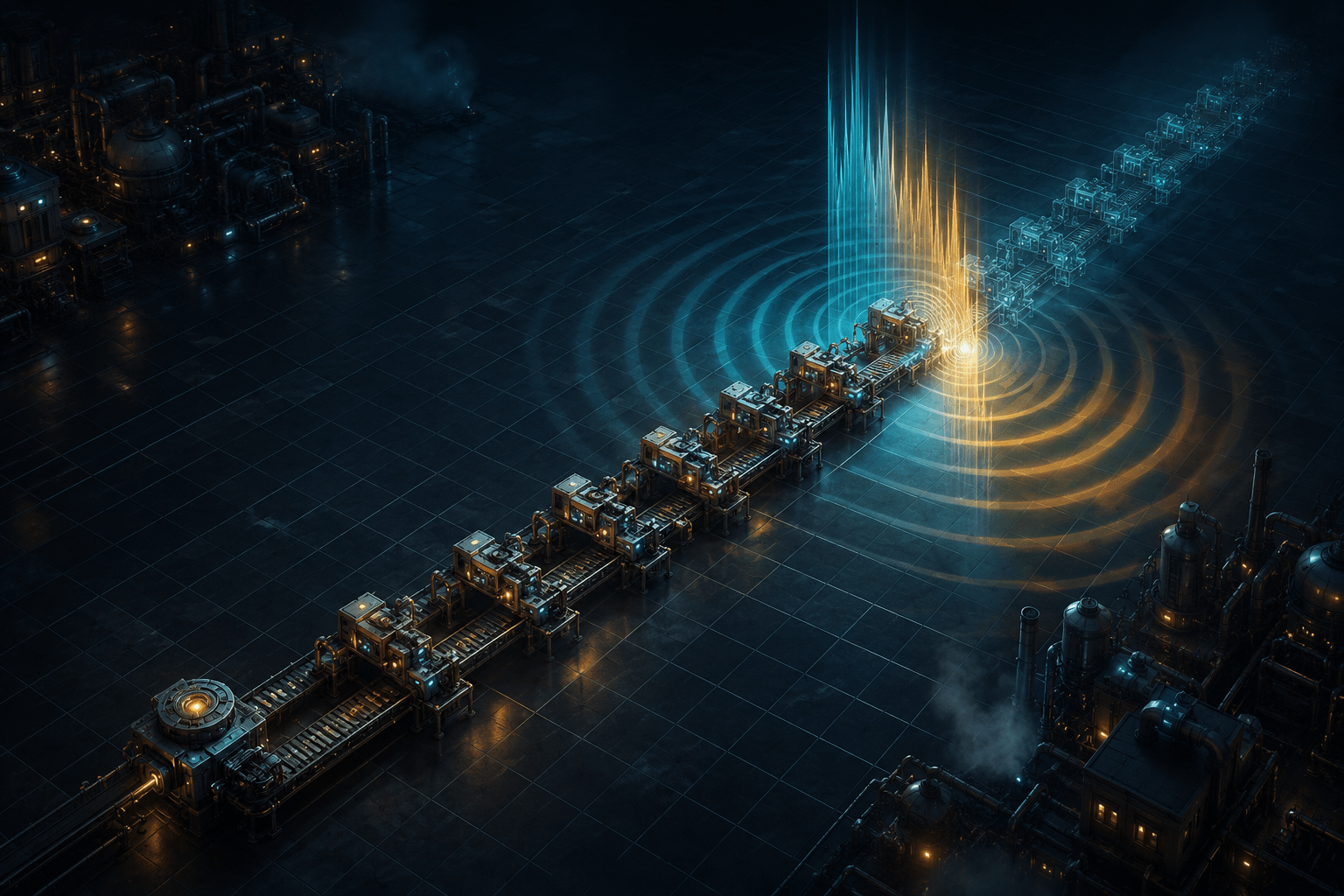
Building efficiently in Factorio depends on spatial relationships. Transport belts need to follow useful routes, machines must be positioned at suitable intervals, and long rows of poles, pipes, inserters, or production buildings frequently need to remain aligned. Sighted players can monitor these relationships by looking across the factory while moving the mouse or character.
Factorio Access is a third-party accessibility mod that converts many of the game’s visual systems into spoken information, audio cues, and keyboard-controlled structures. Among its less conventional features are an Audio Ruler and a system called Build Lock. The ruler creates an audible alignment reference across the map. Build Lock places structures repeatedly as the player moves.
These systems can be used together to construct a line toward a chosen coordinate without relying entirely on visual observation. Importantly, however, the ruler and Build Lock remain separate. The ruler produces a cue when the player or cursor crosses its alignment lines, but it does not turn off Build Lock, stop the player, or prevent additional structures from being placed.
The combination is therefore an example of assistance rather than automatic completion. It can make alignment perceivable and repeated placement more manageable, while leaving route planning, movement, stopping, correction, and factory design under the player’s control.
Replacing the mouse with a keyboard-controlled cursor
Factorio Access begins by changing how the world is inspected and manipulated. The project documentation describes its cursor as the mod’s equivalent of the mouse cursor used by a sighted player. The character is moved with the arrow keys, while the accessibility cursor is moved independently with W, A, S, and D.
The distinction between the character and cursor is essential. The character represents the player’s physical position in the world. It determines matters such as whether a structure is within building range and where nearby items can be collected. The cursor represents the location being inspected or operated on. Moving the cursor changes which tile or entity is selected.
Factorio allows characters to move continuously rather than occupying only exact tile centres. Buildings, however, are generally placed on a tile grid. Factorio Access converts this construction space into a keyboard-navigable grid. Ordinary cursor movements advance through the grid, allowing the player to select positions without aiming a mouse pointer at them.
This is more than conventional input remapping. Remapping would substitute one button for another while preserving the original pointer-based interaction. Factorio Access establishes a different interaction model in which tile positions, selected entities, placement orientation, and cursor movement are exposed through keyboard commands and spoken feedback.
The player can also return the cursor to the character, request the cursor’s coordinates, hear its position relative to the character, jump it to entered coordinates, or change the size of the area it represents. These related tools provide context for the Audio Ruler: the ruler is useful because the player already has a cursor that can be moved predictably through grid coordinates.
What the Audio Ruler creates
The Audio Ruler establishes a reference point that extends as an audible cross. According to the maintained Factorio Access documentation, the ruler is placed with Control, Alt, and B. After it has been placed, a tone plays when the cursor or character crosses either of the ruler’s alignment lines. It can be cleared with Alt, Shift, and B.
The ruler can be understood as two perpendicular lines extending through the selected coordinate. One line provides horizontal alignment and the other provides vertical alignment. The player does not need to stand directly on the ruler’s origin to encounter the cue. Crossing either part of the audio cross can signal that the current movement has reached the same row or column as the saved reference.
This differs from a conventional waypoint. A waypoint generally identifies a destination and may indicate the direction or distance needed to reach it. The Audio Ruler is primarily an alignment aid. It communicates when the player has crossed a chosen axis, which can be useful even when the intended construction does not end at the ruler’s original coordinate.
It also differs from spoken coordinates. Coordinates provide exact numerical information, but using them for every step can require repeatedly comparing values and remembering a target number. The ruler turns a selected coordinate relationship into an event: when the moving cursor or character reaches the aligned row or column, a sound occurs.
This may reduce the need to continually request and compare position announcements. It does not remove the underlying spatial reasoning. The player must still decide where to place the ruler, which axis to approach, and what the cue means for the current construction plan.
How the ruler can guide a construction line
The project documentation gives an example involving a transport-belt line. A player can move to the intended endpoint, shift a few tiles perpendicular to the proposed route, and place the ruler there. They can then return to the beginning of the route, activate Build Lock, and travel in a straight line while belts are placed.
When the character crosses the ruler’s alignment line, the tone acts like an audible finishing reference. The player can stop moving and disable Build Lock or empty the held item. This provides a practical way to approach a planned endpoint without visually watching the growing belt line.
Moving the ruler away from the actual construction path can help separate its origin from the row being built. Because the cross extends horizontally and vertically, the player can still hear when the moving character reaches the corresponding coordinate.
The ruler does not verify that every placed belt is correct. It does not announce that the line began at the desired location, guarantee that the character moved perfectly straight, or detect whether an obstacle disrupted placement. It supplies one alignment relationship rather than a complete construction audit.
A player can combine the ruler with spoken cursor coordinates, relative-position announcements, entity-status commands, or the mod’s larger cursor summaries. These additional tools may help confirm the start, endpoint, or contents of the surrounding area before and after building.
What Build Lock automates
Build Lock repeatedly places the item held by the player as the cursor or character moves. It is toggled with Control and B while a buildable item is in hand. For many structures, it places them as close together as possible and gives them a default north-facing orientation.
The behavior changes for selected building types. Transport belts are oriented in the direction of movement and can form corners as the player changes direction. Electric poles are placed at the maximum permitted distance from the previous pole rather than occupying every available tile.
This can reduce the number of separate placement commands required for a long line. Without Build Lock, the player might move one position, place an item, move again, and repeat the placement input many times. With Build Lock enabled, movement itself becomes the repeated placement action.
That may reduce input density and repeated button presses for some players. However, it should not be described as a general motor-accessibility solution. The broader mod uses many keyboard combinations, distinguishes cursor movement from character movement, and can require rapid context switching between construction and information commands. Whether Build Lock reduces physical effort will depend on the player’s input method and access needs.
Build Lock is also not the same as route automation. It does not independently decide where the construction should go. The player supplies the direction by moving the cursor or character. Nor does it perform the wider task of designing a factory, calculating production ratios, resolving supply problems, or choosing where a belt should turn.
The cursor and character can build independently
Factorio Access effectively provides two concurrent Build Lock locations: one associated with the cursor and another associated with the character. If the player moves the cursor east while moving the character west, the mod can create two independent construction lines beginning from their respective starting positions.
This offers flexibility, but it creates a meaningful risk of unintended placement. The project documentation recommends using one form of movement at a time. A player who forgets that Build Lock remains active may place structures along both movement paths.
The cursor form can be useful for placing a small number of adjacent entities while keeping the character stationary. The character form is particularly useful for long transport-belt lines: position the cursor at the starting point, move or align the character there, put belts in hand, enable Build Lock, and walk along the intended route.
This distinction also demonstrates why Factorio Access cannot be reduced to screen-reader narration. The mod changes the operational structure of construction. It supplies non-pointer methods for selecting tiles and placing repeated objects, but those methods introduce their own states that players must track.
The ruler does not stop Build Lock
The most important limitation of the Audio Ruler and Build Lock combination is that the tone is informational. Crossing the ruler does not disable Build Lock. The system does not behave like a physical wall, a snapped endpoint, or a construction limit.
If the player continues moving after hearing the cue, the mod can continue placing structures beyond the intended endpoint. A delayed response, missed tone, competing audio, or uncertainty about which cue played may therefore produce an overextended construction line.
This is the difference between timing reduction and timing removal. The ruler creates a distinct signal for when the endpoint has been reached, potentially reducing the need to monitor coordinates continuously. It does not remove the need to respond to that signal in time.
The separation also prevents the ruler from making assumptions about the player’s intention. A player may want to cross the ruler and continue building, use the same alignment line for several parallel structures, or treat the tone as an intermediate marker rather than an endpoint. Automatic deactivation would support one workflow while interfering with others.
Players who require automatic stopping should not assume the Audio Ruler provides it. Depending on the situation, they may need to build in shorter sections, use spoken coordinates for confirmation, correct excess placement afterward, or use another supported construction method.
Audio information has sensory costs
The ruler translates a visual alignment relationship into sound, but audio output is not inherently accessible to every player. The cue may compete with factory machinery, combat sounds, music, screen-reader speech, multiplayer communication, or other sonification produced by the mod.
A player who is deaf or hard of hearing may not receive enough information from the tone. Someone with auditory-processing difficulties or sound sensitivity may find a dense combination of speech and mechanical audio difficult to separate. The ruler does not appear to provide an equivalent visual, tactile, or text-based event specifically for its crossing cue.
Headphones or a carefully balanced sound mix may make positional and informational audio easier to distinguish for some players, but they are not universal solutions. Spoken coordinates remain a different information channel within the mod and may provide a useful confirmation, although they require interpreting numerical position rather than detecting an immediate alignment event.
Other placement assists solve different problems
Factorio Access includes several construction tools that may be combined with the ruler without being equivalent to it. Cursor skipping can move up to 100 tiles in a direction and stop at the first detected change, such as a transition between ground and water or the beginning or end of a row of entities.
Skip by preview moves the cursor according to the dimensions of the held building. If a machine occupies a three-by-three area, the cursor can advance three tiles so that another copy would form a correctly spaced row. This supports repeated spacing, while the ruler supports alignment with a saved coordinate.
Larger cursor sizes summarize the contents of a box rather than only one tile. When placing terrain tiles such as landfill, the selected material can fill the entire cursor area. Again, this addresses area coverage rather than the endpoint of a construction line.
The mod also incorporates Kruise Kontrol automation. Depending on what occupies the selected position, it can walk to an empty tile, mine resources, construct ghost entities, refuel equipment, or perform other contextual actions. This is closer to automatic task execution than the Audio Ruler, but it still depends on the target and documented limitations.
These distinctions matter because no single option makes every part of building nonvisual. Players may use preview spacing to arrange machines, a ruler to identify an endpoint, Build Lock to reduce repeated placements, and status commands to inspect the result.
Compatibility and installation limitations
Factorio Access is a community-created mod rather than a feature included with Factorio. Full operation requires the project’s separate launcher because the launcher enables screen-reader communication and access to parts of the game outside the normal mod interface.
The current project documentation provides installation methods for Windows, Linux, and macOS, but the process differs substantially between them. Windows users can use a compiled launcher, while Linux and macOS installation involves Python and additional setup. On Windows, the unsigned launcher may trigger security warnings or antivirus detection because of how it interacts with the game and mouse.
The official Factorio Mod Portal currently lists the mod for Factorio versions 1.1 through 2.0. The project states that the base game’s 2.0 features are broadly supported, including advanced systems such as combinators. Space Age content, quality, and elevated rails are not currently supported and must be disabled.
Compatibility with other mods is not guaranteed. Content that uses existing mechanics may work, while mods introducing new interaction systems can require specific accessibility adapters. Multiplayer technically functions, but the project describes it as severely affected by lag and identifies parts such as combat as effectively unplayable in that context.
The project also warns that its user-maintained wiki is primarily for Factorio 1.1 and is outdated. Current behavior should be checked through the project’s maintained 2.0 documentation, including its guide to movement, the cursor, and building.
An audible reference rather than a construction barrier
The Audio Ruler makes an abstract spatial relationship perceivable as a sound event. Build Lock turns movement into repeated placement. Used together, they can support long, aligned construction without requiring constant visual monitoring or a separate placement input for every structure.
The system’s practical limit is also clear: the ruler signals an alignment line but does not enforce it. The player must hear the cue, interpret it in context, and stop or disable construction. It cannot guarantee correct placement, compensate for every obstacle, or make unsupported Factorio content accessible.
Access needs vary. Factorio Access’s Audio Ruler and Build Lock may reduce visual and repeated-input barriers for some players, but they retain substantial keyboard, spatial, auditory, setup, and compatibility demands.