
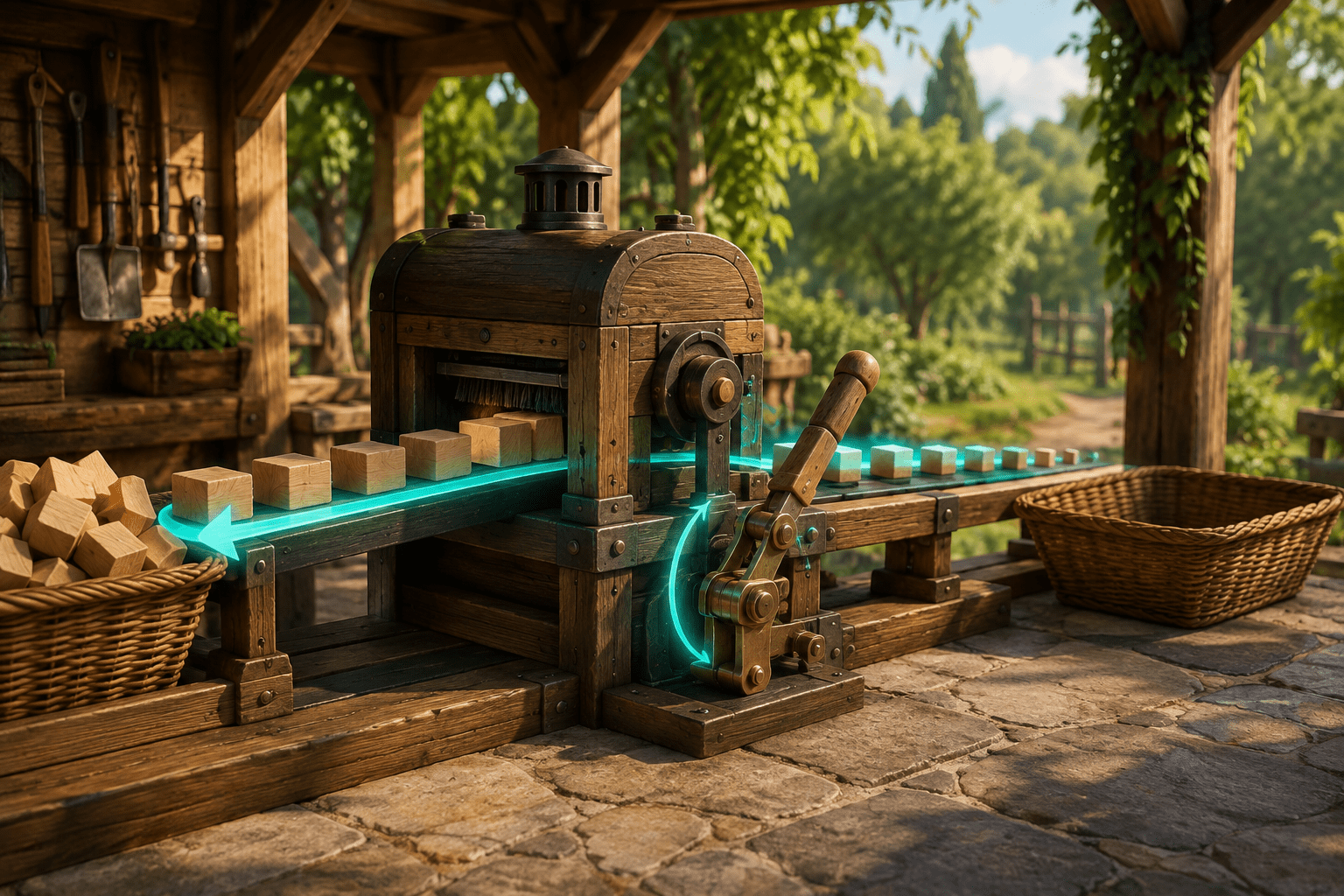
Many life-simulation and crafting games build their routines from small repeated actions. A player collects materials, carries them to a machine, inserts an item, waits for processing, and presses the interaction control again to insert the next one. No individual press may be difficult, but repeating the same movement across many machines and many in-game days can create a substantial cumulative demand.
The Held Interactions mod for Dinkum changes how materials are inserted into supported processing machines. It offers two related alternatives to repeated individual presses. The player can hold the interaction control so that the next material is inserted when the machine becomes ready, or activate an Interaction Lock that continues inserting compatible materials without requiring the control to remain held.
These options address different barriers. Holding can reduce the number of separate presses while retaining continuous physical input. Interaction Lock can remove both repeated presses and the need to sustain the control. Neither option changes processing time, creates materials, or completes unrelated tasks automatically.
The repeated interaction built into machine use
Dinkum includes processing machines that accept materials one item at a time. The mod creator gives examples such as placing logs into a saw and raw food into a barbecue or campfire. After a machine finishes with one item, the player normally has to interact again to insert another.
This design separates each item into a distinct action. Processing a small quantity may involve only a few presses, while larger batches can require the same input many times. The player must remain near the machine, notice when it becomes available, and press the interaction control again for every accepted item.
Repeated input can create barriers associated with pain, fatigue, limited finger endurance, repetitive-strain symptoms, or difficulty performing rapid and frequent button presses. It may also increase the attention required for a routine task because the player must repeatedly monitor the machine’s cycle.
The practical effect varies with the machine, the number of materials, and the player’s control method. A keyboard key, mouse button, controller button, or remapped switch can each produce different physical demands. The mod does not assume that one device is inherently accessible; it changes the repetition pattern applied to the interaction control already in use.
Holding replaces many separate presses with sustained input
With Held Interactions installed, the player can keep the interaction control held while standing at a compatible machine with suitable materials. When the machine is ready to accept another item, the mod performs the next insertion without requiring the player to release and press the control again.
This converts repeated discrete input into sustained input. Instead of press, release, wait, press, and release, the player holds one control while the sequence continues.
For some players, this may reduce finger movement and the number of precisely timed actions. The player no longer needs to match each press to the end of the machine’s processing cycle. They can maintain one input while the mod handles the repeated insertion opportunities.
Holding does not eliminate physical demand. Maintaining pressure can cause fatigue or pain, particularly when processing a large batch. A player with difficulty sustaining a button, trigger, mouse control, or key may find the hold behaviour no more accessible than repeated pressing.
This is why “hold instead of repeat” and “press once instead of hold” should not be described as the same accommodation. The first reduces repetition. The second removes the sustained input as well.
Interaction Lock removes prolonged input
The mod’s Interaction Lock provides the second method. The player assigns a hotkey through the mod’s configuration file. Pressing that hotkey activates a locked interaction state.
If the player is positioned in front of a supported machine while holding a material that the machine accepts, the mod continues inserting that material as the machine becomes available. The player does not need to press or hold the normal interaction control. Processing continues until the character’s hands are empty or the lock is otherwise cancelled.
This changes the interaction from sustained action to a state toggle. One press starts the locked behaviour, and the mod maintains it afterward. It may reduce barriers for players who can perform an isolated activation more comfortably than either repeated presses or a prolonged hold.
The lock is not a general automation system for all production. It acts on the material currently being supplied to the machine under the documented conditions. It does not collect resources, move the character into position, select a recipe, refill the player’s inventory, accelerate the machine, or transfer finished products into storage.
The player must still gather materials, approach the machine, face it appropriately, hold a compatible item, and activate the lock. The modification automates the repeated insertion stage rather than the entire crafting process.
Movement and menus deliberately cancel the lock
An interaction toggle can create a new problem if it remains active after the player has forgotten about it. Held Interactions limits this risk by cancelling Interaction Lock when the player moves or opens a menu.
Movement provides an immediate way to interrupt the process. If the wrong item is being inserted or the player wants to stop before using the entire held supply, beginning to move disables the lock. Opening a menu also ends the locked state.
These cancellation rules prevent the interaction from following the player indefinitely into unrelated situations. They also distinguish the lock from a persistent global setting. It is a temporary state associated with the current stationary machine interaction.
The camera remains available while Interaction Lock is active. The player can look around without cancelling the process. They can also scroll between toolbar items, according to the creator’s documentation. That flexibility may allow the player to observe the surroundings or prepare another toolbar selection without being forced to maintain the input.
Allowing toolbar scrolling introduces the possibility that the selected item changes while the lock is active. The exact result depends on whether the newly selected material is compatible with the machine. The source does not claim that the mod plans or validates an entire multi-item processing sequence in advance.
Simplification is not the same as faster processing
Held Interactions simplifies the input sequence without being documented as a speed modification. The machine still becomes ready according to its own processing cycle. The mod supplies another item when the normal opportunity occurs.
This distinction matters because reduced input and reduced waiting address different barriers. Someone who experiences pain from repeated pressing may benefit even if the total processing duration is unchanged. Someone who finds the waiting itself difficult may still encounter the same pacing and attention demands.
The mod also does not batch all held materials into one machine operation. The items are still inserted through repeated machine cycles; the player is simply not required to authorize each cycle with another manual press.
Similarly, Interaction Lock is not automatic completion of a larger objective. A machine running until the character’s hands are empty does not mean that all available materials in storage will be processed. The player remains responsible for inventory preparation and any later collection or use of the output.
Compatibility is limited to particular interactions
The creator describes the mod as applying to machines into which the player inserts materials. Examples include logs placed into a saw and raw food placed into cooking devices. The page does not claim that every interaction in Dinkum can be held or locked.
Harvesting crops, repeating crafting actions, and additional interactions were listed as planned possibilities rather than completed features. They should not be presented as part of the current documented release.
The version history also identifies interactions that required exceptions or repairs. Version 1.0.5 stopped the interaction from remaining held or locked when the player had a shovel equipped because the previous behaviour interfered with wheelbarrow use. Version 1.0.8 corrected a problem that could prevent a carried object, such as an animal trap or amber, from being placed down.
These fixes illustrate how a broad interaction lock can conflict with other actions that share the same game control. The mod must determine when repeating an interaction is useful and when the same behaviour would obstruct a different activity.
Even when the mod operates correctly, its scope remains narrower than a game-wide option allowing every repeated control to be changed into a hold or toggle. Mining, combat, harvesting, tool use, menus, and other repeated actions may retain their original input requirements.
The configurable hotkey can help—or create another barrier
Interaction Lock uses a hotkey selected through the mod’s configuration file. This allows the activation control to be changed rather than being permanently assigned to one key.
Configurable input can support players who need the command within a particular reach area or away from controls that cause conflicts. However, the creator’s installation instructions require the player to launch the game once, close it, open the generated tinyresort.dinkum.heldinteractions configuration file, assign the hotkey, save the file, and relaunch the game.
This is not equivalent to an in-game remapping menu. Editing a configuration file may be inaccessible or unfamiliar for some players. A key that is technically configurable is only useful when the player can locate the file, understand its format, choose a valid input, and avoid a conflict with existing controls.
The source does not document direct support for external switches, adaptive controllers, or simultaneous input devices. A player may be able to activate the hotkey through separate remapping software, but that compatibility should be tested rather than assumed.
Third-party installation and dependency requirements
Held Interactions is a PC mod rather than a built-in Dinkum setting. It requires BepInEx 6 UnityMono and the TR Tools Modding API. The mod’s HeldInteractions.dll file must be extracted into the Dinkum/BepInEx/plugins folder.
These requirements add setup and maintenance demands. The player must install a compatible version of the mod loader, install the required API, place the file in the correct directory, and configure the lock hotkey. Problems with any dependency can prevent the feature from loading.
The mod is not documented for console versions or other environments that cannot load BepInEx plugins. Its installation instructions apply to the Windows PC version of Dinkum. The official Steam listing currently specifies Windows 10 64-bit as the game’s minimum operating system.
The mod page states that multiplayer should not cause issues and describes it as compatible with all known mods at the time of testing. Those statements are not guarantees of current compatibility with every multiplayer host, mod combination, or later game build.
Current game compatibility is uncertain
The largest practical limitation is the age of the current release. Held Interactions version 1.1.0 was last updated in November 2023 to work with what the creator called the Summer Update. The page’s more detailed compatibility note refers to testing on Dinkum version 0.4.5 Hotfix 7.
Dinkum subsequently left Early Access on April 22, 2025. The creator’s Nexus page does not provide a later update confirming that Held Interactions works with the full-release game or its subsequent patches.
The download remains available, but availability is not evidence of present compatibility. Changes to the game, BepInEx, the TR Tools API, machine behaviour, or internal interaction code could prevent the mod from loading or could reproduce earlier conflicts.
Players should check recent posts, bug reports, dependency updates, and community testing before installing it. Backing up relevant data and testing cautiously may be appropriate when using an older gameplay plugin, particularly in a multiplayer save.
Combining the mod with other input options
Held Interactions can potentially be combined with remapping so that Interaction Lock is placed on a more reachable control. It may also complement settings or tools that reduce other repetitive actions. The mod itself, however, only documents its own machine-interaction behaviour.
Combining multiple mods that intercept the interaction control can create conflicts. Another plugin may change machine timing, inventory transfer, toolbar behaviour, or the meaning of the same input. The mod’s earlier wheelbarrow and carried-object fixes show why shared controls require careful testing.
The distinction between its two modes also remains useful when building a personal control setup. A player who tolerates sustained input but not repeated tapping may use the hold behaviour. A player who needs to avoid both may prefer Interaction Lock. Providing both methods recognizes that reducing one motor demand can otherwise replace it with another.
The creator’s [Held Interactions page on Nexus Mods](https://www.nexusmods.com/dinkum/mods/24) provides the original feature description, dependencies, configuration steps, version history, and community reports. Because the listed release predates Dinkum 1.0, those reports are especially important when assessing whether the mod remains usable.
A narrow change with a meaningful motor-access distinction
Held Interactions changes one repetitive production routine in two different ways. Holding the interaction control replaces repeated presses with sustained input. Interaction Lock goes further by allowing a single hotkey press to maintain the process until materials run out, movement begins, or a menu opens.
The mod does not automate gathering, movement, machine selection, processing time, or every repeated action in Dinkum. It also depends on an older PC modding stack, and compatibility with the current full-release game is not confirmed. Access needs vary, so its practical value depends on whether the player benefits from hold or lock input and whether the mod still operates reliably with their current game version and control setup.