
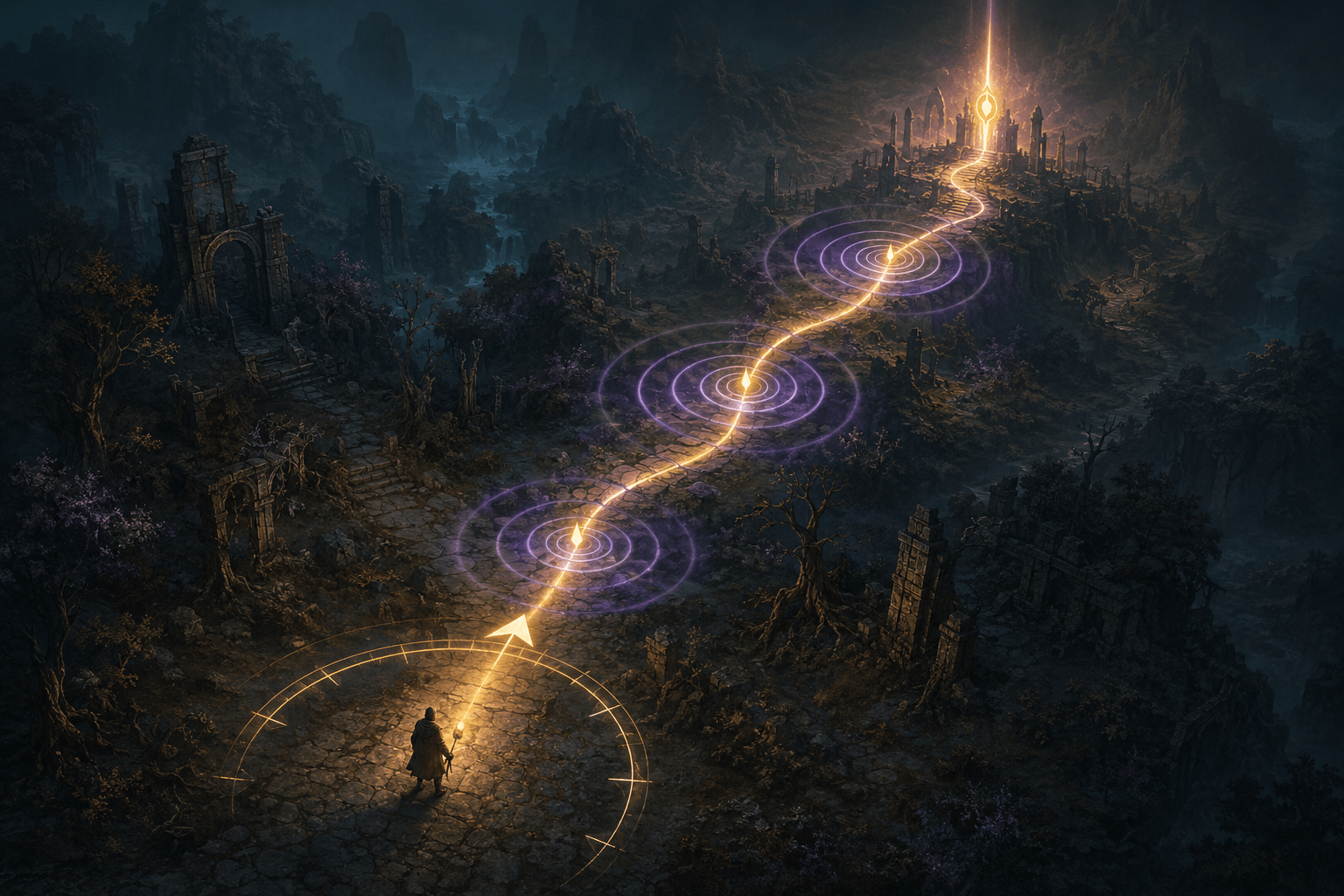
Open-world navigation often depends on several separate abilities. A player must identify the correct objective, locate its destination on a map, understand the route shown on the mini-map, maintain their orientation while moving, and recognize when the path has changed. In Diablo IV, these demands are complicated by a dark visual presentation, branching terrain, hostile encounters, and an overworld that does not simply move the character toward an objective.
Diablo IV addresses some of these barriers through three connected navigation features: Auto-Pin, Audio Navigation Assistance, and Compass. Auto-Pin establishes a destination automatically from a selected quest or task. Audio Navigation Assistance produces spatial audio pings that direct the player toward the placed pin. Compass adds a visual directional indicator around the player. These options can work together, but each performs a different part of the navigation process.
The system is significant because it does not rely on a single form of guidance. A player may use the automatically placed destination, follow directional sound, watch the visual compass, refer to the mini-map route, or combine several of these information channels. It can therefore reduce some of the visual, cognitive, and orientation demands involved in travelling through Sanctuary without automatically completing the journey.
Auto-Pin Establishes the Destination
Auto-Pin addresses the first part of navigation: establishing where the player is trying to go. When the player selects a quest or task from the in-game Journal, the feature automatically places a map pin at the relevant destination. The placed pin then becomes the destination used by the game’s other navigation supports.
Without this automation, selecting an objective and establishing a route may involve several distinct steps. A player may need to open the Journal, identify the relevant quest, move to the map, locate the corresponding destination, and place a pin accurately. That process can create barriers for players who cannot easily interpret a detailed map, have difficulty tracking information across several interface screens, or find repeated menu navigation physically demanding.
Auto-Pin simplifies that setup process, but it does not automatically move the character. It also does not eliminate the need to select the intended quest or task. The feature connects the selected objective to a destination pin; the player still controls movement, responds to hazards, and makes moment-to-moment decisions in the world.
This distinction between destination automation and route automation is important. Auto-Pin automates part of the interface process, not the journey itself. It reduces the number of steps required to establish a target while preserving direct control over travel and combat.
When a pin is placed, the mini-map displays a route toward the selected destination. That route can provide useful visual context, particularly when roads curve or the direct line toward an objective is obstructed. However, a mini-map route still requires the player to divide visual attention between the world and a relatively small interface element. Auto-Pin becomes more flexible when it is combined with the game’s audio and compass guidance.
Audio Navigation Assistance Provides Directional Pings
Audio Navigation Assistance converts the direction of the placed pin into spatial sound. When the option is enabled, audio pings guide the player toward the selected destination on the overworld map. The perceived direction of a ping can indicate where the player should turn or continue moving.
Blizzard recommends headphones for the clearest spatial result. Headphones can make left, right, and positional differences easier to interpret than speakers whose placement, distance, or room acoustics may weaken directional information. This recommendation is a practical limitation rather than a strict indication that the option cannot produce sound through other equipment.
The feature includes controls for both ping volume and ping interval. Volume adjustment lets the player change how prominent the navigation sound is relative to combat, environmental audio, music, dialogue, and other interface cues. Interval adjustment changes how frequently the guidance repeats.
Those controls matter because more guidance is not always more accessible. Frequent pings may help a player correct their direction quickly, but they may also add auditory load to an already active soundscape. A longer interval can reduce repetition and distraction, although it provides fewer opportunities for directional correction. Similarly, a louder ping may be easier to distinguish but can become uncomfortable or mask other useful sounds.
Blizzard has stated that feedback from blind and low-vision players during testing influenced the audio system. The resulting navigation assistance uses three distinct audio pings and varied sound patterns to communicate multiple pieces of information. This is more specific than simply placing an undifferentiated alert somewhere in the stereo field.
Audio Navigation Assistance may reduce dependence on repeatedly examining the mini-map or compass. It may support players who cannot reliably see those elements, players who lose their orientation when shifting visual attention away from the world, or players who process directional audio more effectively than a drawn route. It may also reduce the need to stop and reopen the full map simply to verify the general direction of an objective.
It does not amount to a complete gameplay screen reader or an automatic pathfinding system. The pings guide the player toward a placed pin, but they do not narrate every obstacle, enemy, hazard, interactable object, elevation change, or route condition between the current position and the destination. The player may still need other information to negotiate the environment safely.
The Compass Adds Persistent Visual Direction
The Compass provides a visual alternative or supplement to the spatial pings. When enabled, it displays a circular heads-up element around the player with an arrow pointing toward the placed in-world pin. Because the directional information is positioned around the character, it can reduce the need to look away from the centre of play toward the mini-map.
The arrow colour can be changed. This allows the indicator to be adjusted when its default colour does not contrast effectively with the environment or when another colour is easier for the player to distinguish. Colour customization is useful, but it cannot guarantee visibility in every scene. Diablo IV contains dark environments, effects-heavy combat, variable terrain, and changing illumination. The most readable compass colour may therefore depend on the player’s display and the area being explored.
The Compass and mini-map route are related but not identical. The mini-map can show a route that follows the available terrain. The Compass communicates the direction of the destination pin relative to the character. A directional arrow may be easier to follow continuously, but a direct direction is not necessarily a complete description of the traversable path.
For example, the destination may lie beyond a wall, cliff, blocked passage, or indirect road. The Compass can continue to indicate where the pin is located even when the player must temporarily move in another direction to reach it. Consulting the mini-map route may still be necessary when terrain makes the direct heading misleading.
How the Three Features Work Together
The connected system can be understood as a sequence. Auto-Pin establishes the destination. The mini-map calculates and presents a visual route. Audio Navigation Assistance communicates direction through spatial pings. The Compass provides an on-screen directional arrow. All of these outputs depend on the placed pin.
This structure reduces duplication for the player. They do not need to establish one destination for visual navigation and another for audio guidance. Once the relevant quest or task has been selected and its pin placed, the same destination can support several ways of navigating.
A blind player might rely primarily on Auto-Pin and Audio Navigation Assistance, while using other game sounds and accessibility features to interpret surrounding events. A player with low vision might combine the audio pings with a customized, high-contrast compass arrow. Someone who experiences difficulty maintaining orientation may use the Compass for continuous heading information and check the mini-map only when the route becomes indirect.
Another player may be able to read the mini-map but find that repeatedly shifting attention toward it interrupts combat awareness. The spatial pings or centre-positioned Compass may allow that player to keep more attention on the environment. These are possible uses rather than fixed disability-to-setting prescriptions. The most effective combination will depend on how an individual player perceives visual detail, directional sound, repetition, and interface information.
The system also demonstrates the difference between redundant information and merely duplicated effects. The destination is represented through a pin, a drawn route, an arrow, and spatial sound. These do not all look or sound the same, but they communicate connected information through different sensory channels. That gives players more choice than a system in which every navigation instruction remains confined to a single visual map.
Remaining Motor and Cognitive Demands
Although Auto-Pin reduces menu steps, the overall system does not remove the physical demands of controlling the character. Players must still direct movement, operate combat controls, manage abilities, and respond when enemies interrupt travel. The navigation assistance should not be confused with automatic movement, one-button travel, or a system that steers around obstacles.
The player also remains responsible for selecting and tracking the appropriate objective. If the wrong quest is selected, the navigation tools will guide toward the wrong destination accurately. The feature reduces the work of manually placing a quest pin, but it cannot determine the player’s personal priorities among available activities.
Audio guidance can reduce visual map-reading demands while creating its own interpretation task. The player must recognize the navigation sounds, separate them from the rest of the audio mix, and understand their directional meaning. Learning the ping patterns may take time. Busy combat audio, hearing differences, speaker configuration, or difficulty localizing spatial sound may reduce their usefulness.
The Compass similarly replaces some map checking with a simplified direction, but it does not explain why a route bends, where an entrance is located, or whether the player is approaching an obstacle. The most effective use may involve switching attention between the Compass, mini-map route, environment, and audio cues rather than relying on a single output.
Platform Availability and Feature Scope
Diablo IV is available on Windows PC, Xbox Series X|S, Xbox One, PlayStation 5, and PlayStation 4. Blizzard introduced the navigation features with the October 2024 launch of Vessel of Hatred as additions to Diablo IV’s accessibility options. Blizzard describes them as features added to the game rather than navigation exclusive to one input method.
The documented Audio Navigation Assistance applies to a placed pin on the overworld map. Players should not assume that it provides equivalent guidance throughout every dungeon, interior, combat encounter, menu, or procedurally arranged space. Coverage tied to the overworld pin system is narrower than universal audio navigation across all game content.
These options also do not replace Diablo IV’s other accessibility settings. Screen-reader support, player and item highlighting, subtitle settings, input customization, and sound controls address different barriers. Navigation assistance can be one layer of an accessible configuration, but it does not independently make every interface or gameplay system usable.
A Multimodal Navigation Tool, Not Automatic Travel
Blizzard’s official article, A Crucible for All—Accessibility Features in Vessel of Hatred, explains the three parts of the system and the disability-community feedback that shaped its spatial audio design.
Diablo IV’s navigation assistance is most accurately understood as a multimodal direction system. Auto-Pin reduces the work of setting a quest destination, Audio Navigation Assistance translates that destination into adjustable spatial pings, and Compass provides a customizable visual heading. Together, they can reduce dependence on manual pin placement and constant mini-map reading.
They do not automatically complete travel, describe every obstacle, or provide comprehensive navigation in all areas. Access needs and responses to spatial audio, repeated sounds, visual indicators, and map information vary. The system offers several useful channels of guidance, but players may still encounter environmental, sensory, cognitive, or motor barriers between the pin and the destination.