
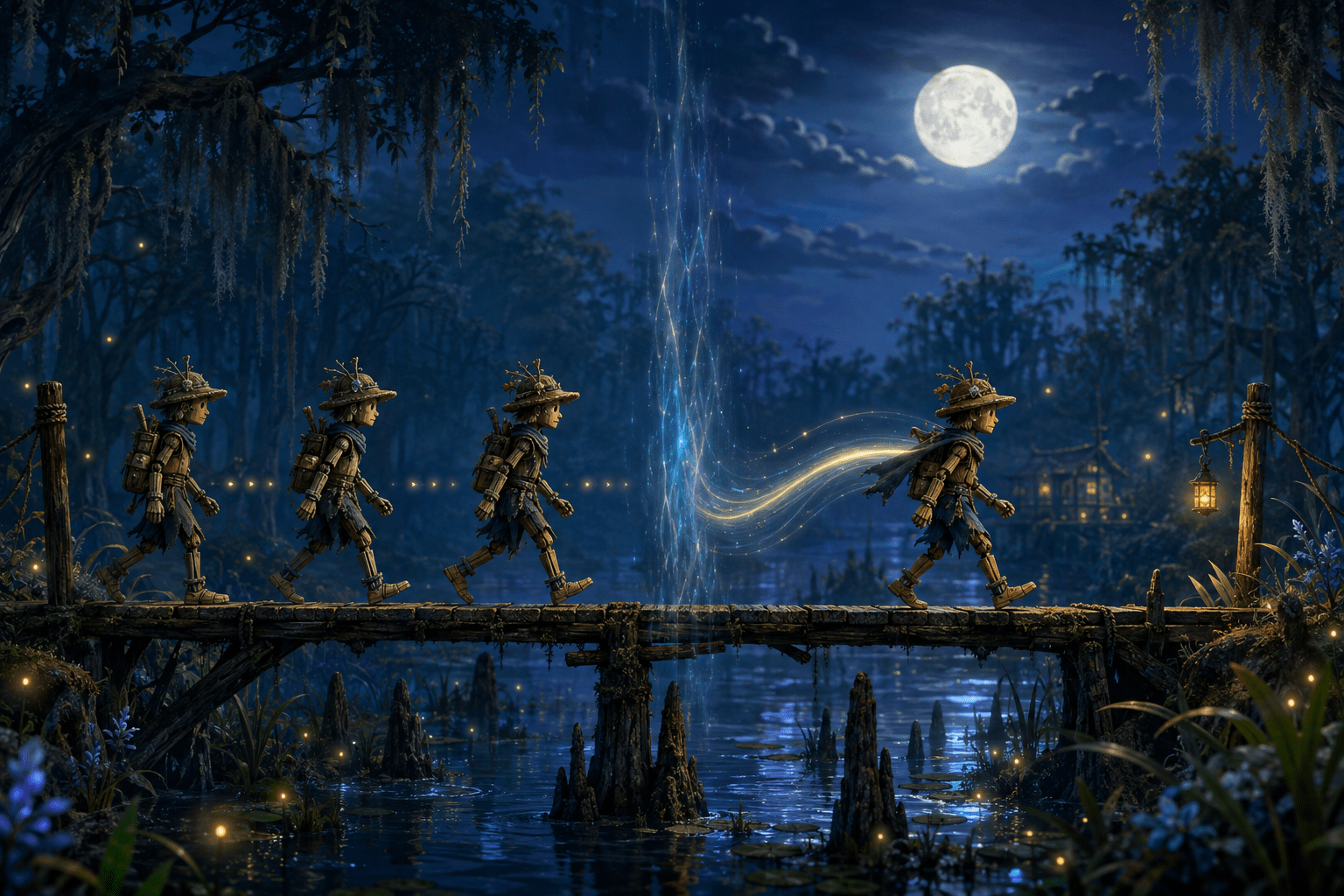
South of Midnight uses animation inspired by traditional stop-motion puppetry. Its characters have handcrafted, maquette-like designs, and their movement can be presented with the deliberately stepped cadence associated with physical stop-motion animation. Instead of every movement appearing completely continuous, poses advance through visually distinct increments.
This treatment is central to the game’s artistic identity, but it can also create a sensory or visual-processing barrier. Compulsion Games therefore includes a setting that disables the stop-motion treatment during gameplay. When it is turned off, player-controlled movement and other gameplay animation are presented more smoothly.
The setting is unusually focused. It does not disable animation, reduce the game’s speed, remove combat effects, or replace its handcrafted character designs. It changes the temporal presentation of gameplay movement while preserving the underlying actions and visual world.
There is also a significant limitation: the setting applies to gameplay, not cinematics. Story sequences continue to use the stop-motion treatment regardless of the player’s selection. Players who need stepped animation removed throughout the entire experience may therefore still encounter a barrier.
What the stop-motion treatment does
Traditional stop-motion animation is created by physically repositioning an object and photographing it one frame at a time. When those images are played in sequence, the object appears to move. Animators can preserve a visibly stepped quality by allowing individual poses to remain on screen for more than one playback frame rather than producing a new pose for every frame.
South of Midnight is not literally filming physical puppets during play. It uses digital models and animation designed to evoke handcrafted stop-motion work. Compulsion Games describes the characters as being inspired by traditional stop-motion puppets and animation techniques, with movements intended to feel distinct and maquette-like.
The difference is therefore one of visual cadence, not necessarily the game’s overall rendering frame rate. A game can continue responding to input and rendering its environment at a comparatively high frame rate while a character’s pose appears to update less frequently. The camera, interface, lighting, or environmental effects may look continuous even as character movement retains an intentionally segmented rhythm.
This distinction helps explain why the effect can feel uncomfortable even when the game is technically running well. Performance-related stutter is normally an unintended interruption caused by inconsistent frame delivery. Stylized stop-motion animation is deliberate. To a viewer, however, both can produce noticeable gaps between visible poses.
What changes when the setting is disabled
Compulsion Games states that players can disable the stop-motion animation treatment for gameplay at any time through the settings. Turning it off allows gameplay animation to appear smoother rather than moving through the same pronounced stepped cadence.
The setting does not convert the game into a different visual style. Characters retain their sculpted proportions, handcrafted materials, costumes, and other artistic details. Environments, lighting, color, camera perspective, and narrative presentation also remain recognizable. What changes is how gameplay movement progresses over time.
This makes the option a form of sensory presentation control rather than a graphical quality preset. Lowering texture quality or shadow resolution changes the amount of visual detail rendered. Disabling the stop-motion treatment instead changes the continuity of motion.
It is also different from motion smoothing performed by a television. Television interpolation attempts to manufacture intermediate images after receiving the game’s output and can add latency or create visual artifacts. The in-game option changes how gameplay animation is presented by the game itself. Players do not need to enable display-level interpolation to receive smoother character motion.
The toggle can be changed at any time, according to the developer. This allows a player to compare both presentations without beginning a new save. Someone who enjoys the stepped style during exploration but finds it difficult to follow during fast combat may also be able to adjust it as their needs change, although repeatedly switching settings may not be convenient.
Why stepped animation may create a barrier
Responses to animation cadence vary. Many players may find the stop-motion treatment expressive, readable, and visually engaging. Others may experience eyestrain, headaches, nausea, visual fatigue, disorientation, or difficulty following the location and direction of moving objects.
Stepped movement can reduce the amount of continuous visual information available between one pose and the next. During a slow conversation gesture, that gap may be relatively easy to interpret. During traversal or combat, the player may be tracking several rapidly changing elements at once: the playable character, an enemy’s attack, the camera, environmental obstacles, targeting information, and visual effects.
If character poses change in discrete increments while the player is making continuous stick or mouse movements, the visible feedback may feel less closely connected to the physical input. That mismatch may be uncomfortable for some people with vestibular sensitivities or motion sickness. Other players may find it cognitively demanding because they must infer more of the movement that occurs between displayed poses.
The effect can also resemble low frame-rate motion even though it is an intentional animation choice. Players who are particularly sensitive to judder or inconsistent-looking movement may have difficulty separating the stylized character cadence from the motion of the camera and surrounding environment.
None of these responses can be predicted solely from a diagnosis. Two players with the same condition may respond very differently, while a player without a diagnosed disability may still experience substantial discomfort. The setting provides a choice rather than assuming one presentation is universally accessible.
Smoother animation is not reduced motion
Turning off the stop-motion treatment should not be confused with disabling movement. The characters continue to run, jump, dodge, fight, climb, and perform animated actions. Enemies still move through combat spaces, and the camera still follows gameplay.
The setting changes how continuously those actions are displayed. It does not necessarily reduce their speed, distance, intensity, or complexity. A fast enemy remains fast; its movement may simply be easier to track between positions.
This is different from a reduced-motion mode that removes large camera sweeps, animated backgrounds, parallax, zoom effects, or other sources of screen movement. It is also different from lowering camera shake, disabling motion blur, widening the field of view, or adding a persistent center dot. Those settings address different parts of the visual and vestibular experience.
The game accordingly places the stop-motion toggle within its motion-sickness accessibility options while also providing other camera and presentation controls. A player may benefit from disabling stepped animation but still need to adjust motion blur, camera following, or other available settings.
The gameplay-versus-cinematics limitation
The most important restriction is that disabling stop motion does not affect cinematics. Compulsion Games explicitly states that the toggle changes gameplay only.
This means the feature offers reduction rather than complete trigger removal. A player can explore environments and participate in combat with smoother animation, but story sequences retain the original stepped presentation. Because South of Midnight is strongly narrative-driven, cinematics are not a rare or incidental part of the experience.
The limitation may be manageable for someone whose discomfort primarily appears while controlling a moving character. Passive viewing does not create the same input-to-motion relationship, and a cinematic camera may be more predictable than combat. For another player, the animation cadence itself may be the barrier regardless of whether they control the action.
The option should therefore not be described as turning off all stop motion in South of Midnight. It turns off the stop-motion treatment during gameplay. That more precise wording matters to anyone deciding whether the game is likely to be tolerable.
The setting also does not provide an alternative version of each cinematic. There is no documented option to replace the remaining sequences with smoothly animated equivalents. Depending on the available playback controls, looking away, pausing, or asking another person to describe a scene may cause narrative information to be missed and should not be treated as equivalent access.
Artistic style versus accessibility
The stop-motion treatment is not a disposable post-processing effect. It supports the game’s storybook framing and handcrafted Southern Gothic presentation. Disabling it may change how the player experiences that artistic direction.
That trade-off does not make the accessibility option inappropriate. It demonstrates why presentation controls are valuable. Players who can comfortably use the original treatment can retain it, while those who find it inaccessible can modify one aspect without losing the character designs, environments, performances, music, and underlying gameplay.
This is more flexible than forcing a choice between enduring an uncomfortable effect and avoiding the game entirely. It also avoids treating the alternative as a simplified or lesser mode. Smooth animation does not automatically complete actions, lower the difficulty, or remove mechanics.
At the same time, preserving stop motion in cinematics suggests that the game prioritizes its intended visual presentation in story sequences over complete consistency of the accessibility option. The result is a meaningful accommodation with incomplete coverage rather than a comprehensive solution.
Combining the toggle with other options
Players affected by visual motion may want to combine the stop-motion toggle with the game’s other motion-related settings. Compulsion Games documents controls for motion blur and camera following, while the accessibility menu includes a motion-sickness section. A persistent center dot is also available through the interface options.
These features address separate sources of discomfort. Disabling stop motion makes gameplay animation more continuous. Reducing motion blur can improve clarity while the camera or objects move. Changing camera-follow behavior may reduce unwanted camera corrections. A persistent dot provides a stable screen-centered reference that may help some players maintain visual orientation.
Combining settings does not guarantee that every source of motion discomfort will disappear. Combat still includes quick movement and visual effects, while traversal involves platforming and changes in camera position. The game’s artistic environments can also contain atmospheric movement unrelated to character animation.
Performance settings matter separately. On PC or portable hardware, an unstable rendering frame rate can introduce genuine stutter even after the stylized stop-motion treatment has been disabled. Smoother animation cannot compensate for every frame-pacing or performance problem. Players may need to adjust resolution, graphics quality, or frame-rate limits to achieve a stable result on their hardware.
Platform availability
South of Midnight originally launched for Xbox Series X|S and Windows PC, including Steam, with cloud-streaming availability through supported services. Its current official game page also links to PlayStation and Nintendo storefronts. The PlayStation 5 and Nintendo Switch 2 versions were released on March 31, 2026.
The developer describes the stop-motion control as an in-game setting rather than a PC-only graphics feature. However, the publicly accessible documentation does not provide a platform-by-platform comparison of the toggle. Players relying on a particular console version should confirm that its current build includes the same option and is fully updated.
Cloud play introduces an additional distinction. The stop-motion setting changes the game’s intended animation cadence, but streaming quality can create separate compression artifacts, latency, or frame instability. Those transmission issues are not corrected by disabling the artistic treatment.
A narrowly targeted but meaningful option
The stop-motion toggle demonstrates how an accessibility feature can preserve most of an artistic design while allowing one potentially difficult component to change. Instead of offering only broad graphics presets, South of Midnight separates animation cadence from character design and gameplay mechanics.
It also illustrates why precise documentation matters. Saying that the game “lets players disable stop motion” is incomplete because it implies broader coverage than the option provides. The accurate description is that players can disable the stop-motion animation treatment during gameplay, while cinematics remain unchanged.
Compulsion Games explains the handcrafted visual approach, supported platforms, related accessibility settings, and gameplay-only limitation on the official South of Midnight page. Xbox also identifies the toggle as part of the game’s motion-sickness options in its official accessibility coverage.
Access needs vary, and smoother gameplay animation may reduce judder, visual fatigue, motion discomfort, or tracking demands for some players. It does not remove movement, stabilize every camera effect, correct hardware performance problems, or eliminate the stepped animation from cinematics, leaving a meaningful barrier for anyone who needs the treatment disabled throughout the complete game.