
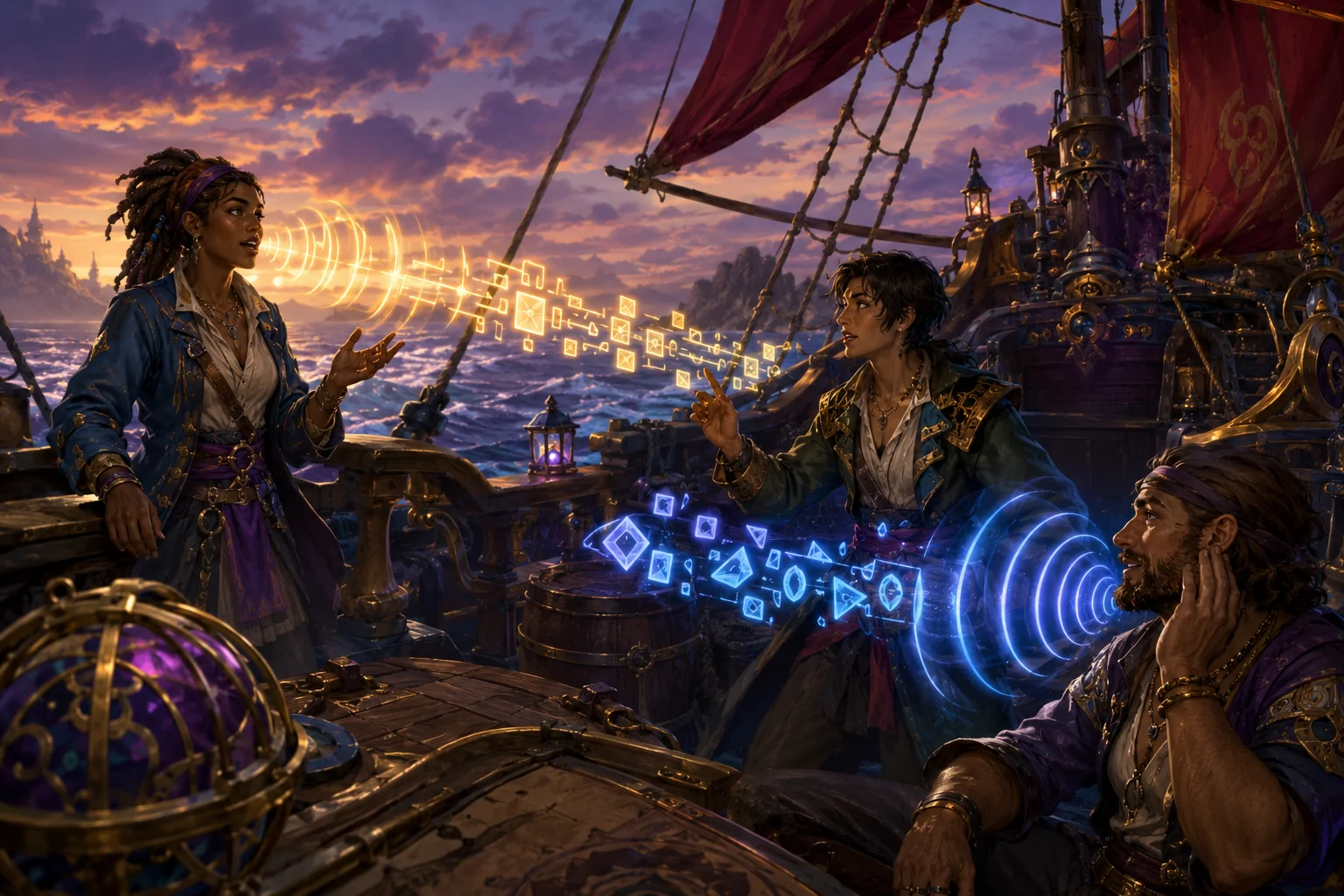
Communication in Sea of Thieves frequently happens while players are doing something else. A crew may need to coordinate a turn, warn one another about an approaching ship, divide repair work, or negotiate with strangers while waves, weapons, music, and environmental sounds compete for attention. Much of that information comes from other players rather than scripted dialogue.
Ordinary subtitles do not address this entire communication barrier. Subtitles can represent dialogue supplied by the game, but they do not ordinarily transcribe what another player says into a microphone. Sea of Thieves therefore includes separate Speech-to-Text and Text-to-Speech systems for game communication. One converts voice chat into displayed text. The other reads certain written communication aloud.
These systems may support players who cannot reliably hear voice chat, cannot comfortably read small or rapidly changing chat messages, or need information presented through another sensory channel. Their names can nevertheless create misleading expectations. Speech-to-Text is automated transcription, not a complete visual replacement for every sound. Text-to-Speech provides audible access to incoming written communication and emote descriptions; it does not automatically compose messages or understand what a player intends to say.
What Speech-to-Text transcribes
Rare describes Speech-to-Text as a system that converts voice chat from a player’s crew and nearby players into text. The resulting transcription appears in the game’s text-chat box. This matters because Sea of Thieves supports both cooperative crew communication and proximity-based encounters with other pirates. Relevant speech can therefore come from familiar teammates or from players encountered in the world.
The setting is found under the Text and Speech section of the Language settings. Its Speech-To-Text Override offers three states. “Not Overridden” allows the game to follow the applicable Xbox platform setting. “Enabled” forces the feature on for the game regardless of that platform preference. “Disabled” forces it off.
The override is useful when a player does not want one platform-wide choice applied identically to every game. Someone might normally leave platform transcription disabled but require it in Sea of Thieves, where spoken coordination can be frequent and time-sensitive. Conversely, a player who normally uses transcription may decide to disable it here if the additional text creates too much visual activity.
This setting concerns voice carried through the game’s supported voice-chat system. It should not be interpreted as a universal transcription layer for every audio source. It does not turn cannon fire, ship damage, musical cues, creature sounds, or other non-speech information into text. It also does not mean that all scripted dialogue has been folded into the same system. Subtitles and other visual sound indicators remain separate forms of access.
Why player transcription is different from subtitles
Subtitles usually begin with a known script. Developers already possess the words, speaker information, and timing, allowing them to prepare a stable visual presentation. Live player speech has none of those guarantees. The game must process an unpredictable microphone signal containing spontaneous language, varying audio quality, and potentially overlapping speakers.
Speech-to-Text can therefore reduce dependence on hearing without removing every communication obstacle. Automated transcription may misinterpret names, accents, specialized terms, rapidly delivered instructions, or speech affected by background noise and microphone quality. Multiple people speaking at once can make a short tactical exchange harder to reconstruct. Even when the words are accurate, the player still has to notice, read, and interpret them while managing the ship or participating in combat.
For Deaf and hard-of-hearing players, the feature may expose information that would otherwise exist only in voice chat. It may also help players who can hear speech in quiet conditions but find it difficult to separate voices from the game’s soundtrack and effects. Players with auditory-processing differences may value having a persistent visual representation they can reread, although the usefulness will depend on recognition accuracy, message duration, text size, and the demands of the current activity.
It is not equivalent to captioning the complete soundscape. A transcription such as a crewmate’s warning can convey the warning’s words, but it may not preserve every vocal quality, exact direction, interruption, or environmental context. Players may still need other visual or tactile information to locate threats and understand events that nobody has described aloud.
Making transcribed messages easier to see
Displaying a transcription does not automatically make it readable. Rare provides related text-chat options that can be combined with Speech-to-Text. Text Chat Scale enlarges chat notifications, which can reduce the precision or visual-acuity demands involved in reading small messages. The appropriate scale remains a trade-off: larger text is easier to resolve but occupies more of the play view.
Text Chat In Menus addresses a different problem. When enabled, chat messages remain visible while the player is using full-screen menus. Rare specifies that this coverage includes phrases and Speech-to-Text messages. Without it, a player managing inventory or another menu could miss communication arriving at the same time.
These settings improve presentation rather than transcription accuracy. Increasing the scale cannot correct a wrongly recognized word, and showing chat over menus cannot guarantee that a player has enough time or attention to process it. They do, however, address two barriers that can make otherwise successful transcription inaccessible: text that is too small and text that disappears from view because another interface has opened.
Players should also consider the visual cost. Large, persistent messages may obscure parts of the environment or compete with navigation, combat, and status information. A person who benefits from transcription but is sensitive to clutter may need to balance text scale and menu visibility against the amount of simultaneous information on screen.
What Text-to-Speech contributes
Sea of Thieves also has a Text-To-Speech Override in the Text and Speech settings. Rare states that the system lets a player hear what other pirates type in chat, along with descriptions of the emotes they perform. Like Speech-to-Text, the override can follow the Xbox platform setting, force the feature on, or force it off.
This creates a different direction of conversion. Speech-to-Text takes incoming voice communication and makes it visual. Text-to-Speech takes supported written information and makes it audible. The two options are complementary, but they are not interchangeable.
Audible reading of chat may assist a blind or low-vision player who cannot efficiently monitor the text-chat box during play. It may also reduce the need to redirect visual attention away from steering, aiming, repairing, or navigating. Reading support can be useful for some players with cognitive or print-processing access needs, although synthetic speech can introduce its own comprehension demands.
The Voice Playback Rate setting adjusts the speed of Text-to-Speech and game narration. A slower rate may make individual words easier to distinguish, while a faster rate may reduce the delay before a longer message finishes. Neither choice is universally preferable. Slow narration can overlap subsequent action or communication, while fast narration may become difficult to understand.
Text-to-Speech should not be confused with automatic gameplay assistance. It does not select a response, decide what information matters, steer the ship, or perform an interaction. It changes how supported written communication is presented. The player must still understand the message and decide what to do.
It is also important not to assume that every use of the phrase “text-to-speech” means the same thing. Xbox party chat includes a platform feature that can speak a player’s typed party messages using a synthetic voice. Rare’s Sea of Thieves support documentation describes its in-game Text-to-Speech setting in terms of hearing what other pirates type and hearing emote descriptions. Players configuring communication should therefore distinguish incoming in-game narration from any outgoing synthetic speech supplied through a separate platform party-chat system.
Game chat and Xbox party chat are separate contexts
The “Not Overridden” option shows that Sea of Thieves can defer to an Xbox platform preference, but this does not make in-game communication identical to Xbox party chat. Xbox’s party Speech-to-Text transcribes speech occurring within an Xbox party and places the result in an adjustable overlay. Its party Text-to-Speech can read typed party messages aloud.
In-game chat has a different social and spatial scope. Rare’s Speech-to-Text documentation specifically refers to crew members and other nearby players. An Xbox party, by contrast, is a platform communication group that can persist independently of who is close enough to communicate in the game world.
This distinction can affect access. A crew communicating exclusively in an external party may bypass the game-chat channel on which Sea of Thieves transcription operates. Nearby strangers may likewise be outside the private party even though their in-game speech is relevant. Before relying on transcription, a group should confirm which channel it is actually using and where the converted text will appear.
The distinction also matters across platforms. Rare’s current support pages list the feature for Xbox Series X|S, PlayStation 5, Windows, Steam, Xbox Game Pass, and Battle.net versions. References to Xbox platform settings in the override descriptions do not mean every player on every platform manages system-level communication in an identical way. The in-game override is the most direct place to verify the game’s own behavior.
Translation is related but not equivalent
A separate “Translate Other Players” setting can translate other players’ voice speech and display the result in the notification window using the receiving player’s language. This may reduce a language barrier while also presenting speech visually, but translation and transcription solve different problems.
Transcription attempts to represent speech as text. Translation additionally changes the language in which that content is presented. Each automated stage can affect accuracy, especially with incomplete phrases, unusual names, slang, noisy microphones, or overlapping speech. A translated notification should not be treated as a guaranteed word-for-word record.
Translation also does not turn environmental sound into descriptive captions or make every social interaction accessible. Its practical value depends on whether other players use supported voice chat, whether speech is recognized, and whether the resulting text is readable during play.
Combining the communication settings
Speech-to-Text can be paired with enlarged text chat and chat visibility in menus to make incoming player voice more consistently available visually. Text-to-Speech and an adjusted playback rate can provide an auditory route to typed chat and emote descriptions. A mixed-access crew may use text chat, voice transcription, audible text playback, and the game’s predefined communication tools together rather than expecting one channel to serve every member.
Redundancy can be helpful. A spoken instruction that becomes unclear in transcription can be repeated in text. A typed message that is difficult to locate visually may be heard through Text-to-Speech. Crewmates can use concise wording and avoid speaking over one another when accurate communication is especially important. These practices do not repair every limitation, but they can improve the conditions under which the automated systems operate.
The settings may also impose competing sensory costs. Transcribed chat adds movement and text to the screen. Spoken playback adds another voice to an already busy soundscape. Using both simultaneously can increase the total amount of information demanding attention. Players may need to adjust chat scale, playback rate, general audio balance, and communication habits to find a workable combination.
Availability does not guarantee complete communication access
Rare’s official documentation for Speech-to-Text and Text-to-Speech provides the current setting paths and supported-platform information. These pages are worth checking after substantial updates because platform behavior and menus can change.
The presence of both conversion directions is valuable because communication barriers do not all originate in the same place. Some players need spoken messages represented visually. Others need written messages presented through audio. Neither system, however, is a complete substitute for comprehensive captions, visual sound information, accessible text entry, reliable recognition, or cooperative communication practices.
Access needs vary, and these options will not make every conversation or gameplay event accessible. In practical terms, they provide alternate routes for supported player speech, typed chat, and emote descriptions, while leaving recognition errors, unsupported sounds, visual clutter, channel differences, and the demands of composing or interpreting messages as meaningful limitations.