
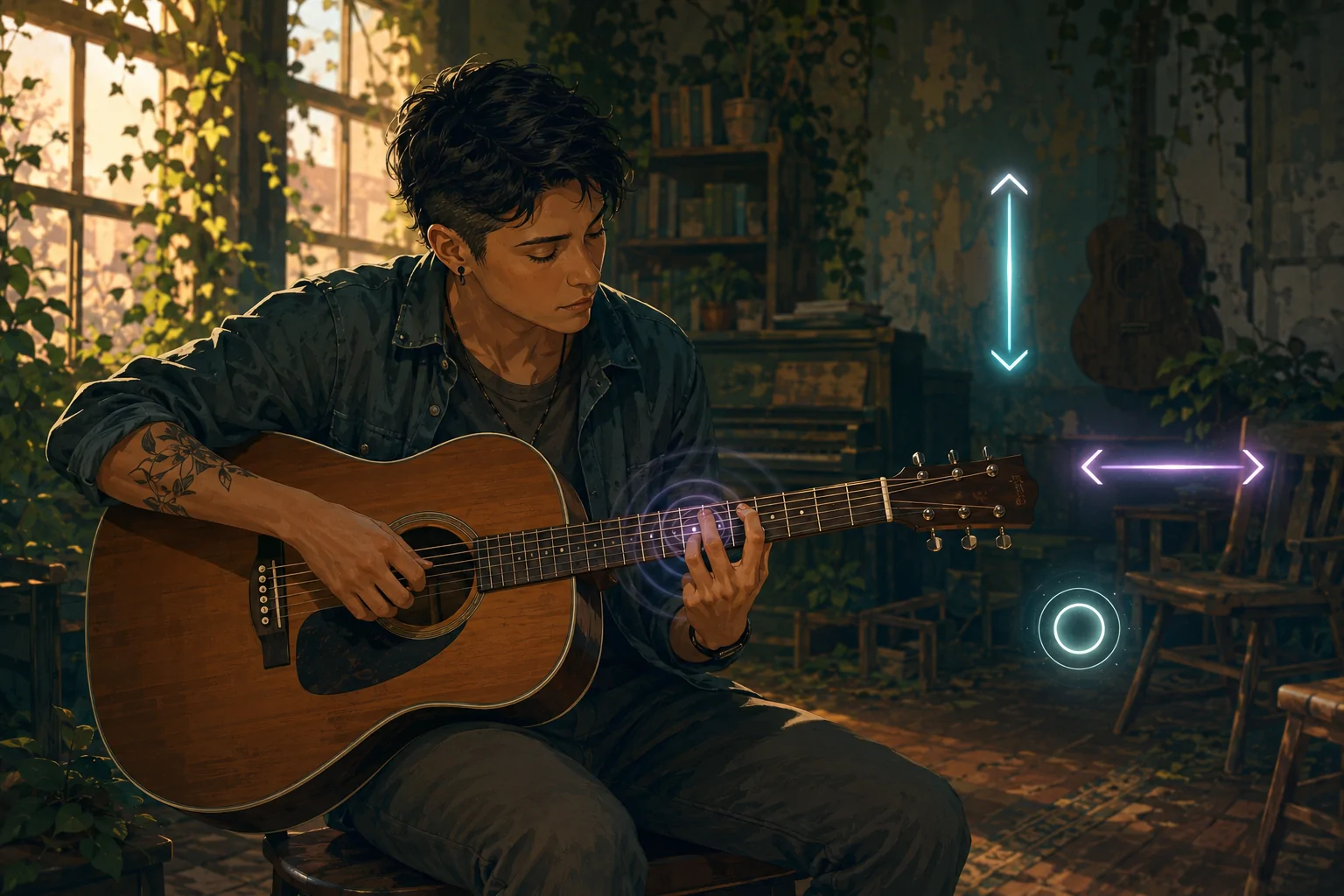
The Last of Us Part II lets players strum vertically or horizontally across the controller touchpad, replace the swiping gesture with a single-button input, remap that button, and enable vibration when the correct story-progression note is selected.
These options remove dependence on one specialized gesture without skipping the narrative interaction. They do not automatically play the complete sequence or turn it into a fully nonvisual rhythm system.
Three Strumming Methods
Guitar Strumming Input provides Vertical, Horizontal, and Taps. Vertical uses an up-or-down touchpad swipe, Horizontal changes the movement to left or right, and Taps replaces the gesture with a button press.
By default, Taps uses the X button, but the alternate strumming action can be assigned to another input through control customization.
Why the Gesture Can Be a Barrier
A touchpad swipe requires the player to reach the surface, make contact, move in the expected direction, and complete a recognizable gesture. Controller position, range of motion, pain, tremor, coordination, or an adapted setup can affect whether this is practical.
A discrete button press removes the need for the directional surface movement. The player may still need to select notes, understand the objective, and initiate the strum.
Direction and Remapping
Some players can use the touchpad but find one movement direction easier. The horizontal and vertical choices recognize that two gestures on the same surface are not physically equivalent.
Remapping matters because replacing a swipe only helps if the substitute button is reachable. The game also provides right-hand-only, left-hand-only, and custom control schemes.
Guitar Vibration Cues
Guitar Vibration Cues provide tactile feedback when the correct note for story progression is selected. This can confirm the selection without relying only on the visible interface or the instrument’s sound.
The cue confirms a progression note rather than automatically selecting or strumming it. It does not communicate every quality of melody, rhythm, or chord through touch.
Limits of Vibration
Vibration is not accessible to everyone. Reduced sensation, pain, sensory sensitivity, or an incompatible controller can make it ineffective or uncomfortable. The strumming method and vibration cue are therefore separate settings.
Alternative Controller Positions
Controller orientation can be set to Default, Left, Right, or Upside Down, with directional buttons and stick behaviour rotating accordingly. This may help players who stabilize the controller against their body or place it on a surface.
Preserving Participation
The guitar carries narrative and emotional meaning. Alternative inputs preserve participation in the interaction rather than forcing a choice between the default gesture and complete omission.
A player could select Taps, remap strumming, use a one-handed scheme, and enable vibration. Another could keep touchpad swiping but change its direction or disable tactile feedback.
Last verified: August 3, 2026.
Access needs vary. Review the official accessibility documentation for the complete settings and current platform details.