
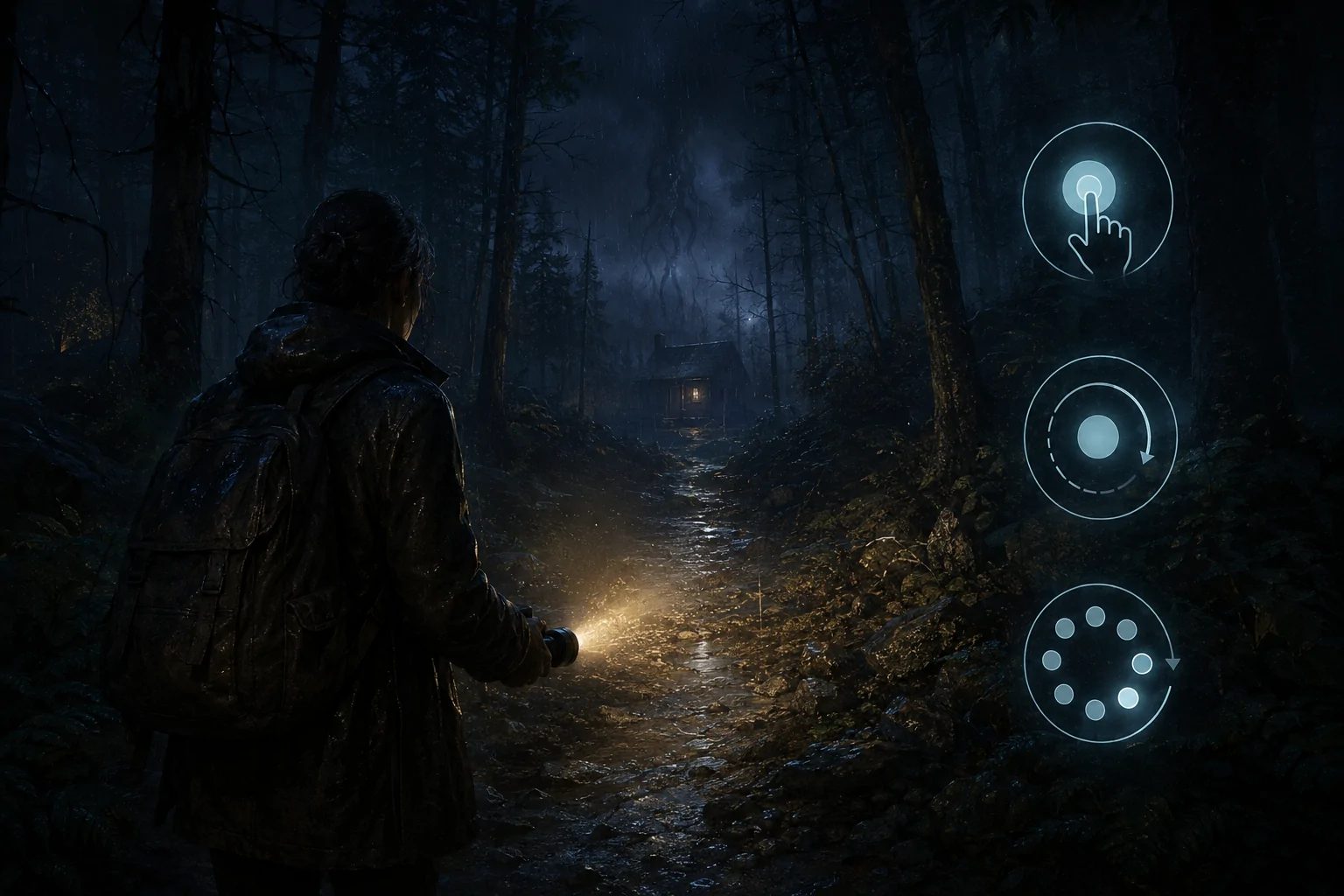
Alan Wake 2 includes gameplay assists that can reduce rapid, repeated, precisely timed, and sustained inputs. Options include automatic quick-time events, a tap-or-hold choice, Quick Turn, aim assistance, automatic weapon actions, and invulnerability.
These settings address separate barriers and can be enabled in different combinations. They do not convert every interaction into automatic play or remove all movement, exploration, and puzzle demands.
Automatic Quick-Time Events
Quick-time events ordinarily require the player to recognize a prompt and perform the requested input within a short window. The automatic option completes supported events without requiring the timed response.
This can remove a barrier involving reaction time, prompt recognition, motor speed, or an input that is difficult to reach. It applies to supported quick-time events rather than every timed action in the game.
Tap or Hold
Repeated button actions can be changed so that holding the input replaces rapid tapping. This reduces the number of presses while preserving the need to initiate and maintain the action.
Holding is not easier for everyone. Players affected by sustained pressure may prefer the original tapping method, which is why the setting functions as a choice rather than a universal replacement.
Quick Turn
Quick Turn rotates the character rapidly to face the opposite direction. It can reduce the stick movement, camera speed, and coordination required to respond to a threat approaching from behind.
The action changes orientation but does not identify the safest direction, aim at an enemy, or move the character away from danger.
Weapon and Aiming Assistance
Aim assistance can reduce the precision needed to place the reticle on a target. Additional gameplay options can simplify selected weapon actions, including reloading or flashlight-related demands where supported.
These assists can reduce simultaneous input load during combat. Players still need to choose a target, manage positioning, and understand when the action is appropriate.
Invulnerability and One-Shot Kills
Invulnerability prevents ordinary damage from defeating the player, while one-shot kills allow many enemies to be defeated with a single successful attack. Either setting can reduce the need to repeat combat after failure.
They change survival and combat demands but do not skip navigation, investigation, puzzles, or every scripted hazard. Some sequences may still require a specific action to progress.
Combining the Settings
A player could automate quick-time events, select hold instead of repeated tapping, enable aim assistance, and retain ordinary damage. Another could use invulnerability while leaving aiming and weapon handling unchanged.
Separating the options allows players to target the input barriers they encounter without accepting a single fixed accessibility preset.
Last verified: August 3, 2026.
Access needs vary. Review the official accessibility documentation for the complete settings and current platform details.