
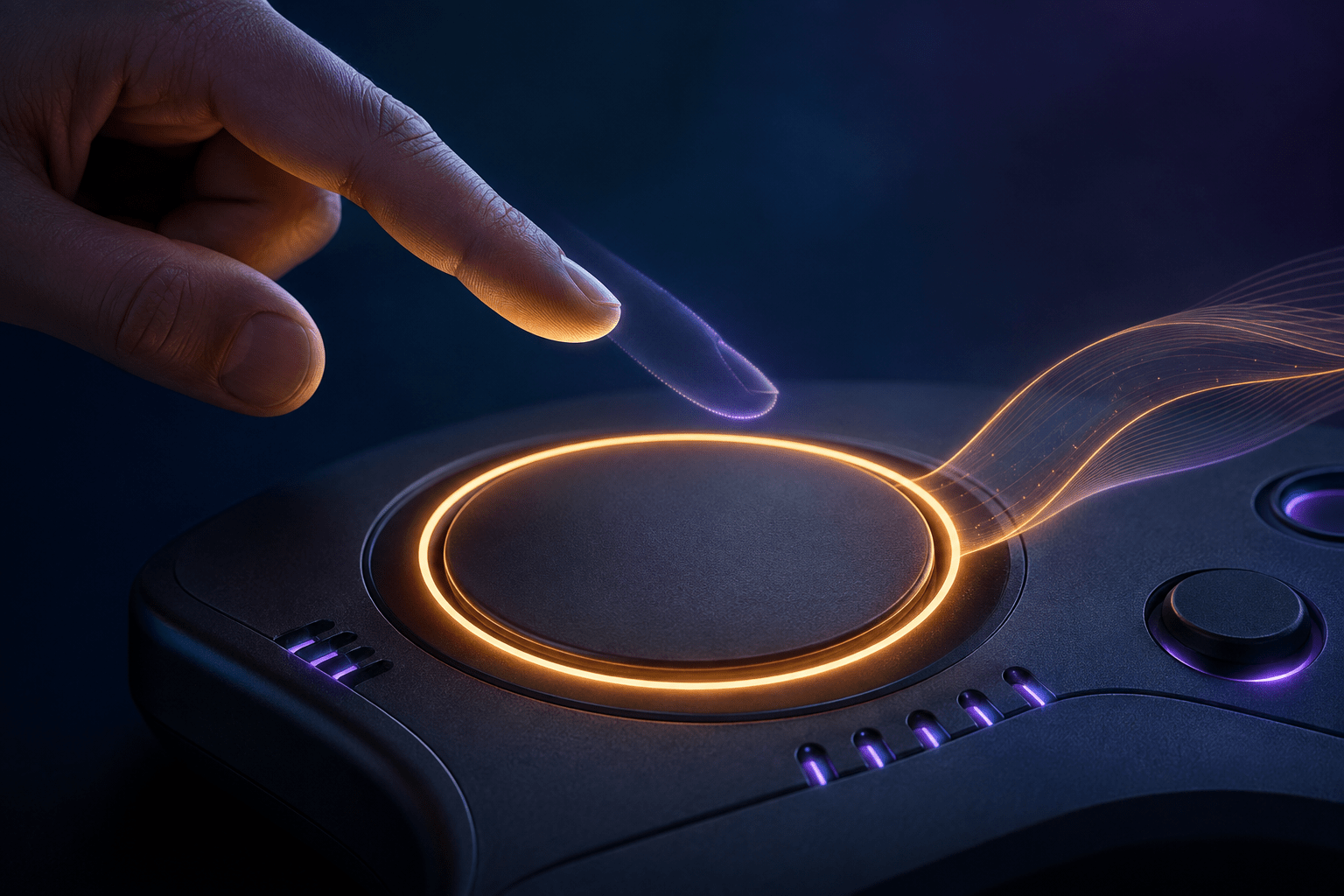
Many games require players to keep a button physically depressed for an extended period. A sustained input may be used to aim, block, accelerate, sprint, open a weapon wheel, charge an action, operate equipment, or maintain another continuous command. Even when an individual button is easy to reach, holding it can produce a different and more demanding physical barrier than pressing it briefly.
Xbox’s Toggle Hold feature changes how a compatible controller maintains an assigned input. The player presses the configured control once, and the system keeps that input in a pressed state after physical contact ends. Pressing the control again releases it.
The result resembles a toggle option built into a game, but it is configured at the controller level through the Xbox Accessories app. Microsoft describes the behaviour as similar to Sticky Keys on a computer. It can be assigned to a button or compatible input port on supported Xbox accessibility hardware.
Toggle Hold does not change which action a control performs. It changes whether the player must continue applying pressure to keep that action active. This distinction separates it from ordinary remapping, automation, turbo functions, and game-specific control assists.
How Toggle Hold Changes an Input
A conventional held input has two physical stages. The player depresses the control to activate an action and must continue applying enough pressure to prevent the control from returning to its resting position. The action ends when the player releases it.
With Toggle Hold assigned, the first press activates and latches the input. The player can remove their finger, hand, foot, or other body part from the control while the system continues to report that it is pressed. A second press releases the latch and returns the input to its inactive state.
The change can be described as replacing continuous pressure with two discrete activations. The first activation begins the held state; the second ends it.
This does not necessarily change how the game labels or interprets the command. If the assigned control is mapped to aiming, the game may continue to receive an aiming input until the player presses the control again. If the control corresponds to acceleration, the game may continue to receive acceleration. The resulting in-game behaviour depends on the action assigned to that input and how the game responds to a sustained press.
Toggle Hold therefore operates below the level of a particular game’s accessibility menu. It changes the output produced by the compatible controller rather than asking every individual game to provide a toggle alternative for the same action.
Why Holding Can Be a Separate Motor Barrier
Pressing a button briefly and holding it continuously are not physically equivalent. A player may be able to initiate an input but have difficulty maintaining consistent pressure over time. Sustained contraction can contribute to fatigue, pain, cramping, tremor, or loss of control.
A prolonged hold may also occupy a finger or body movement that the player needs for another input. On a conventional controller, holding a trigger while moving a stick and reaching for face buttons can require simultaneous grip, stabilization, and independent finger movement.
On an adaptive setup, maintaining a switch may require the player to keep a hand, foot, elbow, shoulder, head, or another body part in one position. A switch that is accessible for a brief activation may become much harder to operate when the game requires uninterrupted contact.
Toggle Hold may reduce these demands by allowing the player to return to a resting position between the start and end of the command. It can also free the same body part to operate a different control while the first input remains active.
This may be useful for players with limited strength, restricted range of motion, reduced endurance, joint instability, pain, tremor, muscle weakness, or difficulty coordinating several simultaneous inputs. These are possible applications rather than guarantees. Some players may find a two-press toggle easier, while others may prefer the direct control of a conventional hold.
Supported Xbox Controllers
Microsoft documents Toggle Hold for the Xbox Adaptive Controller, Xbox Adaptive Joystick, and Xbox Elite Wireless Controller Series 2. The feature is configured through the Xbox Accessories app.
On the Xbox Adaptive Controller, Toggle Hold can be applied to a button or an input port. The controller’s external ports allow compatible switches and other controls to be assigned to controller functions. Applying Toggle Hold at this level means an external control can initiate a sustained input without requiring continuous activation of the switch.
The Xbox Adaptive Joystick can also use Toggle Hold. The joystick is designed as a wired companion controller with a thumbstick and customizable buttons, and it can be incorporated into broader adaptive arrangements.
The Xbox Elite Wireless Controller Series 2 provides the feature within a more conventional controller design. Its inclusion may help players who can use the controller’s general layout but find prolonged button or trigger pressure difficult.
Microsoft’s official Toggle Hold description does not list the standard Xbox Wireless Controller as a supported device. Players should not assume that the feature is available for every controller merely because the controller can otherwise be customized in the Xbox Accessories app.
It is also not a universal feature applied automatically to every input. The player must configure it for the compatible control they want to latch.
Toggle Hold Versus In-Game Toggle Settings
Some games provide their own alternatives to held inputs. An aiming option may allow the player to choose between holding a trigger and pressing it once to enter aiming mode. Sprinting, crouching, blocking, scanning, and weapon wheels may have similar toggle settings.
These built-in options are generally specific to the action named by the game. A game might allow toggle aiming but still require a sustained press for another command. The available choices can vary considerably between games and sometimes between different actions in the same game.
Xbox Toggle Hold is configured for a controller input rather than a named gameplay action. This can make it useful when a game lacks a toggle for the required command. It may also provide a more consistent input method across several games that use the same controller control for sustained actions.
The controller-level approach has an important trade-off. Because it operates on the input rather than understanding the game’s context, the same configured control may latch wherever that input is recognized. The setting does not know that a player intends to use a toggle only while aiming but wants ordinary brief presses in menus or another gameplay mode.
A game-specific toggle can be more context-aware because the developer can apply it only to the intended action. Controller-level Toggle Hold is broader, but that breadth can require more careful configuration.
Toggle Hold Versus Remapping
Remapping changes which physical control produces a particular command. A player might move a trigger function to a face button, paddle, external switch, or joystick direction that is easier to reach.
That relocation does not normally change the duration requirement. If the original command must be held, the remapped control may still need to remain activated for the same length of time.
Toggle Hold changes the duration behaviour. The player can activate the remapped command briefly while the controller maintains the output.
The two features can therefore be combined. A difficult-to-reach held command can first be moved to a more accessible control and then configured to remain active between presses. Remapping addresses location and reach; Toggle Hold addresses sustained pressure.
Neither feature changes the underlying difficulty, timing, or consequences of the in-game action. Moving or latching a block input does not automatically identify when the player should block. The player still decides when to begin and end the command.
Toggle Hold Is Not Rapid-Fire Automation
Toggle Hold maintains a continuous pressed state. It does not repeatedly press and release the control on the player’s behalf.
This distinction matters in games that require rapid button tapping. A command that expects many separate presses may not respond to one continuously held input in the same way. Toggle Hold should not be treated as an alternative to a game setting that replaces repeated taps with a hold.
For example, a game may ask the player to press a button rapidly during a struggle sequence. Latching that button would tell the game that the control remains depressed. Unless the game itself accepts a held input, the command may not progress.
Similarly, Toggle Hold does not choose actions, aim at targets, steer the character, complete quick-time events, or determine when an input should be released. It maintains the state of the configured control until the player changes that state.
The Second Press Creates a State-Tracking Demand
A conventional hold provides direct physical information about the input’s state. If the player is pressing the control, it is active; if the player is not touching it, it is inactive. Toggle Hold separates physical contact from electronic state.
After the first press, the player must remember that the input remains active. They must then press it again at the appropriate time to release it. This can create a state-tracking demand that does not exist in the same form with a conventional hold.
The difference may become important when gameplay is interrupted, the camera changes, a menu opens, or the player switches between modes. If the game continues to recognize the latched input, forgetting to release it may produce an unintended action.
Examples can include remaining in an aiming state, continuing to accelerate, keeping a defensive action active, or leaving another sustained command engaged longer than intended. The exact result depends on the game.
For some players, this two-state model is clearer and physically easier. For others, remembering whether the input is latched may increase cognitive load or create uncertainty. Toggle Hold reduces one barrier by changing the interaction rather than making the interaction universally simpler in every respect.
Actions That May and May Not Work Well
Toggle Hold may work well for an action with a clear beginning and ending that normally requires prolonged pressure. Aiming, blocking, charging, accelerating, or keeping a tool active may fit this pattern when the game responds predictably to a sustained input.
It may be less suitable for a control that performs many different functions depending on context. If the same button activates a brief interaction, confirms a menu choice, and maintains another gameplay action, latching it could produce unintended behaviour outside the situation for which it was configured.
Some games also distinguish a tap from a hold on the same button. A brief press may perform one action, while holding it performs another. Toggle Hold can complicate this relationship because the controller continues reporting the press after contact ends.
The setting does not rewrite the game’s input logic. If a game requires a press to begin an action and a physical release event to confirm another stage, the latched behaviour may not match the intended sequence. Players may need to test individual actions rather than assigning Toggle Hold broadly.
Using Toggle Hold in Adaptive Arrangements
The Xbox Adaptive Controller’s ports make the feature particularly relevant to modular control setups. A player might activate an assigned port using a large button, light-touch switch, foot control, sip-and-puff interface output, or another compatible device.
Without Toggle Hold, the switch may need to remain active for the entire duration of the command. That can limit which placement or movement is practical. A control that works well for a quick activation may be impossible to sustain without fatigue or loss of balance.
With Toggle Hold, switch placement can be chosen around reliable brief activation rather than continuous contact. The player can activate the switch, return to a neutral position, and use other controls before returning for the release press.
The feature does not determine whether a particular third-party switch, mounting arrangement, or assistive device is compatible with the controller. Hardware compatibility, connection requirements, positioning, and individual physical access still need to be evaluated separately.
Platform and Configuration Limits
Toggle Hold is an Xbox controller-remapping feature configured through the Xbox Accessories app. Its practical availability depends on access to the app and one of the compatible controllers identified by Microsoft.
It should not be confused with a setting that developers can guarantee will behave identically in every game. The controller supplies a sustained input, but each game determines what that input does in its current context.
Games may also change their controls between gameplay, menus, vehicles, map screens, and other modes. A latched button that works effectively in one context may be inconvenient in another. Players may need separate controller configurations or may need to enable the behaviour only for selected inputs.
Toggle Hold also cannot solve a sustained analogue-direction requirement merely by latching an unrelated digital button. The assigned control, the command produced, and the game’s input support must align with the action the player is trying to access.
Two Presses Instead of Continuous Pressure
Xbox’s official accessibility announcement, Xbox Recognizes International Day of Persons with Disabilities, describes Toggle Hold and the compatible Xbox controller hardware on which it can be assigned.
The feature can reduce the need to maintain prolonged physical pressure by converting a held input into a press-to-activate and press-to-release interaction. It may be combined with remapping and external switches to address both input location and input duration.
It does not add toggles to every controller, repeat rapid presses, understand the game’s context, or decide when an action should end. Access needs vary, and the latched state may introduce its own tracking or compatibility demands. Toggle Hold is most useful when a sustained command is physically inaccessible but two deliberate activations remain reliable and the game responds predictably to the maintained input.