
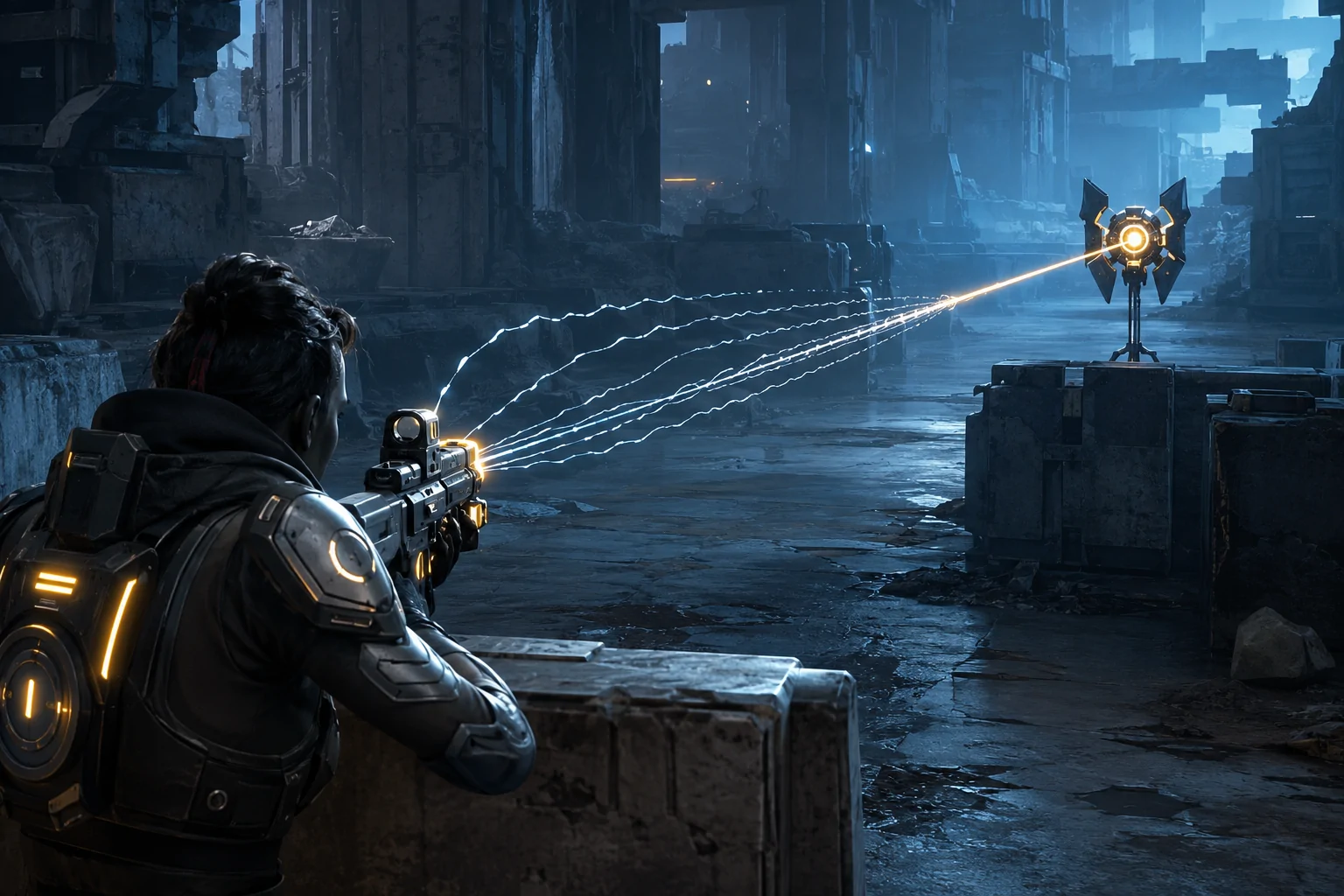
Aiming in a third-person shooter combines several demands at once. The player must locate a target, move a reticle toward it, keep that reticle aligned while the target or camera moves, and activate the weapon at an appropriate time. Difficulty settings can change how much damage the player receives or how aggressive enemies are, but those changes do not necessarily reduce the physical precision needed to aim.
Gears 5 includes a Target Lock option that addresses this narrower part of combat. When Target Lock is enabled, the game automatically aims the reticle at an enemy while the player is aiming down sights. The Coalition describes it as support for players who are new to shooters or need assistance targeting enemies.
Target Lock is not available under every rule set. The official accessibility documentation limits it to Campaign, Horde, and Escape while playing at difficulties from Beginner through Advanced. It is therefore an aim-assistance feature with mode and difficulty restrictions, not a universal targeting system across all Gears 5 play.
What Happens When Target Lock Is Enabled
The assistance engages when the player aims down sights. This is the more deliberate aiming state entered by using the assigned aim control. With Target Lock active, the game auto-aims the reticle toward an enemy rather than requiring the player to perform the entire reticle movement manually.
The player still initiates aiming. Target Lock does not continuously search the environment and fire whenever an enemy appears. It does not automatically decide when ammunition should be used, choose a combat position, take cover, reload, or complete an encounter. Its intervention is tied to the act of aiming down sights.
That boundary separates target acquisition assistance from combat automation. The player remains involved in recognising danger, selecting when to raise the weapon, deciding whether to shoot, and managing the consequences. The setting reduces the analogue precision involved in aligning the reticle, but it does not remove the larger tactical structure of combat.
Target Lock Versus Ordinary Aim Assist
Aim-assistance systems can behave in substantially different ways even when games use similar names for them. Some slow the reticle as it crosses a target. Others add slight rotational assistance while the player is already tracking an enemy. Some make projectiles more forgiving without visibly moving the reticle. These approaches still expect the player to move the aim close enough for assistance to become useful.
The Coalition’s description of Target Lock is more direct: the reticle is auto-aimed while aiming down sights. It should not be described merely as reduced sensitivity or a larger hit area. The feature assists with bringing the aim onto a target after the player enters the appropriate aiming state.
It is also different from automatic firing. A reticle aligned with an enemy does not mean the game has chosen to shoot. The player still needs to activate the firing control unless another setting or mode changes that behaviour. This retains a separation between acquiring a target and attacking it.
Target Lock should likewise be distinguished from an invincibility option. Enemies and hazards remain active, and the player can still take damage. Better target acquisition may make an encounter more manageable, but it does not prevent failure or remove the need to use cover and respond to threats.
Which Barriers It May Reduce
Precise analogue aiming can be difficult for players with limited dexterity, tremor, reduced range of motion, pain, weakness, fatigue, or difficulty coordinating camera movement with a target. A person may be able to decide whom to attack and press an aim control but struggle to maintain the small, continuous stick adjustments required to place the reticle accurately.
Target Lock may reduce this fine-motor demand by handling more of the reticle alignment after aiming begins. It may also reduce the amount of repeated correction needed when an initial stick movement overshoots a target. Fewer corrections can matter when repeated thumb movement causes pain or fatigue.
The option may also help some players who find it difficult to visually track a moving target and a moving reticle at the same time. Bringing the reticle onto an enemy can reduce part of that divided-attention task. However, the player still has to identify when an enemy is present and understand enough of the scene to enter the aiming state.
These possible benefits vary between people. Target Lock does not make the game accessible to everyone with a motor, visual, or cognitive disability. Combat continues to include movement, positioning, cover transitions, weapon selection, firing, reloading, environmental effects, and multiple simultaneous threats.
Why Difficulty Restrictions Matter
The setting is enabled only from Beginner through Advanced difficulty in Campaign, Horde, and Escape. Players using a higher supported difficulty must therefore choose between retaining that difficulty and using Target Lock. This is a meaningful limitation because aiming access and overall challenge are not the same thing.
A player may want demanding enemies, scarce resources, or more severe consequences while still needing assistance moving the reticle. Linking the feature to a restricted difficulty range prevents complete separation of those preferences. Target Lock can make supported modes more playable, but it does not allow every combination of aiming assistance and difficulty.
The restriction also means that changing difficulty can affect more than enemy behaviour. If a player moves outside the supported range, they should not assume Target Lock will continue to operate. Accessibility testing should include the exact mode and difficulty intended for play rather than relying only on the option’s presence in a menu.
Mode Restrictions and Online Play
The Coalition documents Target Lock for Campaign, Horde, and Escape. Campaign provides the story experience, while Horde and Escape are cooperative player-versus-environment modes. The official page does not list competitive versus multiplayer as supported.
This distinction is understandable from a competitive-balance perspective, but it still creates an access boundary. A player who relies on Target Lock in cooperative or campaign play cannot assume that the same aiming method is available when entering every multiplayer activity.
Mode-specific availability can also complicate social play. Friends may move between Horde, Escape, and competitive playlists, while the accessible control experience changes between them. The feature supports participation in several substantial parts of Gears 5, but it does not provide consistent targeting assistance throughout the entire game.
Combining Target Lock With Motor Settings
Gears 5 provides several other settings that address different parts of controller use. Aim Toggle changes aiming from a sustained hold into a press that enters the aiming state and another press that exits it. This can be especially relevant because Target Lock activates while aiming down sights. Combining the two can reduce both the sustained strength needed to hold aim and the precision needed to align the reticle.
Swap Sticks While Aimed exchanges the left- and right-stick functions during aiming. The Coalition recommends combining it with Single Stick Movement for players who need to operate the game with one stick. Single Stick Movement makes the left stick control movement and rotation, while the swap allows that same accessible stick position to serve the aiming function after the player aims down sights.
These options do not duplicate Target Lock. Single Stick Movement restructures navigation. Swap Sticks While Aimed changes which stick supplies aiming input. Aim Toggle removes a hold. Target Lock assists with placing the reticle on an enemy. Combining them may address several stages of the same combat action without assuming that one setting solves every input barrier.
The Face Trigger control scheme moves aiming and shooting to face buttons so that much of play can occur without the controller triggers. Left-handed stick and trigger options can exchange sides, and automatic reload removes the need to initiate a reload after a weapon becomes empty. Each option changes a different physical demand.
What Target Lock Does Not Solve
Target Lock does not remove the need to move through environments or use cover. Gears 5 frequently asks players to transition between protected positions, respond to enemies approaching from different directions, and manage space under pressure. Automatic reticle alignment begins only after the player enters the aiming state.
It does not guarantee that the player will target the preferred enemy when several are present. The Coalition’s public description confirms automatic aiming at enemies but does not document a manual target-selection system or guarantee how competing targets are prioritised. Claims about cycling, target priority, switching distance, or behaviour through cover would therefore go beyond the official documentation.
The setting also does not eliminate sensory intensity. Combat can still involve gunfire, explosions, camera movement, visual effects, controller vibration, and gore. Separate settings can disable camera shake within supported modes and difficulty ranges, turn off vibration, and remove blood splatters and custom executions. Those changes may be combined with Target Lock, but they are not activated by it.
Finally, target acquisition is only one part of successful shooting. Weapon range, ammunition, obstruction, timing, and enemy movement can still influence whether an attack is effective. Target Lock assists the reticle; it does not guarantee that every shot hits or defeats its target.
Platforms and Documentation
Gears 5 is available on Xbox One, Xbox Series X|S through backward-compatible and enhanced versions, and Windows PC through the Microsoft Store and Steam. The Coalition’s accessibility page presents Target Lock as an in-game option rather than identifying a platform-specific version of the feature.
The developer explains its supported modes and difficulty range on the official Gears 5 accessibility page. That page is also important for distinguishing Target Lock from the game’s one-stick controls, aim toggle, automatic reload, and other motor-access options.
Focused Assistance With Defined Boundaries
Target Lock reduces the precision required to bring the reticle onto an enemy while aiming down sights. It may support players who can make combat decisions and initiate aiming but have difficulty with continuous fine analogue control.
Access needs vary, and the option does not automate firing, movement, cover use, or encounter completion. Its practical limits are substantial: it is confined to Campaign, Horde, and Escape, works only from Beginner through Advanced difficulty, and does not provide the same targeting method across every Gears 5 mode.