
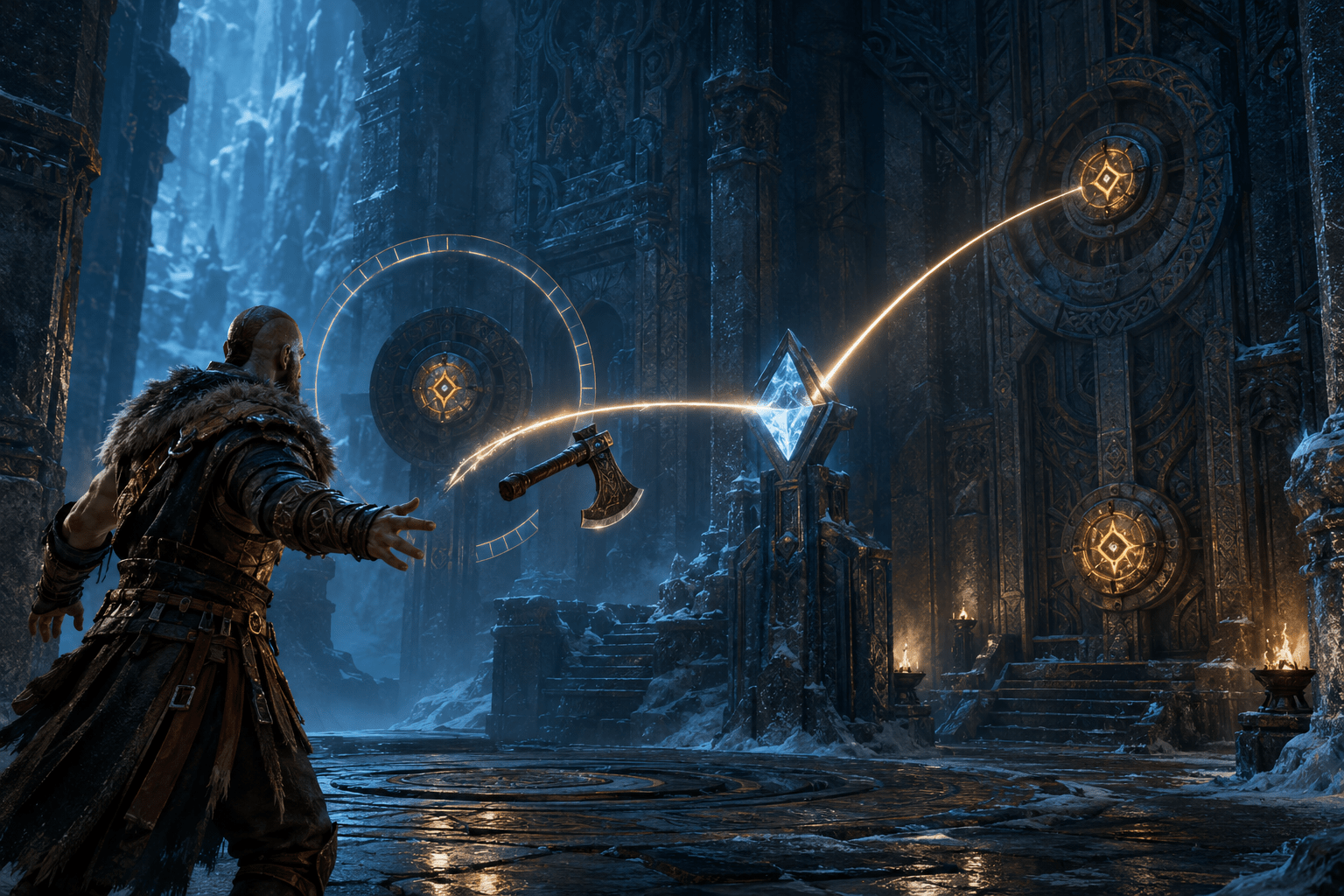
God of War Ragnarök includes several settings that change how environmental puzzles are presented and completed. Puzzle Timing can extend the allowed response window or slow selected puzzle objects, while Puzzle Aim Assist can snap the aiming reticle toward a nearby puzzle target.
These settings address different barriers. More time can help when a mechanism changes quickly, while aim assistance reduces the precision needed to hit a small or moving target. Neither option automatically solves every puzzle or explains the intended sequence.
Puzzle Timing
Puzzle Timing has Default, Extended, and Extended+ levels. Depending on the puzzle, the setting may slow a moving object, lengthen an activation window, or provide more time between connected actions.
The additional time can support players who need longer to interpret the scene, move the camera, select an action, or perform the required input. The effect varies because environmental mechanisms do not all use the same timing structure.
Puzzle Aim Assist
Puzzle Aim Assist snaps the reticle toward a nearby puzzle target while the player is aiming. This can reduce fine-motor and visual-tracking demands when throwing the axe, firing an arrow, or interacting with a small mechanism.
The assist does not choose the correct target or determine the order in which targets must be activated. The player still needs to understand the puzzle and initiate the action.
Axe Reflect Visual
Axe Reflect Visual displays an arc from surfaces that can redirect a thrown axe. The arc makes the expected bounce path more explicit instead of requiring the player to infer it only from environmental geometry.
This can complement Puzzle Aim Assist: the visual indicates the route, while aim assistance reduces the precision needed to line up the throw. Complex multi-stage puzzles can still require experimentation and spatial reasoning.
Navigation and High Contrast
Navigation Assist can orient the camera toward the current story objective or selected map objective outside combat. High Contrast Display can apply distinct colours to targets, hazards, traversal markings, characters, and the background.
These options may make the relevant area easier to locate, but Navigation Assist does not point to every individual puzzle component and High Contrast does not explain how components interact.
Combining the Settings
A player could select Extended+ Puzzle Timing, enable Puzzle Aim Assist, turn on Axe Reflect Visual, and temporarily activate High Contrast Display. Another player might use only the timing adjustment while preserving the default aiming and visual presentation.
The separation matters: locating a puzzle, identifying an interactive target, understanding the solution, aiming at the target, and completing a timed sequence are related but distinct demands.
Last verified: August 3, 2026.
Access needs vary. Review the official accessibility documentation for the complete settings and current platform details.