
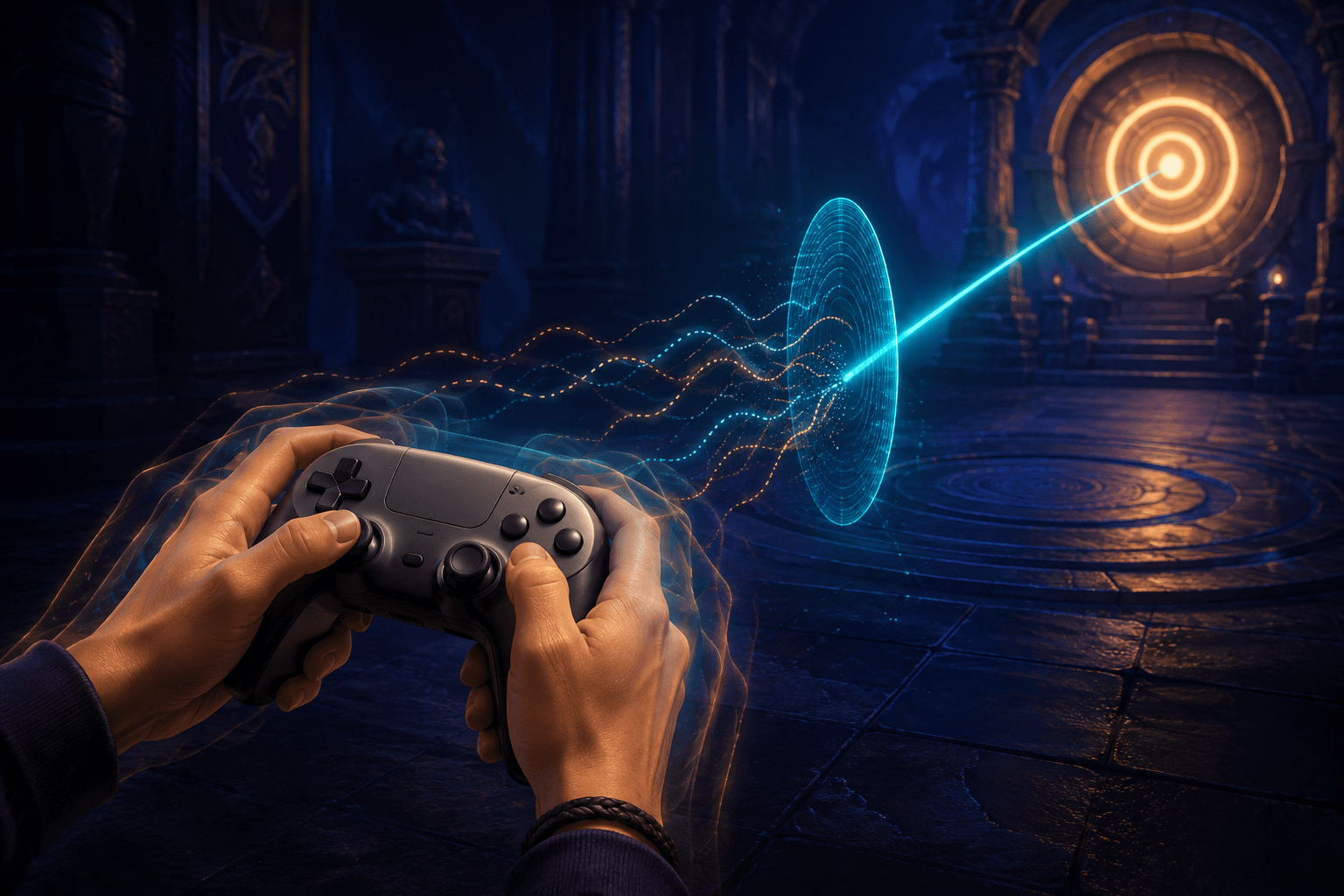
Motion-sensor aiming turns physical controller movement into camera movement. Instead of relying exclusively on an analogue stick, a player can rotate or tilt the controller to adjust where a weapon is aimed. This can provide an alternative way to make precise corrections, but it also introduces a different problem: the motion sensor may detect movements that the player did not intend to use as aiming input.
God of War Ragnarök addresses this through a group of adjustable motion-sensor aiming settings. Among them is Reduce Small Motions, a control that reduces camera movement when the controller is rotating below a selected speed. Its purpose is not to aim automatically or eliminate the physical act of moving the controller. It changes which controller rotations are treated as meaningful aiming input.
This distinction makes Reduce Small Motions more specific than a general sensitivity slider. Sensitivity changes how much the camera moves in response to detected input. Reduce Small Motions instead creates an adjustable threshold around slower controller rotation. Small movements below that threshold are reduced, while faster and more deliberate rotations can continue to move the camera.
How motion-sensor aiming works
Motion Sensor Function Aiming must first be enabled for the filtering setting to have an effect. In God of War Ragnarök, its activation options are Off and Aiming. When set to Aiming, controller movement can control the camera while the player is in an aiming state.
This is not the same as replacing every camera input with physical movement. The setting applies while aiming rather than continuously governing all exploration, combat, and cinematic camera movement. The player still uses the game’s other controls for actions outside that context.
Gyroscopic aiming can divide a camera adjustment between two forms of input. A player may use the analogue stick for larger turns and then make smaller physical controller movements to refine the aim. Another player may rely more heavily on motion input throughout the aiming process. The game does not require everyone to use the feature in the same proportion.
Motion input can be useful when an analogue stick is difficult to move accurately through a very small distance. Tilting the controller allows aiming corrections to be produced through a different physical movement. Depending on the player’s grip, range of motion, coordination, and controller position, that movement may feel more manageable than repeatedly nudging a thumbstick.
It can also create barriers of its own. Holding the controller steady, maintaining a particular wrist position, or separating an intentional tilt from the movement involved in pressing a button may be difficult. A player may produce small rotations because of tremor, muscle fatigue, inconsistent grip, involuntary movement, repositioning, or the force used to activate another control. Even players without a motor disability may slightly rotate a controller when pressing a trigger or face button.
What Reduce Small Motions changes
Reduce Small Motions is presented as a slider from 0 to 30. PlayStation’s documentation describes the value in degrees per second. While motion-sensor aiming is active, camera movement is reduced when the controller rotates more slowly than the selected speed.
The setting therefore concerns rotational speed rather than the physical distance travelled by the controller. A very gradual tilt and a quick intentional adjustment can cover a similar angle while being treated differently because one occurs at a lower speed.
At a higher Reduce Small Motions value, a wider range of slow controller rotations may be reduced. This can make the aim less responsive to subtle motion. At a lower value, slower movements are more likely to remain available as camera input. The slider allows the player to decide how much low-speed movement should be retained.
This may help when tiny controller movements cause the reticle to drift or wobble. If pressing another button slightly shifts the controller, the resulting rotation may fall below the configured threshold and produce less camera movement. The feature may also support some players who experience tremor or have difficulty maintaining a completely stationary grip, although the result will depend on the speed and pattern of the individual movement.
The setting should not be understood as comprehensive tremor cancellation. The official description identifies controller rotation below a speed threshold; it does not describe recognition of a particular disability, movement pattern, frequency, or medical condition. A fast involuntary movement may still exceed the threshold, while a very slow intentional correction may be reduced.
Filtering is not the same as lowering sensitivity
God of War Ragnarök provides separate horizontal and vertical speed controls for Motion Sensor Function Aiming. Each can be adjusted on a scale from 0.1 to 3.0. These settings determine how quickly the camera turns in response to motion-sensor input along the corresponding axis.
Lowering motion-sensor speed can make every detected movement produce a slower camera response. This may make aiming feel less reactive, but it does not distinguish between an intentional movement and an unintended one. Both are still interpreted through the reduced sensitivity.
Reduce Small Motions has a different role. It targets movement according to the controller’s rotational speed. A player could therefore use a relatively responsive motion-sensor speed while filtering some very slow rotation. Alternatively, someone who wants deliberate, gradual camera movement may prefer a low filtering threshold combined with reduced horizontal and vertical speeds.
This separation matters because “more stable” aiming can mean different things. One player may want the camera to move less overall. Another may want quick intentional movements to remain responsive while small shifts are suppressed. A single sensitivity control cannot provide both behaviours independently.
How acceleration changes the result
The game also provides a Motion Sensor Function Aiming Acceleration slider from 0 to 10. With acceleration enabled, faster detected controller movements produce more camera movement, while slower physical movements produce less.
Acceleration and Reduce Small Motions both respond to the speed of controller movement, but they do not perform the same job. Acceleration changes the relationship between movement speed and camera response across active input. Reduce Small Motions reduces movement beneath the selected rotational-speed threshold.
Combining the two may create a motion-input profile in which low-speed movement has a limited effect and faster intentional rotations turn the camera more decisively. That arrangement may reduce unwanted drift while preserving the ability to make a substantial adjustment without rotating the controller through an uncomfortable range.
It may not suit players who depend on very slow, carefully controlled movement. If the filtering threshold is too high and acceleration is strong, the camera may appear unresponsive at first and then move too quickly when the controller finally exceeds the relevant speeds. Adjusting both settings at once can also make it difficult to determine which control is responsible for a particular response.
A practical approach is to change one value at a time and test it during ordinary aiming. Reduce Small Motions can first be raised until unwanted low-speed movement becomes less disruptive. Horizontal and vertical speeds can then be adjusted for the desired amount of camera movement. Acceleration can be added only if a stronger difference between slow and fast aiming is useful.
How it differs from aim assist
Reduce Small Motions changes the processing of the player’s controller movement. It does not identify an enemy or puzzle object and move the aim toward it.
The game’s Aim Assist options are Off, Classic, and Classic+. Classic points the camera toward the closest target relative to the aiming reticle. Classic+ can point toward the target closest to the reticle from anywhere on the screen. These options concern the relationship between the reticle and an eligible target.
Puzzle Aim Assist is another separate setting. When enabled, it can snap the aiming reticle to a nearby puzzle target. Lock-On Camera can keep an enemy centred and offers progressively stronger targeting behaviours through Classic, Auto-Target, and Auto-Target+.
These assists may be combined with motion-sensor aiming, but they solve different problems. Reduce Small Motions may make physical motion input more stable before target assistance becomes relevant. Aim Assist may reduce the precision required to reach a target. Lock-on can maintain camera attention on an enemy after being activated.
Using one does not necessarily make the others unnecessary. A player might filter unintended controller movement while leaving target assistance off because they want direct control over aiming. Another might use both filtering and Puzzle Aim Assist because stabilizing the controller does not remove the difficulty of placing the reticle over a small environmental target.
Potential motor and cognitive benefits
The most direct potential benefit is reduced interference from unintended low-speed controller rotation. This may support players with some forms of tremor, limited fine-motor control, fatigue, inconsistent grip, or difficulty keeping a controller motionless while operating its buttons.
It may also reduce the number of corrective movements required after the reticle drifts away from its intended position. Repeatedly moving past a target, correcting in the opposite direction, and then correcting again can increase physical effort. A suitable threshold may make the camera feel more predictable for some players.
Predictability can have a cognitive effect as well. When the camera reacts to every slight movement, a player must continually determine whether the reticle moved because of an intentional input, an accidental controller rotation, target assistance, or another camera behaviour. Reducing one source of unwanted movement may make the connection between action and response easier to interpret.
These benefits are not universal. Some players use slow controller rotation precisely because gradual input is the most controllable movement available to them. Filtering that movement may increase effort or force them to move faster than is comfortable. The slider’s adjustability is therefore more important than the mere presence of filtering.
Remaining physical and sensory demands
Reduce Small Motions does not remove the need to hold and rotate a compatible motion-sensing controller. The controller’s weight, shape, button placement, trigger resistance, and required grip remain relevant. The feature does not provide one-handed operation, switch access, external-device compatibility, or physical support for the controller.
Motion-sensor aiming can require movement at the wrists, forearms, elbows, or shoulders depending on how the controller is held. Players with pain, restricted joint movement, weakness, or fatigue may find analogue-stick aiming, remapped controls, aim assistance, or lock-on more practical.
The filtering also does not stop other forms of camera movement. Combat animations, enemy tracking, camera recentering, environmental movement, or general camera effects may still create visual or vestibular discomfort. God of War Ragnarök has separate settings for camera shake, ambient camera sway, motion blur, film grain, camera rotation speed, and a persistent centre dot. Those controls address visual-motion presentation rather than unintended motion-sensor input.
A player who experiences motion sickness may therefore need to adjust both sets of options. Filtering small controller rotations can reduce one cause of unexpected camera movement, while motion-reduction settings may reduce how the resulting scene is visually presented. Neither group guarantees that all uncomfortable motion will be removed, particularly during cinematics or scripted sequences not governed by the same settings.
Platform and configuration limits
The official PlayStation documentation lists God of War Ragnarök as a PS4 and PS5 title and documents Motion Sensor Function Aiming within the game’s accessibility options. The feature depends on motion data from a supported controller. Its practical availability should not be assumed for a controller that lacks compatible motion sensors.
The game is also available on PC, but controller features can depend on the connected hardware and PC configuration. Players should verify motion-input support for their intended controller and connection rather than assuming that every PC controller will reproduce the PlayStation behaviour.
Reduce Small Motions only operates when Motion Sensor Function Aiming is enabled. It does not filter analogue-stick drift, change ordinary controller dead zones, or correct camera movement produced by a damaged stick. Stick drift and low-speed physical rotation are different input problems even if both cause the reticle to move without the player intending that particular result.
A narrowly targeted but adjustable control
Reduce Small Motions is notable because it does not treat motion-sensor aiming as a simple on-or-off alternative to analogue-stick control. It acknowledges that the usefulness of gyro aiming depends partly on how the game interprets imperfect physical movement.
The complete group of settings allows players to adjust horizontal speed, vertical speed, acceleration, and the threshold for reducing slow rotations. That separation provides more control than a single motion-sensitivity slider, particularly when a player wants to preserve quick intentional movement without giving equal weight to every small shift of the controller.
Detailed setting behaviour and available ranges are documented on the official God of War Ragnarök accessibility page.
Access needs and movement patterns vary. Reduce Small Motions may make gyro aiming steadier for some players, but it does not recognize every involuntary movement, replace target assistance, remove the need to hold a controller, or guarantee comfortable camera motion throughout the game.