
Subtitles make spoken dialogue available as written text, but written English is not a complete substitute for sign language. American Sign Language and British Sign Language are distinct natural languages with their own grammar, structure, vocabulary, and expressive use of the face and body. For some deaf players, a signed performance may provide more direct language access than reading dialogue while also watching a cinematic.
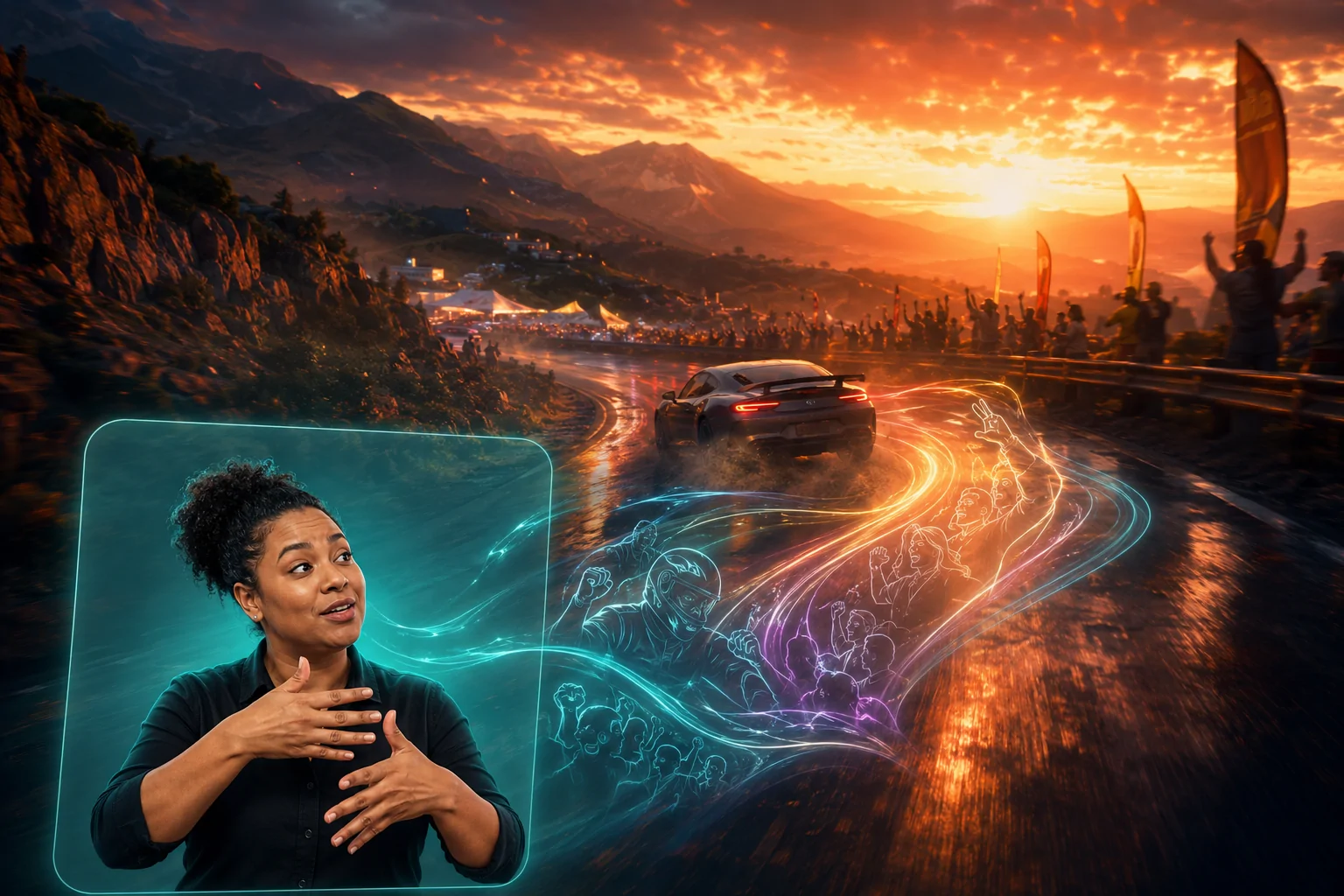
Forza Horizon 5 includes American Sign Language and British Sign Language interpretation for its cinematic game scenes. When enabled, a signing actor appears in a picture-in-picture display while the scene continues. Players can choose ASL or BSL, change where the actor appears on the screen, and adjust the display’s background colour.
The feature was added through the Series 5 update on March 1, 2022. It applies to cinematic portions of the game rather than translating every menu, race, radio segment, or piece of live gameplay information.
How the Picture-in-Picture Presentation Works
During supported cinematics, the signing actor appears in a separate area layered over the scene. This keeps the original cinematic visible while providing a simultaneous signed interpretation. The actor is filmed rather than represented by an animated avatar.
A human signing performance can communicate through handshape, movement, location, facial expression, body position, and timing. The picture-in-picture presentation must therefore preserve enough visual detail for the actor’s hands and face to remain readable. It cannot be reduced to a small symbolic icon without losing linguistic information.
The player can change the interpreter’s position. This is important because one fixed corner may cover a character, vehicle, environmental action, or existing interface element in a particular scene. Moving the display allows the player to choose the location that works better for their screen and viewing preferences.
The background colour can also be adjusted. A distinct background can separate the actor’s hands, face, and clothing from a visually complex cinematic. This functions differently from changing subtitle background opacity, because the relevant content is a moving person rather than a line of text.
ASL and BSL Are Separate Language Options
The setting provides a choice between American Sign Language and British Sign Language. These are not regional accents of one universal sign language. ASL and BSL are separate languages and are not mutually interchangeable merely because both are used in countries where English is widely spoken.
Providing both options recognizes that a written-English script cannot simply be accompanied by one signing performance for every English-speaking deaf audience. Players select the language they understand or prefer.
The feature does not include every sign language. A player who uses another national or regional sign language may not understand ASL or BSL well enough for either performance to provide equivalent access. The presence of two signed languages is substantial, but it should not be described as universal sign-language support.
The Microsoft account of the feature’s development states that Playground Games worked with deaf and hard-of-hearing consultants and used actors from the deaf and hard-of-hearing community. The production also involved interpreting and language consultation rather than asking one person to cover every role in the process.
Why Sign Language Is Not the Same as Subtitles
Subtitles primarily display spoken dialogue in written form. They can identify speakers, emphasize selected words, and use backgrounds or size adjustments to improve legibility. They remain text, however, and require the player to divide visual attention between reading and the cinematic.
A signed performance communicates in a visual language. Facial expression, movement quality, spatial relationships, and the signer’s body contribute to meaning. These elements can convey tone and emphasis differently from punctuation or written formatting.
This does not mean that sign language should replace subtitles. Deaf and hard-of-hearing players have different language backgrounds and preferences. Some primarily use written language, some primarily use sign language, and others use both depending on context. Players with auditory processing differences or those playing without sound may also prefer subtitles without knowing ASL or BSL.
Forza Horizon 5 retains customizable subtitles, including size and background-opacity options and the ability to highlight key words. Sign-language interpretation and subtitles can therefore address different access needs rather than being treated as competing solutions.
Interpretation Versus Word-for-Word Transcription
A signed interpretation should not be understood as spoken English converted one word at a time into hand movements. Languages organize meaning differently, and a skilled signed performance must communicate the scene naturally in the selected language.
This is one reason that automatic captions and sign-language interpretation are not equivalent. Speech recognition can produce written words, sometimes with errors, but it does not create a linguistically complete ASL or BSL performance. The feature uses recorded actors integrated into supported scenes.
Because the performances are produced for specific cinematics, they do not dynamically interpret unpredictable player speech, online voice chat, or every changing game event. Recorded coverage offers a prepared translation for authored story content but cannot function as a live universal interpreter.
What Parts of the Game Are Covered
Playground Games describes the feature as ASL and BSL support for cinematics. Microsoft’s development account gives examples of story moments between driving activities, including preparing for races, meeting other players, entering challenges, and other narrative scenes.
The distinction between cinematics and gameplay is a meaningful limitation. The signer does not remain present throughout ordinary driving simply because spoken audio occurs. Radio commentary, navigation speech, incidental dialogue, multiplayer communication, and other audio outside supported scenes should not be assumed to receive signed interpretation.
The feature also does not translate menus into sign language. Menu information remains dependent on visual text, icons, narration, and other interface systems. The game’s screen-reader and text customization settings are separate from its signed cinematics.
Nor does it provide visual descriptions of vehicle sounds, music, or environmental audio. Captions for non-speech information and sign-language interpretation serve different purposes. A signer communicating story dialogue does not automatically indicate every sound that affects gameplay.
Position and Background Customization
Picture-in-picture access creates a competition for screen space. The player needs to see the signing actor clearly, but the cinematic may also communicate information through characters, vehicles, gestures, and environmental action. Letting the player move the actor helps manage this conflict.
There is no position that will be ideal for every moment. A corner containing empty sky in one scene may contain a speaking character in another. The player may need to choose the location that creates the fewest conflicts across the scenes they encounter.
Background colour can improve separation, but a solid or contrasting area also covers more of the underlying image. A colour that makes the actor’s hands highly visible may be more visually prominent and distracting. The appropriate balance depends on screen size, viewing distance, vision, attention, and personal preference.
The official update announcement confirms position and background-colour adjustment but does not describe freely adjustable actor size, transparency, or an option to display multiple sign languages simultaneously. Those additional controls should not be assumed.
Visual Attention and Remaining Cognitive Demands
Sign language access does not eliminate the need to divide visual attention. The player may need to watch the signer and the surrounding cinematic at the same time. Picture-in-picture reduces the distance between those information sources compared with using a separate device, but they still occupy different areas of the screen.
Some players may focus primarily on the actor and miss background action. Others may find it difficult to switch between the actor, subtitles, and the wider cinematic. Turning off subtitles may reduce competing text for a fluent signer, while another player may prefer both signed and written information.
Screen size matters. The interpreter’s hands and facial expression may be easier to read on a large nearby display than on a phone or tablet receiving the game through cloud streaming. A feature can be technically present while becoming less practically readable at a smaller rendered size.
Fast cinematic editing can also affect attention. The interpreter remains a stable visual reference, but the underlying scene may change rapidly. The feature provides language access without necessarily reducing motion, flashes, scene cuts, or visual complexity.
Combining Signed Cinematics With Other Settings
Players can combine sign-language interpretation with customized subtitles. Subtitle font size and background opacity can improve written-text readability, while highlighted key words can emphasize selected information. The best combination depends on the player’s preferred languages and visual workload.
Menu and gameplay font sizing affect other written information. The screen-reader narrator can read supported text, buttons, and interface elements aloud, though audio narration does not replace sign language for a player who cannot hear it.
Speech-to-text and text-to-speech support concern voice chat. Speech-to-text converts received speech into written text, while text-to-speech allows typed messages to be delivered through synthesized speech. These features address communication between players, whereas ASL and BSL picture-in-picture address authored cinematic content.
The ability to disable moving menu backgrounds may reduce motion or visual distraction outside cinematics. It does not simplify the cinematic behind the signer, but it demonstrates why the game’s accessibility options need to be configured as separate systems rather than one broad preset.
Platforms and Version Scope
The sign-language feature was released while Forza Horizon 5 was available on Xbox One, Xbox Series X|S, Windows PC, and Steam. It was delivered as a free game update rather than platform-level captioning.
Forza Horizon 5 was later released for PlayStation 5. The original Series 5 documentation predates that version and does not separately describe the feature’s presentation on PlayStation 5. Players using the later port should verify the ASL/BSL options in its Accessibility menu rather than relying on platform instructions written before that release.
Playground Games explains the implementation in the official Forza Horizon 5 Series 5 update announcement. Microsoft’s accompanying development feature provides additional context about consultation, casting, language expertise, and the distinction between subtitles and signed access.
Meaningful Language Access With Defined Coverage
Forza Horizon 5 presents recorded ASL or BSL actors during supported cinematics and allows the player to change the actor’s position and background colour. This gives sign-language users access to authored story scenes through a signed performance rather than requiring written subtitles as the only alternative to speech.
Access needs and language preferences vary. The feature does not cover every sign language, interpret live gameplay or voice chat, translate menus, caption all sounds, or remove the need to divide visual attention. Its practical scope is cinematic language access in ASL and BSL, with enough presentation control to improve the signer’s visibility on different scenes and displays.