
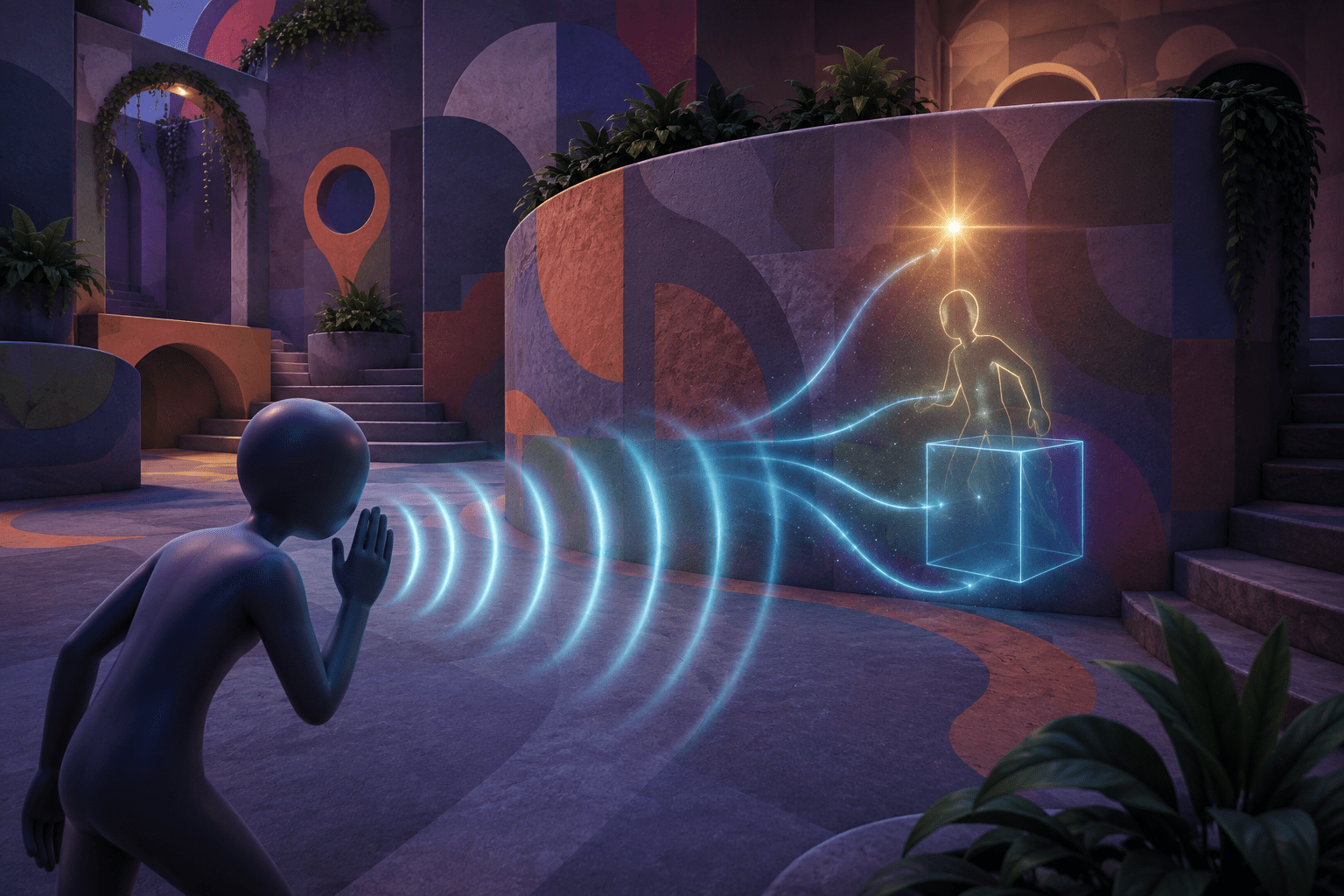
In a multiplayer hide-and-seek game, knowing that another character made a sound is not the same as knowing where that character is. A whistle may communicate that someone is nearby, but the player must still hear it, distinguish it from other sounds, infer its direction, search a visually complex environment, and locate a character deliberately camouflaged against the scenery.
AccessibilityHighlight is a third-party mod for MECCHA CHAMELEON that converts the game’s whistle or call event into a temporary visual highlight on the corresponding character. The player can choose one of three presentation methods: a glowing light above the character, a through-object rendering effect commonly called “chams,” or a solid marker box at the character’s location.
The mod does not display every player continuously. It reacts when the expected whistle sound is triggered, marks the associated character for a configurable period, and then removes the effect. Repeated whistles refresh the timer rather than creating overlapping copies of the marker.
This may make an important audio event easier to locate for some deaf and hard-of-hearing players, players who have difficulty localizing sound, or players who lose a camouflaged character among complex visual patterns. It can also change the information available in a competitive multiplayer match, particularly when the through-wall mode is used.
Why a whistle can remain inaccessible even when it is audible
An audible cue can contain several different kinds of information. Its presence communicates that an event occurred. Its volume may suggest distance. Stereo or surround positioning may indicate direction. The sound’s identity may reveal which character or action produced it.
A player may receive some of these layers without receiving all of them. Someone might hear the whistle but not determine whether it came from the left, right, above, or behind. Another player might notice a sound occurred but have difficulty separating it from voice chat, music, environmental effects, or several characters making similar noises.
Subtitles or captions could identify that a whistle happened, but a written description would not necessarily show the whistling character’s exact location. A directional sound indicator could point toward the source while leaving the player to search the environment. AccessibilityHighlight goes further by attaching its visual effect to the corresponding character or location.
This is closer to visualization than transcription. It does not convert the whistle into written language. Instead, it turns an auditory event into spatial visual information.
How the mod detects a whistle
AccessibilityHighlight is implemented as a UE4SS Lua mod. According to its public source documentation, it listens for audio components being played and checks the sound asset’s name for a particular keyword associated with the whistle.
The default keyword in version 1.0.0 is provoaction. If the game uses that expected asset name, the mod associates the sound event with the relevant character and applies the selected visual effect.
This method means the feature depends on an internal game identifier rather than a general analysis of audible sound. It does not listen through the computer’s audio output, recognize any whistle acoustically, or visualize every sound in the match. It searches for a specific asset-name pattern inside the game.
That produces a clear limitation. If a game update renames the sound asset, introduces a new whistle asset, or triggers the cue through a different system, the default keyword may stop matching. The creator advises checking the UE4SS log and changing the configured keyword when nothing highlights after a whistle.
This is more technically demanding than enabling a built-in sound visualizer. The player may need to inspect logs and edit a script using information that is not presented inside the game.
A temporary highlight rather than permanent tracking
The default highlight duration is 2,500 milliseconds, or two and a half seconds. Once that period expires, the mod removes the effect. The duration can be changed in the Lua configuration.
A temporary marker preserves a connection between the whistle and the visual response. It communicates “this character just produced the detected cue” rather than displaying a permanent map of all players. The player still needs to respond before the effect disappears or remember the indicated location afterward.
Increasing the duration may reduce time pressure and provide more opportunity to shift attention toward the marker. It may also make the highlighted character easier to follow after moving away from the original location. A shorter duration provides less persistent information but requires a faster visual response.
The option changes the duration of assistance rather than automatically moving the camera, selecting the character, or completing any game action. It is guidance, not route automation or target acquisition.
Players who require a marker to remain until manually dismissed may find that even an extended timed effect is insufficient. The mod’s documentation describes a duration value, not a toggle that freezes the highlight indefinitely.
Preventing repeated effects from stacking
Rapidly repeating an audio cue could cause a poorly controlled visualizer to create multiple lights, outlines, or boxes. That could increase visual clutter, reduce performance, or make the marker appear more intense than intended.
AccessibilityHighlight uses a debounce period. Its default is 500 milliseconds, establishing a minimum interval between accepted whistles for the same character. Repeated whistles refresh the existing highlight timer instead of spawning duplicate effects.
This may provide a more stable visual result. It also means repeated cues can extend how long the character remains highlighted. The marker does not stack visually, but its expiration is postponed when another accepted whistle occurs.
The debounce value can be edited. Reducing it may make the mod respond more readily to closely spaced whistles, while increasing it can suppress more rapid repetition. Changing the value does not affect ordinary sounds that fail to match the configured whistle keyword.
Light mode: an environmental visual cue
In light mode, the mod places a glowing point light above the character’s head. This can create a localized brightness change that draws attention toward the character’s general position.
A point light integrates with the environment differently from a flat icon or interface arrow. It may illuminate nearby surfaces and make the relevant area more visually distinct. It does not necessarily trace the character’s exact silhouette.
This mode may be useful for someone who notices brightness changes more easily than thin outlines. It may be less useful in an already bright environment, among several strong light sources, or when geometry completely blocks the illuminated area.
The mod documentation does not claim that the light remains visible through every wall. A light above a character and a character rendered through an obstruction are different forms of assistance. Light mode should not be described as guaranteed X-ray visibility.
Bright or sudden lighting may also introduce a sensory cost. The project documentation does not provide in-game controls for brightness, color, falloff, or flashing behavior. The effect is temporary, but players sensitive to concentrated light should test it carefully.
Chams mode: rendering the character through objects
Chams mode uses the game engine’s custom depth and stencil rendering to make the character visible through walls or other objects. Rather than marking only a general location, it can reveal the character’s outline or form behind the obstruction.
This may reduce the need to infer a hidden source’s position from sound direction. It can also help maintain visual contact when the character briefly passes behind scenery during the highlight period.
The effect is not guaranteed to work through every material. The creator explains that visibility can vary according to how MECCHA CHAMELEON’s post-processing setup handles custom depth. A wall using one material may display the character clearly while another visual surface interferes with the result.
Chams mode is also the option most likely to affect the competitive meaning of the cue. Hearing a whistle through a wall may reveal that someone is nearby; seeing the character’s form can communicate more precise information than the original audio alone. That difference may be necessary access for one player and considered an information advantage under another group’s rules.
Accessibility intent does not automatically establish how an unofficial modification will be treated in every public lobby, tournament, streaming event, or community. Players should consider the policies of the environment in which they intend to use it. Private groups can discuss the feature openly and decide how it fits their match.
Box mode: marking a location without outlining the character
Box mode places a solid marker box at the character’s location. This provides a discrete spatial reference rather than modifying the character’s rendering.
A box may remain visually identifiable when the character’s colors and patterns blend into the environment. Its regular geometric shape can contrast with irregular scenery and player silhouettes.
This does not necessarily communicate the character’s exact pose or orientation. It indicates where the character is located. Depending on how it interacts with walls, distance, and camera perspective, it may provide a clearer general marker while offering less detailed information than a full through-object outline.
A solid marker can also obscure part of the character or environment. The mod does not document controls for the box’s size, opacity, color, or shape. Players who find one presentation visually overwhelming may need to switch to another mode rather than fine-tune the marker within the game.
Only one highlight mode is selected at a time
AccessibilityHighlight does not present the three effects as simultaneous layers. The player selects a mode by opening Scripts/main.lua and changing the HIGHLIGHT_MODE value to light, chams, or box.
The game must be restarted after the file is saved. There is no documented in-game menu for comparing the three modes during a live match.
This configuration process can be a barrier in its own right. It requires locating the installed mod, opening a source file safely, finding the correct line, preserving the quotation marks and syntax, and restarting the game after each change.
A built-in implementation could allow the player to preview styles, colors, brightness, duration, and obstruction behavior inside an accessibility menu. This mod instead exposes a small group of technical values directly in its Lua file.
The external configuration provides flexibility, but it transfers setup work to the player. Someone who cannot comfortably navigate folders or edit code-like text may need assistance installing and configuring it.
What the highlight does not communicate
The visual marker is tied to the detected whistle or call. It is not a comprehensive sound visualization system. It does not display footsteps, voice chat, ambient sounds, interface audio, music, or every action performed by another player.
It also does not transcribe spoken communication. A deaf or hard-of-hearing player may receive the whistle’s location through the mod while still missing information communicated through proximity voice chat or other uncaptained audio.
The feature does not continuously mark all characters. It does not provide a permanent radar, announce the character’s distance in text, distinguish every possible role through documented colors, or automatically turn the player’s camera toward the source.
For players with low vision, a marker can make one character more distinct, but its effectiveness will depend on contrast, screen size, distance, visual complexity, and the selected mode. The mod does not include documented scaling or color-customization controls for adapting the effect to different visual needs.
Installation and platform limits
AccessibilityHighlight is an unofficial mod for the Windows PC version of MECCHA CHAMELEON. The game is distributed through Steam, and the mod requires UE4SS.
Thunderstore lists no required package dependencies for automatic installation, but the creator’s instructions still require UE4SS to be installed for the game. “No dependencies” on the package page should therefore not be interpreted as meaning that the mod operates by itself.
For manual installation, the AccessibilityHighlight folder must be extracted into the game’s UE4SS Mods folder with its Scripts directory and main.lua intact. Incorrect folder nesting can prevent the script from loading.
The mod does not add the feature to a console or mobile edition. It also does not represent official support from the game’s developer or publisher. Future game updates can change sound names, rendering behavior, character classes, or UE4SS compatibility.
The creator’s official AccessibilityHighlight page on Thunderstore provides the current package, installation instructions, configuration values, troubleshooting information, and a link to the public source. Players should use that original distribution page rather than an unofficial re-upload.
Combining the mod with other access strategies
AccessibilityHighlight may be combined with the game’s volume controls, display settings, communication arrangements, and private-lobby rules. Lowering unrelated audio may make the whistle easier to hear for someone with partial hearing, while the visual marker provides location. Voice-chat transcription or an external communication method would address a different barrier.
Players can also choose a highlight mode according to the information they need. Light mode emphasizes an area, box mode provides a distinct location marker, and chams mode can reveal the character’s form through some obstructions. These modes should not be treated as visually equivalent.
Because the game is built around camouflage and detection, groups may need to distinguish accessible participation from automatic completion. The mod does not search for every hidden character continuously. It responds to a particular cue the game has already produced. However, the precision of its through-wall rendering can exceed what directional hearing alone communicates.
That trade-off should be described openly rather than dismissed. Accessibility features can change game information while still addressing a legitimate barrier. The practical question is whether the chosen presentation provides the player with usable access to the cue without creating effects or information that are unsuitable for that match context.
A focused cross-sensory cue with technical limits
AccessibilityHighlight converts a short-lived auditory event into a short-lived visual locator. Its three modes provide materially different forms of information: environmental light, a through-object character rendering, or a geometric position marker.
It does not caption the whole game, visualize every sound, guarantee visibility through every wall, or remove the need to search and respond. It also requires UE4SS, Lua-file configuration, game restarts, and consideration of multiplayer rules.
Access needs vary. The mod may make a whistle usable for players who cannot reliably hear or localize it, but its practical value depends on the selected marker, environmental contrast, game version, rendering compatibility, and whether through-wall information is acceptable in the player’s chosen lobby.