
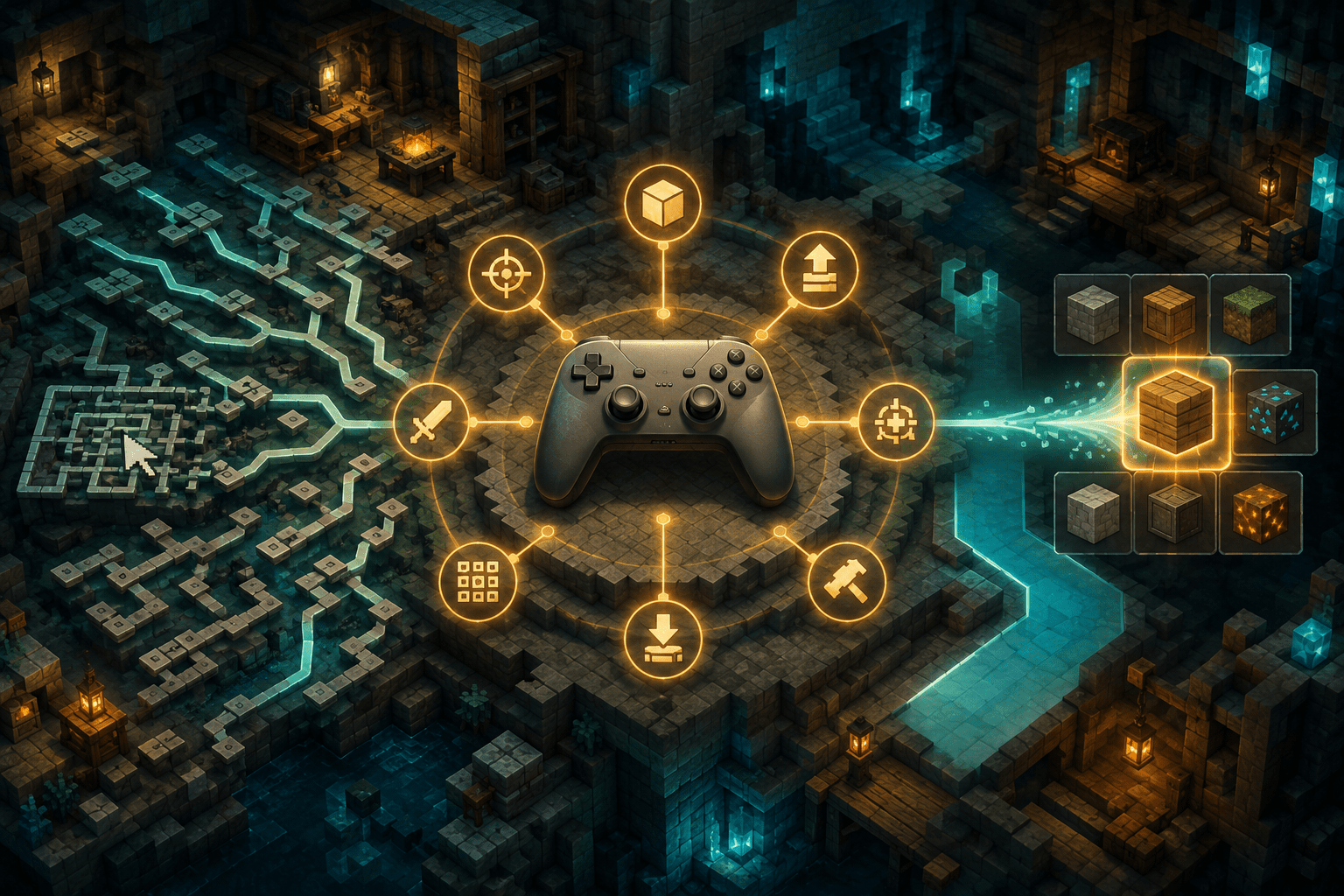
Minecraft: Java Edition is designed primarily around a keyboard and mouse. Movement, camera control, inventory management, crafting, communication, and commands all assume that the player can move between a large keyboard, several mouse buttons, and a comparatively precise pointer. Although a controller can sometimes be translated into keyboard and mouse input by external software, that does not give the game a complete understanding of the controller.
Controlify takes a different approach. It is a third-party mod that adds controller support directly to Minecraft: Java Edition, including configurable bindings, controller-aware button guides, inventory navigation, an on-screen keyboard, a radial menu, vibration, gyroscope support, and compatibility with certain non-standard joysticks. Its accessibility value comes from treating the controller as a distinct input method instead of merely making its buttons impersonate keyboard keys.
This can provide an alternative for players who cannot comfortably use a conventional keyboard-and-mouse arrangement. It may reduce the reach, finger separation, pointer precision, or positional stability required by the original controls. It does not, however, guarantee compatibility with every controller, adaptive device, Minecraft version, server, or third-party interface.
Native controller behavior rather than basic key translation
A simple input translator assigns a keyboard key or mouse action to each controller input. Moving an analogue stick might generate digital W, A, S, and D key presses, while another stick moves the mouse pointer. That can make basic play possible, but the game still behaves as though a keyboard and mouse are connected. On-screen instructions remain keyboard-oriented, menus may require an awkward free-moving pointer, and analogue movement can be reduced to a set of digital directions.
Controlify integrates controller input into the game more directly. It can identify many controller models and display corresponding button symbols. It also provides controller-specific configuration, sensitivity settings, bindings, deadzone handling, and interface navigation. Each connected controller has its own configuration rather than sharing one global set of assumptions.
This distinction matters because remapping and controller compatibility are not the same feature. Remapping changes which input activates an action. Controller compatibility also determines how analogue axes, menu focus, button prompts, vibration hardware, gyroscopes, touchpads, paddles, and other device-specific inputs are interpreted. Controlify attempts to address both layers, although the exact hardware features available depend on the controller and operating environment.
Why a controller may provide a useful alternative
A full-size keyboard distributes important actions across a wide physical area. Even a familiar layout may require repeated movement between movement keys, number keys, inventory controls, chat, crouching, jumping, and mouse buttons. Players with limited reach, reduced strength, joint pain, limb differences, tremor, or difficulty maintaining a fixed seated posture may find that arrangement tiring or impractical.
A controller places a smaller collection of inputs within a compact space. Depending on the person and device, this may allow the hands to rest in a more sustainable position or let the controller be supported against a lap, desk, cushion, or mount. Analogue sticks can also replace long pointer movements or repeated keyboard presses with smaller thumb, finger, foot, chin, or adapted-switch movements.
These benefits are not universal. Standard controllers can introduce their own barriers, including closely spaced buttons, triggers that require force, simultaneous grip demands, thumb-stick precision, and actions that require holding one input while pressing another. Controlify makes controller use available and configurable; it does not make every physical controller accessible.
Configurable bindings and the radial menu
Minecraft: Java Edition has more available actions than a typical controller has convenient buttons. Modded installations may add many more key bindings. Attempting to place every action on a conventional gamepad can create overlapping inputs, complex button combinations, or repeated trips back to a keyboard.
Controlify addresses part of this mismatch with configurable bindings and a radial menu. Less frequently used actions can be placed in a circular group of up to eight selections. The player opens the menu, points toward the desired segment, and confirms the choice. The project states that modded key bindings can also be assigned to this menu.
A radial menu consolidates actions, but it does not automate them. The player must still remember or recognize where an action is located, open the menu, move in the appropriate direction, and select it. This may reduce physical reach and the number of dedicated buttons required, while adding a short sequence and an extra visual layer.
For someone who finds simultaneous button combinations difficult, placing an action in the radial menu may be preferable to assigning it to a chord. Another player may find repeated menu opening slower or cognitively heavier than a dedicated input. Because the menu is configurable, its usefulness depends on assigning actions according to the player’s own priorities rather than filling it indiscriminately.
Inventory control and cursor snapping
Controller access can break down when gameplay moves into an inventory. A free-moving virtual mouse still requires the player to steer a pointer accurately toward comparatively small slots, buttons, recipes, and scroll controls. Reducing pointer speed can improve accuracy but increases the distance and time needed to cross the screen.
Controlify provides controller-oriented navigation for Minecraft interfaces, including a container cursor for inventories. Cursor snapping can pull the selection toward inventory elements instead of requiring exact pointer placement. Dedicated controller actions can then perform common operations such as moving or dropping an item.
Snapping is assistance rather than automatic inventory management. It reduces the precision needed to land on a target, but the player must still choose the correct slot and decide what to do with it. Dense storage systems, rapidly changing interfaces, visually similar items, and mod-created screens may retain substantial cognitive and visual demands.
Controlify’s developer provides an interface API through which other mod authors can implement controller operation. That improves the possibility of compatibility, but it is not a promise that every modded screen will work correctly. An interface built around unusual dragging, hovering, text entry, or custom widgets may require specific support from its developer.
Button guides and an on-screen keyboard
Changing input methods can create a second barrier: learning what every button now does. Controlify includes a contextual button guide that shows available controller actions according to the player’s current state and what the character is facing. Compatible interface elements may also display controller shortcuts.
These prompts may reduce the memory demand involved in learning a new layout. They can be particularly relevant when bindings change between gameplay and menus or when a mod introduces unfamiliar actions. Controller identification allows the displayed symbols to correspond to many recognized controller families rather than presenting one generic layout.
The guide does not explain every underlying game system, and an additional overlay can increase visual density. A player who already knows the controls may prefer to disable or minimize it. Players using an unusual device may also encounter symbols that do not perfectly correspond to their physical inputs.
An on-screen keyboard allows text to be entered through the controller. This can reduce the need to move back to a physical keyboard for naming worlds, searching, chatting, or entering commands. It does not remove the effort of text composition: selecting letters individually may be slow, and long server conversations or command strings can remain demanding. Voice dictation or another text-entry system may still be more appropriate for some players.
Gyroscope aiming and automatic deadzone calibration
Controlify can read a supported controller’s gyroscope and use physical controller movement for fine camera adjustments. Gyro input is different from aim assistance. It does not locate targets or keep the camera aligned automatically; it provides another way to generate movement.
Some players may use a stick for broad turns and gyro movement for smaller corrections. This division can reduce dependence on precise thumb-stick movements. Others may find tilting the controller painful, fatiguing, destabilizing, or incompatible with a mount. Gyro availability also depends on the controller containing the necessary sensor and on Controlify being able to access it.
The mod automatically calibrates controller deadzones. A deadzone is the area near the centre of an analogue stick where movement is ignored. Too small a deadzone can allow drift or involuntary movement to affect the game; too large a deadzone can require a stronger or wider movement before the game responds. Automatic calibration may provide a practical starting point, but it cannot compensate for every damaged stick, movement pattern, or personal control requirement.
Vibration can communicate information—or add a sensory cost
Controlify supports vibration for events such as taking damage, breaking blocks, and nearby lightning. On compatible DualSense controllers, it can also use more advanced haptic and trigger effects. These signals can provide an additional sensory channel for events that might otherwise be communicated visually or through sound.
Haptic feedback may be helpful when it reinforces information that is difficult to notice on screen. It can also be distracting, startling, painful, or physically tiring. Controlify allows vibration sources to be configured, including their intensity, rather than requiring one fixed level for every event.
Reducing vibration is not the same as filtering visual flashes, lowering sound frequencies, or preventing sudden game events. It changes only the tactile output produced by the controller. Players with multiple sensory triggers may need to combine vibration settings with Minecraft’s existing video, audio, particle, field-of-view, and interface options.
Non-standard joysticks and adaptive configurations
The mod’s documentation extends support beyond ordinary gamepads to flight sticks, racing wheels, and other joysticks. A device can be mapped as a standard gamepad or given custom bindings and input names. This may create opportunities for specialized setups when a conventional keyboard, mouse, or handheld controller is unsuitable.
Support for a generic joystick is not equivalent to guaranteed compatibility with every adaptive controller. An adaptive controller may expose connected switches as ordinary buttons, a keyboard, multiple joysticks, or a vendor-specific device. Whether Controlify recognizes those inputs correctly depends on the hardware, firmware, operating system, connection method, and input library.
The project uses SDL3 to support a wide range of controllers and advanced inputs. If SDL cannot load, Controlify can fall back to Minecraft’s GLFW controller system, but that fallback is more limited and does not provide features such as rumble. The developer’s troubleshooting documentation explicitly notes that, among the thousands of available controllers, some may not work immediately.
Players building a customized setup should therefore test every action needed for their particular style of play. Movement and mining alone are not enough: menus, crafting, pausing, text entry, camera control, inventory shortcuts, modded interfaces, and recovery after disconnecting a device all need to be checked.
Combining Controlify with other settings and tools
Controlify can be combined with Minecraft’s own settings. Camera sensitivity, field of view, view bobbing, subtitles, sound-category volumes, interface scale, brightness, auto-jump, crouch behavior, and sprint behavior address different parts of the experience. A controller may reduce keyboard reach without reducing camera motion, visual clutter, reading demand, or the need to react quickly to enemies.
The mod can also coexist with other Java Edition mods, but compatibility varies. Controlify identifies several projects with which compatibility work has been undertaken, including Sodium, Iris, Simple Voice Chat, and Do a Barrel Roll. That evidence should not be generalized into universal modpack support. Large modpacks can contain custom screens and conflicting input systems that have never been tested together.
External remapping software or an adaptive controller’s configuration application may provide another layer of customization. That can be useful for moving actions between physical ports or creating device-level profiles. It can also produce conflicts if both systems attempt to transform the same input. Profiles should be tested for double inputs, unexpected mode switching, inaccessible confirmation controls, and actions that become impossible after a menu opens.
Installation, version, and platform limitations
Controlify is a third-party modification, not a built-in Mojang or Microsoft accessibility feature. It is intended for Minecraft: Java Edition and requires a compatible mod loader. The official project page lists Fabric and NeoForge releases. It does not add this system to the console, mobile, or Bedrock editions of Minecraft.
The project is available only for Java Edition 1.19.4 and newer, and its developer states that active support is concentrated on versions 1.21.1 and newer. Players using an older game version may find an archived build, but an archived release should not be mistaken for current support. The Controlify file, Minecraft version, mod loader, and any required dependencies must match.
Snapshot releases may follow different distribution rules, and the separately advertised splitscreen project is not part of standard Controlify. Installing Controlify should not be represented as automatically adding local multiplayer.
The safest starting point is the developer’s official Controlify page on Modrinth, which lists current files, supported loaders, Minecraft versions, source code, documentation, and issue reporting. As with any mod, players should obtain it from the original project distribution page and review compatibility again after updating Minecraft or changing a modpack.
A broader input route, not automatic accessibility
Controlify turns controller support into a substantial input system rather than a small collection of translated keys. Its configurable bindings, radial menu, cursor snapping, prompts, on-screen keyboard, gyro controls, and joystick support may reduce particular motor and interface barriers in Minecraft: Java Edition.
It does not simplify the game’s survival systems, automate crafting, identify visual hazards, guarantee adaptive-device compatibility, or make every modded interface controller-accessible. Access needs vary, and the mod’s practical value depends on the player’s movement patterns, chosen hardware, Minecraft version, loader, and surrounding collection of mods.