
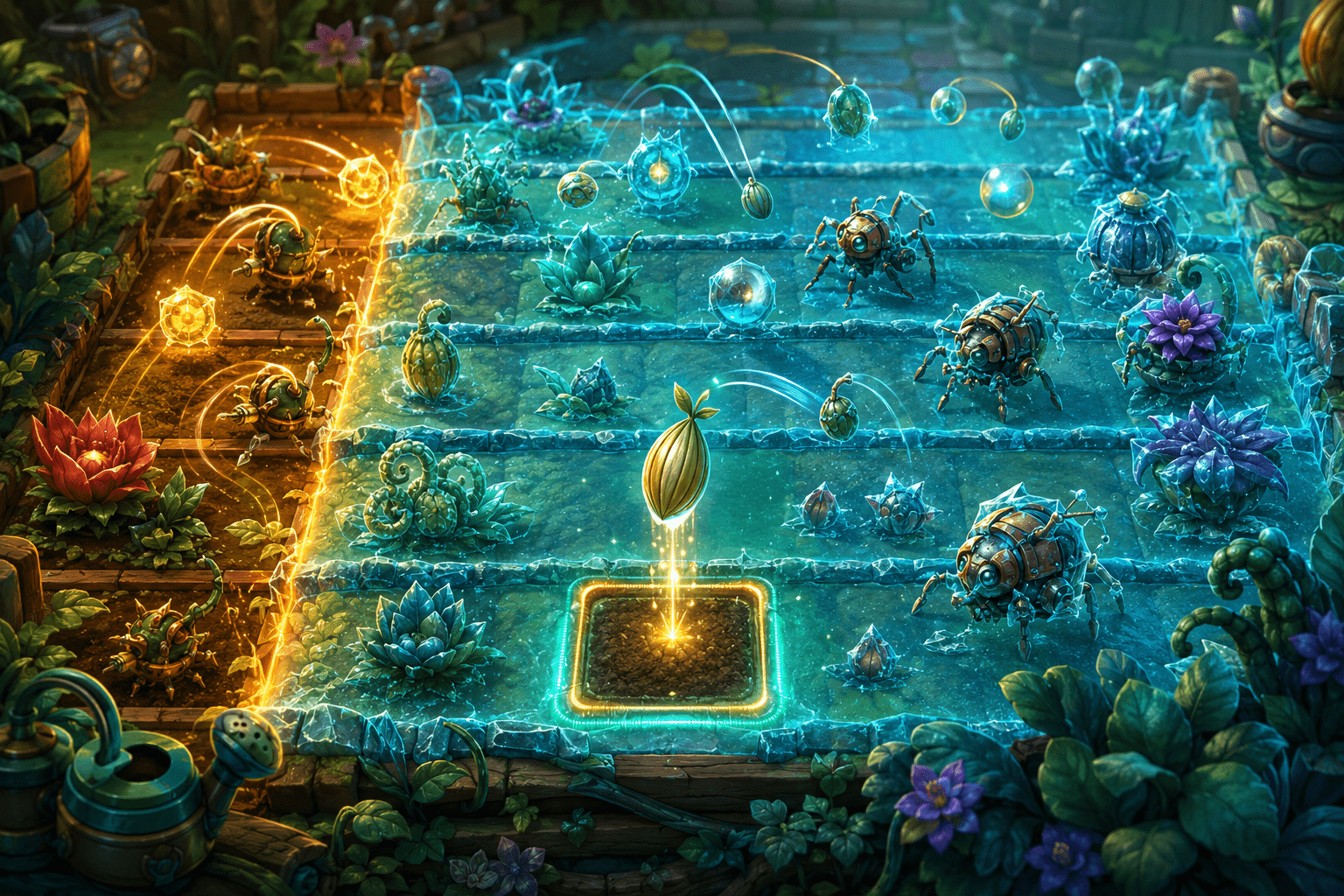
Plants vs. Zombies combines strategic planning with continuous real-time demands. Players choose plants, collect falling sun, place defences into lanes, monitor recharge states, respond to different enemies, and collect coins or other items before they disappear. The board may look orderly, but its state can change while the player is still deciding what to do.
PvZA11y is a community-created blind and motor accessibility mod for the original Plants vs. Zombies. It adds keyboard and controller access, screen-reader narration, audio cues, remappable inputs, automatic collection, extended double-tap windows, and a feature called Freeze Mode.
Freeze Mode allows the player to stop the ongoing real-time pressure, examine the current game state, and take as long as needed to perform inputs. This is not simply a conventional pause menu. The accessible board remains available for interaction rather than being replaced by a menu that prevents gameplay commands.
The distinction is important. An ordinary pause prevents the player from being harmed by the passage of time, but it also prevents them from acting. Freeze Mode separates the time required to understand and operate the board from the speed at which enemies normally advance.
The real-time demands of the lawn
Each match is divided into horizontal lanes. Zombies enter from one side and travel toward the player’s house, while plants are placed in grid positions to attack, slow, block, or otherwise manage them.
The strategic question is not only which plant to choose. The player must also determine where to place it, whether enough sun is available, whether that plant has finished recharging, which lane needs attention, and how soon a zombie will reach an important defence.
These decisions occur while the game continues. Sun produced by plants or falling onto the lawn must normally be collected. Coins and other rewards may appear after enemies are defeated. Recharge indicators change over time, and new enemies enter lanes even while the player is reviewing existing threats.
For someone using sequential speech or audio cues, reconstructing the board can take longer than visually scanning it. Information about one lane must be heard, remembered, and compared with information from another lane. By the time the review is complete, the underlying state may have changed.
Motor demands can create a similar mismatch. A player may understand the required move but need additional time to navigate between positions, select the intended plant, and confirm its placement. A precise action performed too late may fail strategically even though the decision itself was correct.
What Freeze Mode changes
PvZA11y’s developer describes Freeze Mode as allowing players to take as long as needed both to process the current state and to perform inputs. It suspends the ordinary time pressure rather than merely making the game easier through increased plant damage or reduced enemy health.
While the frozen state is active, the player can use the mod’s accessible controls to inspect the board and prepare an action. Zombies do not continue advancing at their usual pace simply because narration is still speaking or because the player needs more time to move through grid positions.
This can make the state being described more stable. If a lane contains a particular enemy, the player can review that information without the enemy moving several positions before the rest of the board has been examined.
The player can then perform inputs rather than having to exit into ordinary real-time play before making every choice. Freeze Mode therefore supports accessible participation within the board, not only observation of a paused screenshot.
It should not be understood as automatic defence. The feature does not decide which plant should be used, identify an optimal strategy, or place defences on the player’s behalf. It changes when time advances, not who makes the decisions.
How it differs from an ordinary pause
A conventional pause menu usually stops gameplay and redirects focus to options such as resume, restart, settings, or exit. The board may remain visible in the background, but the game does not accept ordinary placement and navigation inputs until play resumes.
That design offers rest but not untimed interaction. A player can think about the situation while paused, yet the planned sequence must still be executed after the real-time simulation restarts.
Freeze Mode keeps the accessible gameplay context available. The player can inspect current information, navigate controls, and perform relevant inputs without first accepting the full pace of the match.
This distinction may matter for players who can plan effectively but cannot execute a multi-step response within a narrow interval. It may also support someone whose screen reader needs time to announce several pieces of information before an action can be selected.
Freeze Mode is consequently closer to removing selected timing pressure than extending a timer. There is no ordinary countdown that merely becomes longer. The player determines when they are ready to continue processing or acting.
How it differs from slow motion
Reduced game-speed settings preserve continuous movement at a lower rate. Enemies still advance, resources still appear, and the board continues changing, but each event takes longer to complete.
Slow motion may be useful when a player needs moderately more reaction time while maintaining the flow of play. It does not create an indefinitely stable state. A lengthy screen-reader announcement can still outlast the available window, particularly when several lanes need to be compared.
Freeze Mode stops the pressure rather than scaling it. The player is not required to choose between predetermined speeds or estimate whether a 30%, 50%, or 70% rate will be slow enough.
The trade-off is that freezing can make play feel more segmented. Instead of maintaining continuous rhythm, the player may alternate between stable review periods and active progression. Some players may prefer that structure, while others may find frequent transitions less intuitive than a consistent slower speed.
How it differs from invincibility
Invincibility usually allows gameplay to continue while preventing the player or controlled character from taking damage. That is not the primary function of Freeze Mode.
In Plants vs. Zombies, the important failure state is not simply damage to a player avatar. It involves enemies progressing through lanes and overcoming the available defences. Preventing a health value from falling would not solve the need to understand changing lane positions or place plants before enemies advance.
Freeze Mode preserves the strategic consequences of the player’s choices. A poorly chosen plant can still be ineffective. Sun can still be spent unwisely. A lane can still fail after time resumes if its defence is inadequate.
The feature changes the temporal conditions under which those decisions are made. It does not remove the game’s resource economy or guarantee that a strategy will work.
Combining the frozen state with narration
PvZA11y provides text narration through NVDA, JAWS, or Windows SAPI. It also adds audio cues for many gameplay elements and tutorials that explain information normally presented visually.
Freeze Mode can make these features more practical because the information remains valid while it is being reviewed. Without a stable state, a spoken description may be accurate when narration begins but outdated by the time the player reaches the relevant position.
The mod’s custom input system allows the game to be played with a keyboard or XInput controller. This removes the requirement to locate plants, sun, coins, and grid positions through quick mouse movements.
Using these systems together can create a deliberate interaction sequence. The player can freeze the board, review lanes through narration or audio cues, navigate to a plant selection, move to the intended grid position, place the plant, and then continue from the revised state.
The exact workflow will depend on the player’s bindings and enabled settings. All inputs can be remapped in the accessibility menu, allowing the control arrangement to be adapted rather than fixed to the mod’s defaults.
Freeze Mode does not replace automatic collection
The original game expects the player to click falling sun and coins. These repeated collection actions are separate from strategic plant placement and can add considerable pointer movement and input repetition.
PvZA11y can collect sun and coins automatically. That setting removes or reduces a repeated collection task, while Freeze Mode changes the time available for processing and action.
The two features may be combined, but they solve different problems. Automatic collection performs a routine action for the player. Freeze Mode leaves decisions and inputs available while suspending time pressure.
A player may want one without the other. Someone who can manage real-time strategy but experiences fatigue from repeated collection could enable automatic collection and leave normal timing intact. Another player may prefer to collect resources manually while using Freeze Mode to inspect lanes and place plants.
This is the difference between automation and temporal access. Automation removes a selected action. Freeze Mode changes the conditions under which actions are performed.
Motor access beyond timing
Freeze Mode may reduce pressure to complete inputs quickly, but speed is not the only motor barrier in the original game. Mouse-based play also requires movement to small or changing targets and accurate selection within the lawn grid.
PvZA11y replaces those pointer demands with a keyboard and controller input system. All controls can be remapped, which may allow frequently used actions to be placed in more comfortable positions.
The mod also allows timing windows for double-tap actions to be greatly extended. This differs from Freeze Mode because it changes how quickly two related presses must occur, not whether the game world continues moving.
These options may support some players with tremor, fatigue, pain, reduced dexterity, slower movement, or difficulty coordinating a pointer. They should not be assumed to support every motor disability. The mod still requires access to a keyboard or compatible controller and an input arrangement the player can operate.
Controller support uses XInput. The developer states that non-Xbox controllers require an additional translation program such as DS4Windows. That introduces another compatibility and configuration layer and does not establish support for every adaptive device.
Cognitive access without automatic strategy
A stable board may support players who need more time to shift attention, remember spoken information, compare lanes, or recover after an unexpected change. It can also allow a complex situation to be divided into smaller steps.
However, freezing the board does not simplify the underlying rules. The player still needs to understand plant functions, recharge states, resource costs, lane coverage, and enemy properties.
The mod’s gameplay tutorials may help expose information that the original game teaches visually. Freeze Mode can provide time to apply that information, but it does not reduce the number of plant types or strategic relationships that eventually need to be learned.
More time may reduce one cognitive barrier while leaving working-memory or information-density barriers intact. Long narration, numerous audio cues, and a large board can still be demanding even when nothing is advancing.
The frozen state may alter the game’s rhythm
Real-time pacing is part of the original game’s design. Enemy waves create escalating pressure, resource generation encourages timing decisions, and plant recharge periods limit how quickly a strategy can be executed.
Freeze Mode changes the experience of that pacing. This is not a defect; changing an inaccessible demand is the purpose of the feature. It is nevertheless a meaningful trade-off that should be described accurately.
Players using Freeze Mode may experience the game as a sequence of deliberate tactical states rather than an uninterrupted real-time flow. The strategic systems remain, but reaction speed has less control over whether those systems can be used.
The feature also does not necessarily remove every timing consideration. Recharge, production, and enemy movement still matter when the simulation is active. Freeze Mode provides control over when the player needs to process and act; it does not turn the entire game into a conventional turn-based strategy game with formally defined turns.
Compatibility is unusually narrow
PvZA11y is a Windows program that modifies the running game in memory. The developer describes it as portable and states that it makes no permanent changes to the game’s files. Restarting the game removes the active modifications.
The mod requires the Microsoft .NET 8 runtime. After extraction, the PvZA11y executable and the game can be launched in either order, and the mod attempts to connect to the running game. An included updater can download and extract newer releases.
Only two game versions are listed as supported: the GOTY DVD release numbered 1.2.0.1073 and the Steam release last verified by the developer on January 12, 2024. Other editions and builds are explicitly unsupported.
This matters because the mod reads and changes the running game through version-specific memory information. A release with different internal addresses may not work merely because it has the same title.
The developer also documents problems that can occur when 3D Acceleration or fullscreen mode is enabled. Suggested workarounds include disabling one of those options or setting display scaling to 100% across connected monitors. Problems with options-menu checkboxes may require importing one of the included registry files.
These restrictions mean the accessibility layer may depend on a precise combination of game edition, Windows settings, display mode, runtime software, and mod version.
An interactive time stop rather than a skip
Freeze Mode does not skip a level or automatically complete a wave. The player remains responsible for understanding the board, selecting plants, spending resources, and defending each lane.
It also does not merely provide extra time before a match begins. It allows the player to stabilise the changing state when additional processing or input time is needed.
Current installation details and supported game builds should be confirmed through the developer’s original PvZA11y repository before downloading or updating the game.
Access needs vary. PvZA11y’s Freeze Mode may reduce real-time cognitive and motor pressure while making sequential narration more usable, but it does not remove the game’s strategic complexity, audio load, hardware requirements, or narrow Windows and game-version compatibility.