
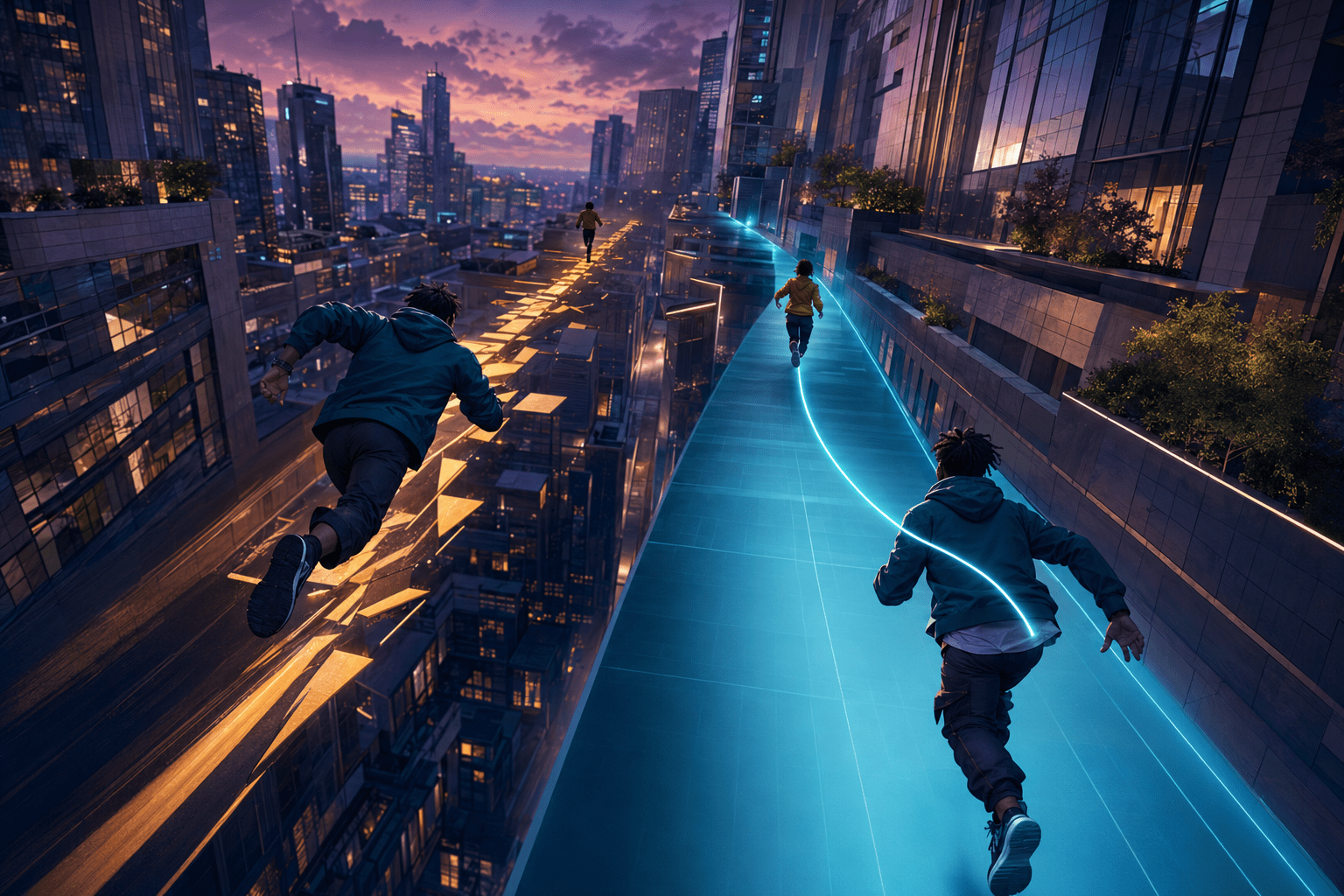
Chase sequences in Marvel’s Spider-Man 2 combine high-speed movement, route reading, camera management, and the pressure of a target who can escape. Chase Assist is a focused gameplay option designed to reduce several of those demands without automatically completing the pursuit.
According to Insomniac Games, Chase Assist lowers the target’s top movement speed, provides a longer window before the target escapes, automatically attaches the player to the chase target when within range, and allows the camera to turn toward the target when the designated camera-assistance input is pressed. The option works with both traditional web-swinging and the game’s Web Wings traversal system.
These changes address more than raw movement difficulty. During a chase, the player must continually locate the target, keep the camera oriented, select a viable route, maintain momentum, and react to environmental changes. Losing visual contact for a few moments may cause the target to move farther away, increasing the pressure precisely when the player is already trying to recover.
Chase Assist modifies that feedback loop. It gives the player more time to regain control and reduces the precision required at the moment the pursuer reaches the target. It does not, however, steer through the entire route or turn a chase into an automatically completed sequence.
Why high-speed pursuits can create overlapping barriers
A traversal chase is not simply a test of whether the player can move forward quickly. It asks for several coordinated actions that may be manageable separately but difficult when combined under time pressure.
The player must control direction and speed while watching a target that can move vertically, turn between buildings, or become obscured by the environment. Camera movement must be coordinated with traversal inputs. At the same time, the player has to interpret depth, identify suitable surfaces or air currents, anticipate turns, and avoid losing too much momentum.
This can create motor barriers for players who have difficulty coordinating both analog sticks, sustaining rapid input changes, or moving between controls while maintaining a route. It may also affect players using one hand, an adaptive-controller configuration, or a control layout in which camera and traversal actions cannot be operated simultaneously.
The sequences can create visual and cognitive demands as well. The target may occupy a relatively small part of a detailed city scene. Rapid camera movement, environmental motion, effects, traffic, buildings, and interface elements can all compete for attention. Once the target moves out of view, the player has to determine where it went while continuing to control a fast-moving character.
Time pressure makes recovery more difficult. A minor camera error can become a route error, and the route error can allow the target to gain more distance. That increased distance makes the target harder to see, which can lead to another camera or navigation error. The resulting cycle may block a player who understands the chase but needs more time to reorient after losing visual contact.
Lowering the target’s top speed
The first documented part of Chase Assist is a reduction in the pursued target’s maximum movement speed. This does not necessarily make the target stationary or require no pursuit. It reduces how quickly the target can extend the distance between itself and the player.
That change may help someone who cannot maintain the standard traversal pace consistently. A player may be able to swing, glide, and follow the route but lose speed during turns, camera corrections, or transitions between movement systems. A slower target can make those momentary losses less punishing.
Reducing the target’s speed also has a visual consequence. When the target remains closer, it may occupy a larger and more stable position in the scene. This does not guarantee visibility, particularly when buildings or other objects interrupt the line of sight, but it can reduce the speed at which the target recedes into a visually complex environment.
The assist should not be confused with reducing the speed of the entire game. Marvel’s Spider-Man 2 has separate Game Speed options that can run gameplay at 70, 50, or 30 percent of its normal real-time rate. Chase Assist changes the pursued target’s top speed within a chase. Game Speed changes the rate of the broader action while activated.
Those options may therefore serve different needs. A player who is comfortable with the general pace but cannot keep up with escaping targets may use Chase Assist alone. Someone who needs more time to process movement, combat, or changing obstacles may also use Game Speed through an assigned shortcut.
Extending the escape window
Chase Assist also increases the period before the target escapes. This is a form of timing reduction rather than complete removal of timing.
The chase still has an objective and can still require active participation. The assist provides more recovery time before falling behind results in failure. It does not turn the sequence into an unrestricted exploration segment, and Insomniac does not describe it as removing every possible failure condition.
A longer window may be especially useful after an error. If the player swings past a turn, collides with the environment, loses altitude, or briefly points the camera in the wrong direction, there is more time to understand what happened and return to the route.
This can reduce the need to restart an otherwise manageable chase because of one short disruption. Repeated restarts can carry their own motor and cognitive costs, particularly when the player must replay an accessible opening section before reaching the same difficult transition.
The additional time may also reduce anticipatory pressure. A rapidly expiring opportunity can cause some players to rush their inputs, making precise movement even harder. A longer escape window may support a more deliberate recovery, although individual responses to timed sequences will vary.
Automatic attachment when within range
The third component changes what happens near the end of a successful approach. When the player gets within range, Chase Assist automatically attaches to the pursued target.
This reduces the need to match the target’s position with a final precisely timed traversal action. Without assistance, reaching approximately the correct location may not be enough if the player must also perform the correct input during a short opportunity. Automatic attachment recognizes that the player has closed the gap and resolves that part of the interaction.
This may reduce barriers involving fine timing, delayed input, tremor, inconsistent button activation, or difficulty coordinating camera direction with a final action. It can also help when the player can navigate the broad chase route but has trouble with the precise capture transition.
Automatic attachment is not the same as automatic pursuit. It only applies after the player has moved within the required range. Chase Assist does not transport the player across the city or place them beside the target from a distance. The route and most traversal inputs remain the player’s responsibility.
This distinction is important because “assist” can otherwise be mistaken for automatic completion. The setting recognizes successful proximity; it does not remove the process of achieving that proximity.
Reorienting the camera toward the target
The fourth documented behavior is camera assistance. On PlayStation 5, pressing R3 turns the camera toward the chase target. This gives the player an intentional way to recover the target’s direction rather than manually searching across the entire scene.
Camera reorientation may help players who have difficulty controlling both sticks at once. It can also reduce the visual-search demand after the target moves offscreen. Instead of rotating through the environment and trying to identify the correct moving figure, the player can request a direct camera correction.
This is target guidance rather than route automation. Turning the camera toward the pursued character communicates where the destination currently is, but it does not determine the safest or fastest path through every building, turn, air current, or obstacle.
The distinction resembles the difference between a compass and automatic navigation. A compass can restore orientation while leaving movement decisions to the player. In the same way, the camera-assistance input can show the target’s direction without performing the entire chase.
Insomniac’s public description specifically identifies R3 because it documents the PlayStation controls. PlayStation states that the PC release supports the same accessibility features, but the official PC support page does not separately document the corresponding keyboard-and-mouse binding for this action. Players relying on camera reorientation should confirm the available binding in their selected PC control scheme.
Combining Chase Assist with camera settings
Chase Assist can be used with several separate camera options. Camera Follow automatically rotates the camera behind the playable character while swinging or running. Look at Waypoint turns the camera toward an objective waypoint. Swing Camera Motion adjusts roll, pitch, and field-of-view changes during swinging. Camera Shake can be disabled.
These settings solve related but nonidentical problems. Chase Assist’s camera command points toward the pursued target during a chase. Camera Follow manages the general relationship between the camera and the player character. Look at Waypoint concerns objective waypoints rather than necessarily tracking a moving chase target.
Reducing Swing Camera Motion or disabling Camera Shake may help players who experience disorientation, nausea, eyestrain, or difficulty following information during rapid viewpoint changes. Those options do not slow the target or extend the escape window, so they may be combined with Chase Assist when both visual motion and chase timing present barriers.
A player might also enable the Center Dot to retain a stable screen reference. This does not mark the chase route or target, but it may offer a consistent visual anchor while the surrounding city moves quickly.
Combining it with motor-access options
Chase Assist can also complement control settings that reduce sustained or repeated input demands. Swing and Parkour Mode can change relevant actions between hold and toggle behavior. Web Wings Mode similarly offers different activation behavior for deploying the wings. These choices may reduce the need to maintain pressure on a button throughout traversal.
Controller remapping and alternate layouts can change where actions are placed. On supported hardware, a player may create a layout that makes traversal, camera assistance, or shortcuts easier to reach. Chase Assist then modifies the chase rules themselves by slowing the target, extending recovery time, and resolving attachment at close range.
Remapping and assistance are not interchangeable. Remapping can make an input physically reachable, but it does not reduce the speed of the target. Chase Assist changes the challenge, but it does not guarantee that every required traversal control will be accessible. Some players may need both.
Game Speed can be assigned to a directional-button shortcut on PlayStation. This allows players to activate a slower overall rate during demanding portions of a chase. However, shortcut availability and comfortable access to the directional buttons will depend on the player’s control configuration.
What Chase Assist does not change
The option does not automatically choose a route. Players must still interpret the city’s three-dimensional layout, decide when to swing or use Web Wings, manage altitude, and respond to environmental transitions.
It does not eliminate rapid visual motion. The city can still move quickly around the camera, especially during swinging, diving, turning, and gliding. Players affected by that motion may need to adjust Swing Camera Motion, Camera Shake, motion blur, field-of-view-related effects, or the overall Game Speed separately.
Chase Assist also does not replace high-contrast settings. Lowering the target’s speed may make tracking easier, but it does not necessarily provide enough separation between the target and the environment for every low-vision player. High-contrast shaders and other visibility settings address different visual barriers.
The feature does not ensure compatibility with every alternative-input arrangement. Marvel’s Spider-Man 2 remains a control-intensive action game, and some sequences require movement through complex three-dimensional spaces. Players may still encounter barriers outside the specific chase adjustments.
Finally, a longer escape window is not the same as removing the escape condition. Players who cannot traverse the route may still be unable to complete a pursuit independently. Chase Assist is designed to make pursuit more forgiving, not to provide a universal chase-skip function.
Availability on PlayStation 5 and PC
Chase Assist is available in the PlayStation 5 version of Marvel’s Spider-Man 2. PlayStation’s PC support documentation states that the Windows version supports the same accessibility features as the PS5 release.
The PC version nevertheless has hardware-specific limitations elsewhere in its accessibility implementation. For example, PlayStation states that PC screen-reader functionality is available only when using a DualSense controller, while touchpad and vibration functions require compatible controller hardware. Those restrictions do not make Chase Assist itself a DualSense-only setting, but they demonstrate why players should not assume every associated feedback or controller feature behaves identically across input devices.
Assistance without automatic completion
Insomniac’s current accessibility documentation for Marvel’s Spider-Man 2 describes Chase Assist as a combination of reduced target speed, a longer escape window, automatic attachment at close range, and an input for turning the camera toward the target.
Together, these adjustments may interrupt the cycle in which one camera or movement error causes the target to become progressively harder to recover. They preserve the need to pursue and traverse while making temporary errors and the final attachment less punitive.
Access needs vary, and Chase Assist does not remove route-finding, high-speed visual motion, traversal controls, or every chase failure condition. Its practical limit is clear: it makes a moving target easier to follow and catch, but it does not complete the pursuit on the player’s behalf.