
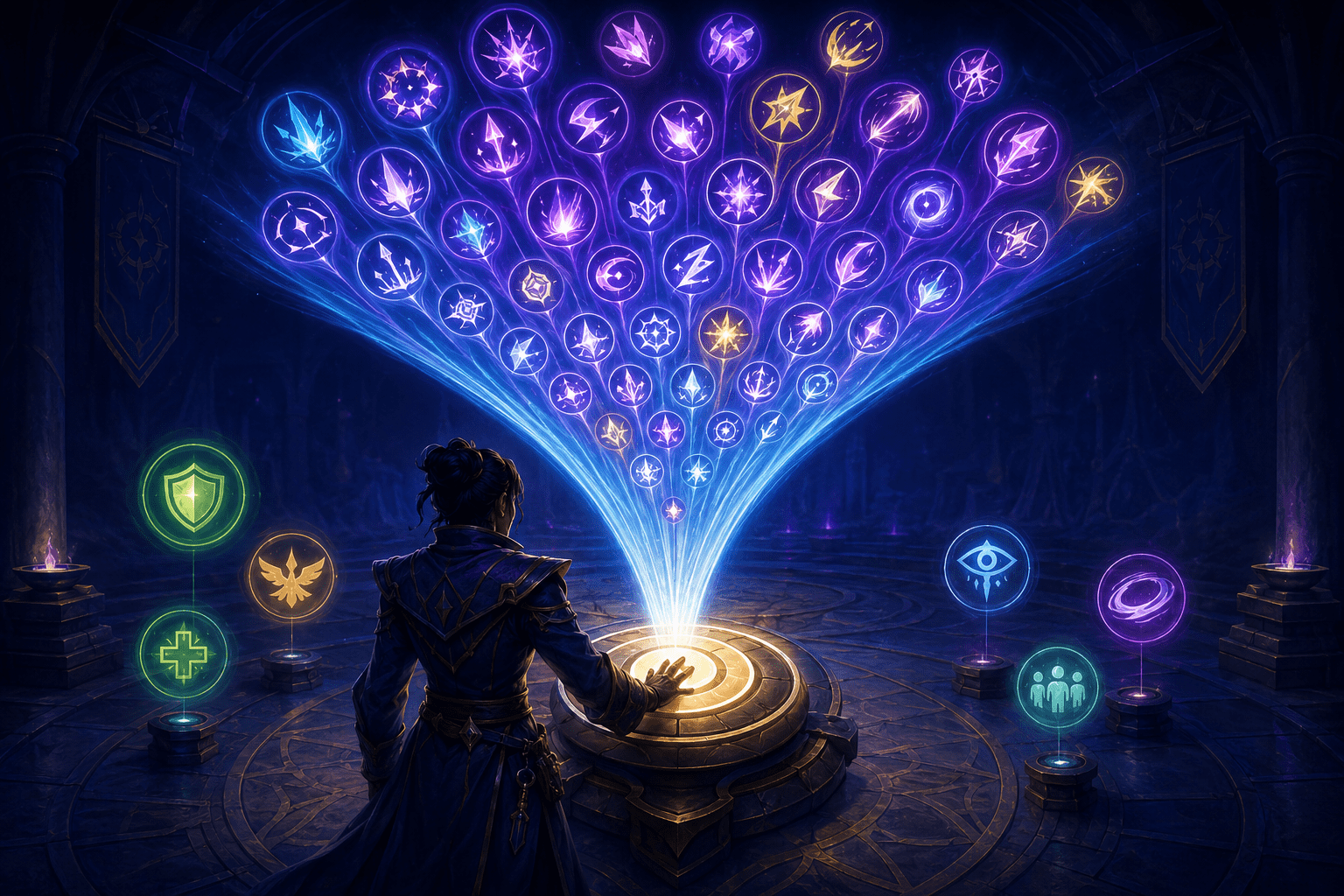
Combat in World of Warcraft can require players to manage numerous abilities, cooldowns, resources, targets, and situational decisions. Even a basic damage rotation may involve several keys and an understanding of which ability should be used next. The appropriate sequence can change according to available resources, the number of enemies, active effects, and the character’s specialization.
The Single-Button Assistant reduces one part of that complexity by placing the game’s recommended damage sequence on a single action-bar button. Each time the player activates that button, the assistant casts the next recommended damage-dealing ability. It does not simply bind several abilities to the same physical key. The game evaluates the current situation and changes what the button will cast.
This can substantially reduce the number of inputs required to perform a basic damage rotation. However, it does not automate combat, play the character continuously, or include every action needed to survive an encounter. Its scope is deliberately narrower than a complete combat system.
Understanding that distinction is essential. The feature offers decision and input assistance for damage abilities, while the player remains responsible for activating the button, choosing targets, moving, responding to hazards, and using healing, defensive, utility, and other situational abilities outside the assisted sequence.
How the Single-Button Assistant Works
The Single-Button Assistant was introduced as part of World of Warcraft’s base user interface in the Legacy of Arathor content update. Players can find the assistant in Talents & Spellbook and drag its button to an action bar like another ability.
Once placed, the button acts as an access point to a recommended damage rotation. Pressing it casts the next damage-dealing ability selected by the game’s recommendation system. Pressing it again requests the next recommendation in the sequence. The ability associated with the button can therefore change as the character’s resources and combat situation change.
This is different from ordinary remapping. Remapping changes which physical input activates a predetermined command. If a player maps one ability from the number row to a mouse button, that mouse button continues to activate the same ability. The Single-Button Assistant instead allows one action-bar position to activate different recommended damage abilities over time.
It is also different from a macro containing a fixed sequence. A conventional sequence follows the instructions written into it and may not account for the same situational information. Blizzard describes the assistant as choosing the next recommended ability based on the sequence generated by the game’s combat-assistance system.
The player still has to activate the button for each cast. Holding it down does not cause the system to perform the entire rotation automatically, and enabling the feature does not make the character attack without input. The assistant consolidates decisions and inputs; it does not remove the need for repeated player participation.
One Button Does Not Mean One Ability
The phrase “single-button” can be misleading if it is interpreted as a simplified character with only one attack. The assistant does not replace a specialization’s different damage abilities with a generic action. It selects among the existing recommended abilities and casts the appropriate one when the shared assistant button is pressed.
The character’s underlying resources, cooldowns, and ability interactions continue to exist. The assistant changes how the player accesses a recommended sequence, not the mechanical structure of the specialization itself.
This matters for accessibility because reducing input count is not the same as reducing every form of complexity. A player may no longer need to remember and physically reach several damage keys, but the screen can still contain numerous effects, enemies, warnings, status indicators, and environmental hazards. The character may also retain abilities that must be activated separately.
For some players, reducing a large rotation to one repeated input may be the important change that makes combat more manageable. For others, the repeated activation demand, target management, or unassisted defensive actions may remain substantial barriers.
How It May Reduce Motor Demands
A conventional damage rotation can require movement across a keyboard, mouse, controller layout, or adaptive input arrangement. Frequently changing between abilities may be difficult for players who have limited reach, reduced dexterity, tremor, pain, fatigue, or difficulty performing precise key combinations.
The Single-Button Assistant may reduce this demand by allowing the primary damage sequence to be activated from one stable location. A player may be able to position that input where it is most comfortable or assign it to an external switch through their existing input configuration.
Consolidation can also reduce the need to look down at the keyboard or reposition the hand between several keys. It may lower the risk of activating a neighbouring ability accidentally and reduce the number of distinct movements required during sustained combat.
It does not eliminate repeated input. The assistant must still be activated for successive abilities. A player who cannot comfortably press a control repeatedly may therefore need to combine it with operating-system input tools, adaptive hardware, alternative switch placement, or other permitted input options.
The feature also does not replace movement controls. Players must still navigate the world, face or approach targets when required, move out of hazardous areas, and interact with encounter mechanics. Reducing the damage rotation to one control may free physical capacity for those actions, but it does not remove their motor demands.
How It May Reduce Cognitive Load
Damage rotations can create cognitive barriers as well as physical ones. Players may need to remember which ability follows another, monitor several resource states, identify when an ability becomes available, and adjust the sequence when the situation changes.
The Single-Button Assistant transfers part of the next-ability decision to the game. This may help players who have difficulty memorizing lengthy rotations, switching attention among many icons, returning to a character after an extended absence, or learning an unfamiliar specialization.
It may also reduce the amount of outside research needed to begin participating in ordinary combat. Players often use community guides, add-ons, practice tools, or written rotation lists to learn how abilities fit together. The built-in assistant provides a recommended sequence without requiring a separate program or website.
That does not mean the assistant explains why each ability was selected. Casting the recommended ability can support participation without necessarily teaching the underlying relationship between resources, effects, and cooldowns. A player interested in learning the full rotation may need to combine the assistant with ability descriptions, practice, or the game’s Assisted Highlight option.
Single-Button Assistant Versus Assisted Highlight
Blizzard introduced Assisted Highlight alongside the Single-Button Assistant. Both use the game’s recommendations, but they place different demands on the player.
Assisted Highlight visually marks the next recommended damage ability on the player’s action bars. The player must locate the highlighted ability and activate its usual input. This preserves the relationship between each ability and its individual action-bar position, but it continues to require visual identification and multiple inputs.
The Single-Button Assistant goes further. Instead of merely showing which ability should be activated, it allows the recommended ability to be cast through the shared assistant button. The player does not have to move to the original key assigned to that ability.
Assisted Highlight is therefore guidance, while the Single-Button Assistant is guidance combined with input consolidation. Neither option automatically performs an uninterrupted combat rotation.
A player learning a specialization might begin with the Single-Button Assistant and use Assisted Highlight to observe which ability the game recommends. Another player might prefer Assisted Highlight because it retains individual control over each ability. Someone primarily concerned with reach, dexterity, or input density may find the shared assistant button more useful.
The visual highlight can create its own access barriers. It requires the player to see and track changes across an action bar, and the highlighted ability may be positioned away from the centre of the screen. The Single-Button Assistant reduces that visual search demand, although the player must still monitor the broader combat environment.
Damage Abilities Are Only Part of Combat
Blizzard specifies that these assistance features focus on damage-per-second abilities. Buffs, healing abilities, and damage-mitigation abilities are not included in the assisted rotation. This limitation prevents the single button from becoming a complete substitute for all combat decision-making.
Players may still need separate inputs for self-healing, shields, defensive cooldowns, interrupts, crowd control, dispels, movement abilities, consumable items, and other utility actions. Which of these are available depends on the character’s class and specialization.
This means the assistant may cover a large proportion of routine damage output while leaving crucial survival and encounter responsibilities outside the sequence. In more demanding content, correctly timing an interrupt or defensive ability can be as important as performing the damage rotation.
The feature also does not choose targets for the player. Target selection, positioning, and awareness of friendly and hostile characters remain separate tasks. A correctly recommended damage ability cannot help if the player cannot establish or maintain the required target.
Similarly, the assistant does not make environmental hazards accessible. Ground effects, movement mechanics, enemy telegraphs, and rapidly changing combat visuals may still create sensory, vision, motor, or cognitive barriers.
Area-of-Effect and Multiple-Target Decisions
The Single-Button Assistant can detect when an area-of-effect or multiple-target ability should be used while the player is out in the world. This allows the recommendation to respond to some changes in the number of nearby enemies rather than following only a single-target sequence.
That behaviour may reduce the need to maintain separate damage rotations for one enemy and for groups. The assistant can recommend an appropriate multi-target ability when its conditions indicate that one should be used.
The official description specifically refers to this detection while the player is out in the world. Players should not assume from that statement that the assistant will manage every area-of-effect decision optimally in every dungeon, raid, competitive mode, or specialized encounter.
Area-of-effect abilities may also interact with positioning, crowd control, neutral creatures, or encounter-specific restrictions. The assistant’s recommendation does not remove the player’s responsibility to judge whether attacking multiple targets is safe or appropriate.
The Added Global Cooldown Is a Meaningful Trade-Off
The Single-Button Assistant adds a small additional global cooldown between abilities. The global cooldown is the shared waiting period that prevents many abilities from being activated immediately one after another. Adding time to that interval means the assistant’s sequence may perform more slowly than a rotation entered manually.
This is not merely a visual delay. It is a deliberate performance trade-off attached to using the consolidated input. The feature is designed to support learning, accessibility, story participation, and more casual play without duplicating the maximum speed available through direct control of each ability.
The added delay can create different consequences depending on the activity. It may be relatively minor during ordinary questing or story content, but more noticeable where damage output and precise timing are heavily emphasized. Players entering group content may need to consider whether the assistant’s pace is compatible with the particular encounter and group expectations.
The cooldown also means the feature reduces input complexity without removing timing entirely. The player still activates the button repeatedly, and each activation remains governed by the game’s ability timing. This is assistance with sequencing and input density, not a no-timing combat mode.
Platform and Interface Limitations
World of Warcraft is a computer-based game accessed through Blizzard’s Battle.net environment. The Single-Button Assistant is part of the game’s built-in user interface rather than a third-party add-on. It does not require players to install an external rotation program.
Because it is an action-bar feature, players must be able to open Talents & Spellbook, locate the assistant, and drag it to an action bar during setup. That initial configuration process may remain difficult for someone who cannot easily use drag-and-drop interaction or navigate the interface.
Its presence in the base interface can improve consistency compared with relying on an independently maintained add-on. However, the feature is still part of an online game that changes through content updates. Blizzard has described the combat-assistance system as something that will continue to evolve, so its behaviour and coverage may change over time.
A Reduced Rotation, Not Automatic Combat
Blizzard’s official guide, Legacy of Arathor: Get an Assist With New UI Options, explains how to activate Assisted Highlight, place the Single-Button Assistant on an action bar, and use the recommended damage sequence.
The Single-Button Assistant can reduce a many-key damage rotation to one repeated input and can choose among recommended damage abilities as combat conditions change. It may lower barriers related to reach, dexterity, fatigue, memory, sequencing, visual search, and learning an unfamiliar specialization.
It does not automatically conduct combat, continuously activate abilities, manage healing or defensive actions, choose targets, move the character, or respond to every encounter mechanic. It also introduces an additional global cooldown. Access needs vary, and the feature’s practical usefulness depends on whether consolidating the damage rotation addresses the player’s main barrier while leaving the remaining inputs and combat demands manageable.