
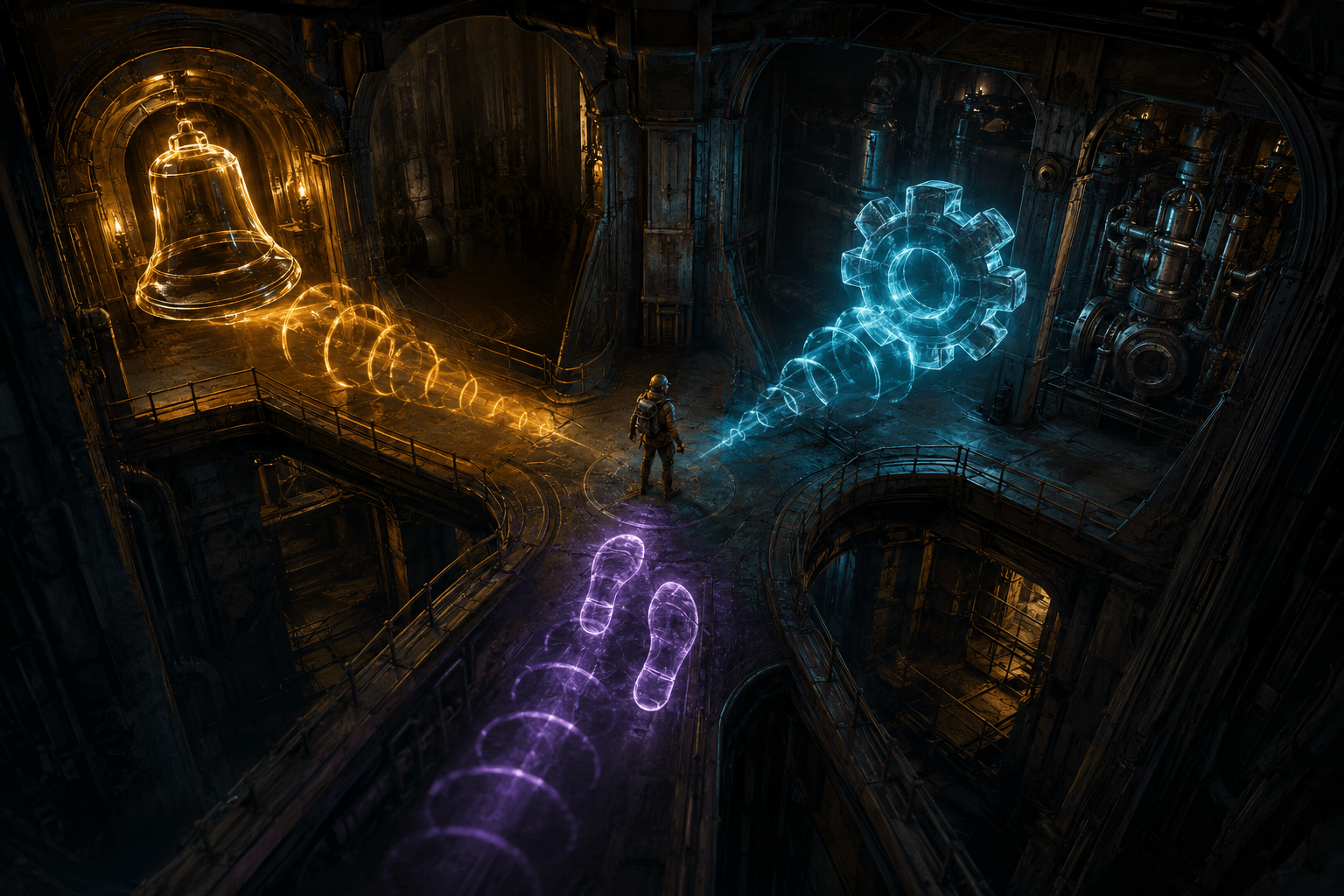
Sound is central to Lethal Company. Players explore dark industrial facilities where nearby machinery, alarms, creatures, footsteps, equipment, and environmental events may be heard before they are seen. The game’s cooperative structure also encourages players to listen for teammates and react to events occurring outside the current field of view.
For Deaf and hard-of-hearing players, the absence of equivalent visual information can affect more than atmosphere. An unheard sound may represent a warning, a nearby object, a moving threat, or a change in the environment. Players who can hear some frequencies but not others may also receive an inconsistent picture of what is happening around them.
SubtitlesAPI Community is a third-party package that adds text for recognized in-game sounds. The current project combines three previously separate components: Subtitles, SubtitlesAPI, and AudibleDistanceLib. Together, they provide captions for supported sound files, calculate whether a sound should be considered audible, and allow other mod developers to register captions for their own audio.
The package is commonly described using the word “subtitles,” but its accessibility function is closer to sound-effect captioning. It does not merely reproduce spoken dialogue. It can present textual descriptions of non-speech sounds and vary aspects of that presentation according to direction, distance, volume, repetition, and user configuration.
Captions and subtitles are not interchangeable terms
Subtitles traditionally reproduce dialogue for viewers who can hear the rest of the soundtrack. Captions are intended to communicate a broader range of auditory information, including speech, music, alarms, impacts, mechanical noises, creature sounds, and other events that may be meaningful.
The distinction is especially important in Lethal Company. A facility may contain little or no conventional dialogue at the moment when sound becomes most important. The relevant information may instead be a bell, a mechanical movement, footsteps, a creature vocalization, or another environmental cue.
SubtitlesAPI Community associates supported audio files with written descriptions. The project’s documentation gives examples such as an air horn being represented with a sound description. It also supports timed dialogue translations, allowing a longer audio clip to display multiple lines at specified points rather than presenting one static label for the entire recording.
This means the package can represent both non-speech events and supported prerecorded dialogue. It is not a live transcription service, however. It does not listen to arbitrary microphone input and convert nearby players’ voices into text. Player voice-chat captioning would require a separate speech-recognition system.
How the mod decides whether to display a sound
The package includes AudibleDistanceLib, which analyzes sound information in relation to the player. Its source documentation exposes values such as distance in metres, horizontal and vertical angle, direction, a cardinal direction, and a strength value based on distance and volume.
The Subtitles component uses a configurable minimum audible-volume threshold. The current source gives this threshold a default value of 12 on a scale from zero to 100. Sounds calculated above the threshold can be displayed, while sounds below it are excluded.
This is an important difference from showing every registered sound everywhere on the map. A caption system that ignores audibility could reveal events that hearing players would not be able to detect, fill the screen with irrelevant notices, and remove some of the game’s uncertainty. Applying a threshold attempts to limit captions to sounds that the mod determines would be audible from the player’s position.
The result should still be understood as an approximation. A software calculation of audibility is not identical to an individual player’s hearing. It may not account for every obstruction, mix interaction, modded audio behavior, or perceptual difference. A sound that the system considers audible may be difficult for a particular player to hear, while another person may detect sounds below the selected threshold.
The threshold can therefore be changed. Raising it should reduce the number of quieter captions, while lowering it may expose more distant or low-volume events. Either choice has a trade-off. A lower threshold may provide more information but increase clutter; a higher threshold may make the display calmer while withholding cues the player would consider relevant.
Directional cues add information beyond the sound’s name
A label such as “footsteps” identifies an event but does not necessarily show where it originated. SubtitlesAPI Community includes a Directional Audio Cues option that adds a small visual direction indicator to a caption. The option is enabled by default in the current configuration source.
This can reduce reliance on stereo positioning. A player may be able to read that a mechanical noise or movement has occurred and receive an indication of its direction without needing to distinguish the source through headphones.
Directional captioning is not automatic navigation. It does not draw a safe route, identify every obstacle, or tell the player whether moving toward the sound is advisable. It presents information about the sound source while leaving the interpretation and response to the player.
The project also notes a technical limitation involving player sounds: many of them are spawned in a way that makes them appear to originate from the listener’s own position. Directional presentation may consequently be less informative or accurate for those sounds. A direction marker should not be assumed to work equally well for every audio event.
Distance can be communicated through fading
Distance Fade is another configurable option, enabled by default in the current source. It changes caption visibility according to the sound’s distance and volume. A comparatively distant or quiet event can therefore appear less prominent than a nearby sound.
This provides an additional layer of information without requiring a written distance measurement. Relative opacity may help distinguish an immediate event from one near the edge of the mod’s audible range.
Fading also creates a potential access cost. Low-opacity text can become difficult to read, particularly against complex environments or for players with low vision, reduced contrast sensitivity, or visual-processing differences. A representation designed to communicate distance may simultaneously reduce legibility.
Players who need consistently strong text contrast may prefer to disable distance fading and rely on the directional cue or the caption content alone. This preserves readability but removes one of the system’s methods of representing relative distance.
Repeated captions can be reduced
Industrial environments often contain looping machinery, repeated footsteps, or other sounds that occur rapidly. Displaying a new caption every time the same clip plays can overwhelm the screen and make a more important event difficult to notice.
The Reduced Captions option adds a cooldown to frequently repeating captions. It is enabled by default in the current configuration. This is a clutter-reduction system rather than a complete sound filter.
The setting may support players who become overloaded by rapid text changes or who need more time to process each caption. It can also make new information easier to distinguish from a repeating background event.
A cooldown inevitably removes some repetition information. If footsteps are represented less frequently, the player may know that footsteps occurred without receiving a caption for every individual step. That can make the display calmer, but it may reduce the precision with which a player can follow an ongoing sound.
This illustrates a broader captioning trade-off. Complete repetition can communicate rhythm and persistence, while reduced repetition supports readability. Neither choice is inherently correct for every player or every sound.
Text presentation can be customized
SubtitlesAPI Community exposes several options for changing how captions appear. The font size is configurable, and text can be aligned to the left, centre, or right. The caption container can be moved using horizontal and vertical position values.
Players can also change the main caption colour, the colour used for dialogue, and the background colour. An optional background highlight can be enabled to improve separation between text and the game environment. Its opacity can be adjusted rather than being limited to a fixed solid box.
These controls address different visual barriers. Increasing the font size can reduce the demand of resolving small text. Repositioning captions may keep them away from important game information or place them closer to the player’s usual focus. A background highlight can improve contrast when captions pass over moving scenery.
Changing text colour alone is not guaranteed to improve readability. A bright colour may stand out in one location but disappear against another. Contrast depends on both the foreground and background, which is why the optional highlight and adjustable opacity may be more reliable than colour customization by itself.
The package also includes controls for the width of the parent caption area, which can affect word wrapping when larger fonts are used. This is useful because increasing text size without expanding or repositioning its container can create awkward line breaks or cover more of the play area.
Recognized sounds are not the same as every sound
The package relies on associations between audio-file names and caption text. The localization system contains a dictionary in which a sound-file identifier is connected to a written description. Timed dialogue uses a similar structure with multiple captions attached to timestamps within one clip.
This design avoids attempting to guess what a sound means in real time. It can provide a deliberate description when the relevant audio has been registered. It also means that unregistered sounds may remain without captions.
Game updates can introduce or change audio assets. Other mods can add creatures, equipment, dialogue, music, alarms, and environments that use entirely new sound files. Those additions do not become captioned automatically merely because SubtitlesAPI Community is installed.
The API allows other developers to register captions for custom sounds. A mod can add an individual translation or a collection of translations, including timed dialogue. This creates a shared framework through which other mod authors can improve compatibility without building a completely separate caption renderer.
In practice, coverage depends on the existing localization data and whether other installed mods participate. The extensible design increases the potential range of captioning, but it does not guarantee complete coverage across every possible mod combination.
Localization can expand caption access
The API is structured to support separate locales. Contributors can add another locale and supply translations for registered sounds and dialogue. This is important because captioning a sound in only one language does not provide equal access to players who use another language.
Localization involves more than translating literal words. A concise sound description must remain understandable while appearing briefly during active play. Different languages may require different lengths, sentence structures, or terminology.
The availability and completeness of each locale may vary. The package documentation invites contributions rather than claiming that every caption is available in every language. Players should not assume that installing the mod automatically produces complete translated coverage for their preferred language.
The maintained package replaces deprecated components
The original projects were distributed separately as Subtitles, SubtitlesAPI, and AudibleDistanceLib. The current SubtitlesAPI Community package merges and maintains those components as one project.
The older JustJelly SubtitlesAPI page on Thunderstore is marked as deprecated. That older page may still appear prominently in searches because it accumulated substantially more historical downloads and dependants. Its presence does not make it the recommended current package.
The maintained community package is listed as client-side and currently uses the dependency string LethalCompanyModding-SubtitlesAPICommunity-0.0.11. Its Thunderstore listing requires BepInExPack version 5.4.2100.
Because it is client-side, the package changes presentation for the player who installs it rather than functioning as an official server feature. Compatibility should still be checked when joining modded groups, particularly when a shared profile contains older versions of the three separate packages.
Installation is limited to the modded PC version
Lethal Company is distributed for Windows PC through Steam, and SubtitlesAPI Community is a BepInEx modification. It is not a console accessibility option and cannot be enabled through an ordinary in-game settings menu.
Players must install the required BepInEx package and the current SubtitlesAPI Community release, either manually or through a compatible mod manager. This creates an access barrier before gameplay begins. File management, dependency versions, security decisions, game updates, and conflicts with other mods may all require troubleshooting.
Third-party maintenance also differs from built-in accessibility. The game developer is not responsible for guaranteeing that the package continues to function after an update. A patch may alter audio behavior or interface code and temporarily break caption display until the community project is updated.
What the mod does not provide
SubtitlesAPI Community does not transcribe live proximity voice chat. It does not generate captions by listening to all audio through speech recognition. It does not visually map every sound source in the facility, and it cannot provide a caption for an audio file that has not been registered or otherwise supported.
Directional indicators and distance fading provide useful context, but they are not substitutes for a complete visual sound radar. They may also be inaccurate or unavailable for sounds whose in-game source information is unusual.
The package does not remove disturbing sounds, lower their volume, or filter particular frequencies. A player with auditory sensitivity may choose to lower or mute game audio while using captions, but the mod itself is a visual-information system rather than an audio-reduction tool.
The project’s maintained SubtitlesAPI Community page provides the current dependency and download information, while its linked source repository documents the merged components and configuration behavior.
Access needs vary, and the package cannot guarantee complete caption coverage or accurate direction for every sound and mod combination. Its practical role is to make supported environmental and dialogue audio visible, with configurable direction, distance, repetition, size, position, colour, and contrast, while leaving live voice chat, unsupported sounds, non-PC versions, and future compatibility as meaningful limitations.