
The 2023 remake of Dead Space includes two related settings for selected disturbing content. One warns the player before a supported scene begins. The other uses a visual effect to hide the scene while it occurs.
These settings provide different forms of control. A warning gives advance information but leaves the scene visible. Concealment changes what the player sees, but it does not skip the scene or remove its audio.
Neither setting converts Dead Space into a gore-free or non-horror game. EA states that the system primarily targets selected scenes involving intense violence against humans, strong psychological horror, or self-harm. Violence involving the game’s Necromorph enemies is not comprehensively covered.
The distinction between warning, concealment, and removal is particularly important in a horror game. A player can use the system to reduce exposure to some visual material while still encountering blood, hostile creatures, combat, disturbing audio, environmental horror, and unsupported scenes elsewhere in the game.
Two Separate Options Rather Than One Content Filter
The first option is called Show Content Warning. When enabled, it displays a brief description before selected potentially disturbing content. The warning may appear before a scene in the environment or before relevant material in an audio or video log.
The purpose of this option is informed anticipation. It gives the player some idea of what kind of content is approaching before they decide whether or how to continue.
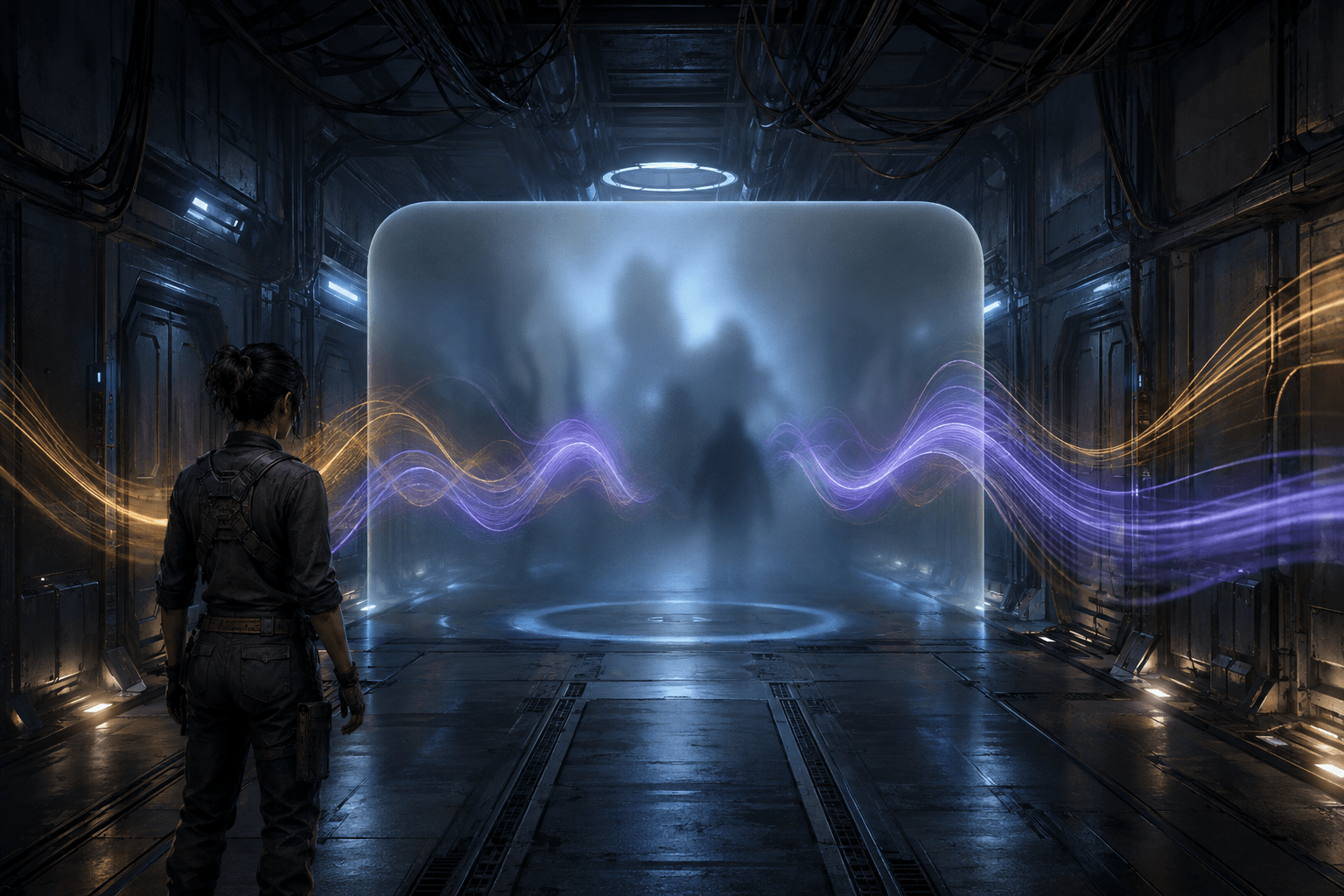
The second option hides supported disturbing scenes behind a screen effect. EA describes this as a blurring effect that conceals the visuals until the scene has finished. The underlying scene continues to occur.
Because these are separate functions, warning does not necessarily mean concealment. A player may want advance notice while retaining the original visuals. Another player may want the supported visuals hidden rather than relying on preparation alone.
The settings are optional and disabled by default. Players who want either form of support must enable it. Show Content Warning is available during the game’s initial setup, while additional settings can be accessed through the broader options.
Advance Warning Is Not the Same as Visual Concealment
A content warning changes when information is provided. It moves some knowledge about a scene from after it begins to before it begins. This may reduce surprise and allow the player to prepare, pause, ask another person for information, lower the volume, look away, or decide whether to proceed.
The warning does not reduce the intensity of the scene itself. If the player continues with only Show Content Warning enabled, the original visual and auditory presentation remains.
Visual concealment changes the presentation during a supported scene. Instead of showing its visual details, the game places a blur over the content until the relevant sequence has finished.
This does not necessarily give the player the same contextual information as viewing the original scene. Facial expressions, actions, environmental details, and other visual storytelling may be obscured along with the disturbing material.
The two options may therefore be combined. Advance notice can explain why the screen is about to be obscured, while concealment reduces exposure to the supported visual imagery. One setting does not make the other redundant.
The Scene Continues Behind the Blur
The concealment option does not skip a supported scene. Time continues, the scene plays out, and the player remains in the same narrative position once the effect ends.
This differs from a cinematic skip. Skipping moves past the sequence, often removing both its visual and auditory presentation. Concealment preserves the sequence’s duration and audio while hiding selected imagery.
It also differs from automatic completion. If a disturbing moment occurs during a section that includes gameplay, the setting should not be assumed to perform actions for the player. EA describes it as a visual screen effect, not an input or gameplay automation system.
The player may therefore need to wait through a concealed sequence without knowing exactly when the underlying imagery has changed. The effect ends after the supported scene has played out, but the setting does not turn every disturbing event into a brief loading screen or summary.
Audio Remains Audible
EA explicitly states that the player will still hear the audio while a supported scene is hidden. The blur affects visuals rather than muting or replacing the soundtrack.
This is one of the feature’s most significant limitations. Disturbing vocalizations, impact sounds, descriptions, music, environmental effects, or other audio may remain present even when the corresponding visual event cannot be seen.
For some players, visual imagery may be the primary barrier and retained audio may preserve useful narrative context. For others, sound may be equally or more distressing. The concealment option does not provide a complete sensory filter for the scene.
The game has audio volume controls, but reducing an entire audio category is different from selectively muting one disturbing event. Lowering sound effects may also reduce access to gameplay cues and environmental information. Lowering dialogue can remove spoken context that the player still wants.
Visual concealment should therefore not be described as full trigger removal. It is a visual reduction tool with an explicitly retained auditory channel.
What Kinds of Content Are Covered
EA’s content guide warns that Dead Space contains graphic violence, including depictions of dismemberment, impalement, blood, gore, vomit, and death. The warning and concealment systems do not apply uniformly to every occurrence of those elements.
The developers describe the focus as selected scenes involving intense violence against humans, strong psychological horror, or self-harm. This means coverage is curated rather than produced by a system that automatically detects all potentially disturbing material.
The game’s violence against Necromorphs is specifically outside the primary target of the feature. Combat frequently involves damaging and severing enemy limbs, and the setting does not remove that central mechanic.
Blood and gore remain part of the game’s environments and ordinary combat presentation. The broader horror atmosphere, hostile creature designs, low-light environments, sudden appearances, death animations, and threatening audio also remain.
The system may reduce exposure to particular supported scenes without making a reliable promise that no similar imagery will appear elsewhere. A player deciding whether the game is suitable may still need the more detailed official content guide rather than relying solely on the in-game toggle.
Curated Coverage Has Subjective Boundaries
Determining what qualifies as disturbing is not objective. A scene selected by the development team may not be the one that creates the greatest barrier for a particular player.
Someone may be affected by self-harm imagery but not combat gore. Another player may tolerate human violence while finding transformation, medical imagery, confinement, vomiting, particular sounds, or creature movement more difficult.
A curated system must draw boundaries. Those boundaries make the feature possible, but they also create incomplete coverage. Content outside the developers’ selected categories may remain unmarked and unobscured.
The settings do not provide a menu of individually selectable trigger categories. Players cannot use the documented system to enable concealment for one subject while retaining every scene in another supported category.
This differs from a granular content filter with independent controls for blood, dismemberment, self-harm, flashing imagery, body horror, or other content types. Dead Space provides a broader supported-scene system rather than a fully customizable trigger profile.
Concealment Can Reduce Context Along with Disturbing Imagery
A blur cannot isolate only the emotionally difficult pixels within a scene. It hides the broader visual presentation, including potentially useful narrative information.
The player may hear dialogue without seeing who is speaking or what is happening. A later scene may refer to an action that occurred while the screen was obscured. The concealment system allows the narrative timeline to continue but does not necessarily replace hidden visual information with a detailed neutral description.
The preceding warning gives a brief description of the content type, not a complete account of the scene’s plot significance. It should not be treated as an equivalent transcript of every concealed visual event.
This creates a trade-off between reducing visual exposure and retaining narrative detail. Some players may prefer to use warnings only, while others may accept missing visual context in exchange for avoiding a particular scene.
A companion, walkthrough, or scene summary may help recover missing context, but those are external supports rather than functions documented as part of the concealment setting.
A Warning Does Not Remove Anticipatory Distress
Advance information can reduce the impact of an unexpected scene, but it can also create a period of anticipation. After seeing a warning, the player may not know precisely when the event will begin, how long it will last, or which visible detail will be most intense.
The warning’s usefulness therefore depends on the player. Some people benefit from knowing what is coming. Others may find that waiting for a warned event increases distress or makes it difficult to focus on the game.
Using the concealment option can reduce uncertainty about whether the supported visuals will be shown, but retained audio and the knowledge that the scene is continuing may still create an anticipatory or imaginative response.
The feature offers control over information and visual presentation. It does not guarantee emotional comfort or remove the psychological effect of the scene’s narrative meaning.
How This Differs from Reducing Gore Globally
A conventional gore setting often changes effects throughout gameplay. It may reduce blood particles, decals, dismemberment, or persistent environmental details across many encounters.
The Dead Space concealment feature works differently. It hides selected scenes behind an effect rather than globally replacing every graphic asset with a less detailed version.
This means ordinary gameplay violence can remain unchanged. The game’s central combat design involves targeting and severing enemy limbs, and the supported-scene setting does not replace that system with non-dismemberment combat.
Players should not interpret “hide disturbing scenes” as “disable gore.” One concerns selected moments identified by the developers; the other would require broad changes to the game’s ongoing visual systems.
How It Can Be Combined with Motion and Interface Settings
The remake includes other options that can reduce separate sources of discomfort. Camera shake can be disabled, and the floating effect used in the main menu can be turned off. A persistent centre dot can be enabled to provide a stable visual reference during camera movement.
These settings address motion-related visual barriers rather than disturbing content. Turning off camera shake does not conceal gore, and hiding a supported scene does not remove camera movement elsewhere.
Subtitles can be customized through font size, capitalization, text and background colours, background opacity, and speaker-name presentation. Retained dialogue may therefore remain available as text while a visual scene is concealed.
However, subtitles do not necessarily describe every non-dialogue sound. The player may hear disturbing audio effects without receiving a neutral textual explanation of what they represent.
Menu narration, remapping, toggle inputs, single-press quick-time events, and aim assistance address additional access areas. None of these settings expands the content-concealment system’s coverage, but they can be combined to reduce unrelated barriers during the same playthrough.
Platform and Version Restrictions
The warning and concealment options belong to the 2023 remake of Dead Space. They should not be assumed to exist in the original 2008 release merely because both games share the same title.
The remake was released for PC, PlayStation 5, and Xbox Series X|S. It was not released as a native PlayStation 4, Xbox One, or Nintendo Switch version.
Players consulting guides should verify that instructions refer to the remake and the relevant platform. Menu placement and terminology may differ between versions, while the original game does not contain the remake’s complete accessibility suite.
Content Information Beyond the In-Game Popups
EA provides a separate official Dead Space content-warning page describing the nature and approximate timing of graphic material. This external guide can help players assess the game before encountering an in-game warning.
An external guide and an in-game popup serve different purposes. The guide provides broader preparation and can be reviewed before purchase or play. The in-game option delivers information near the point where a supported scene occurs.
Neither source can predict every individual reaction. The guide describes content categories, while the player must determine whether those descriptions cover their own access needs.
Practical Scope and Limits
The content-warning option provides advance notice. The concealment option blurs selected visuals. The underlying scene continues, and its audio remains. The system primarily focuses on selected violence against humans, psychological horror, and self-harm rather than all gore or all horror content.
That makes the feature more substantial than a general notice displayed when the game starts, but narrower than a complete content-removal system. It gives the player meaningful control over some moments without changing the core design of Dead Space as a graphic survival-horror game.
Access needs vary, and content that is manageable for one player may remain inaccessible for another. These options may reduce surprise or visual exposure, but they do not remove retained audio, ordinary combat gore, Necromorph dismemberment, unsupported scenes, disturbing atmosphere, or the possibility of losing narrative context behind the blur.