
For players prone to motion sickness, vertigo, or visual migraines, aggressive camera bobbing, screen shake, narrow fields of view, and motion blur can quickly trigger nausea and disorientation. Community-developed vestibular accessibility mods allow players to strip away disorienting camera movements and customize visual stability.
Access needs and preferences vary among individual players, so custom mod config files allow players to toggle specific camera channels, widen perspective angles, and eliminate artificial lens distortion.
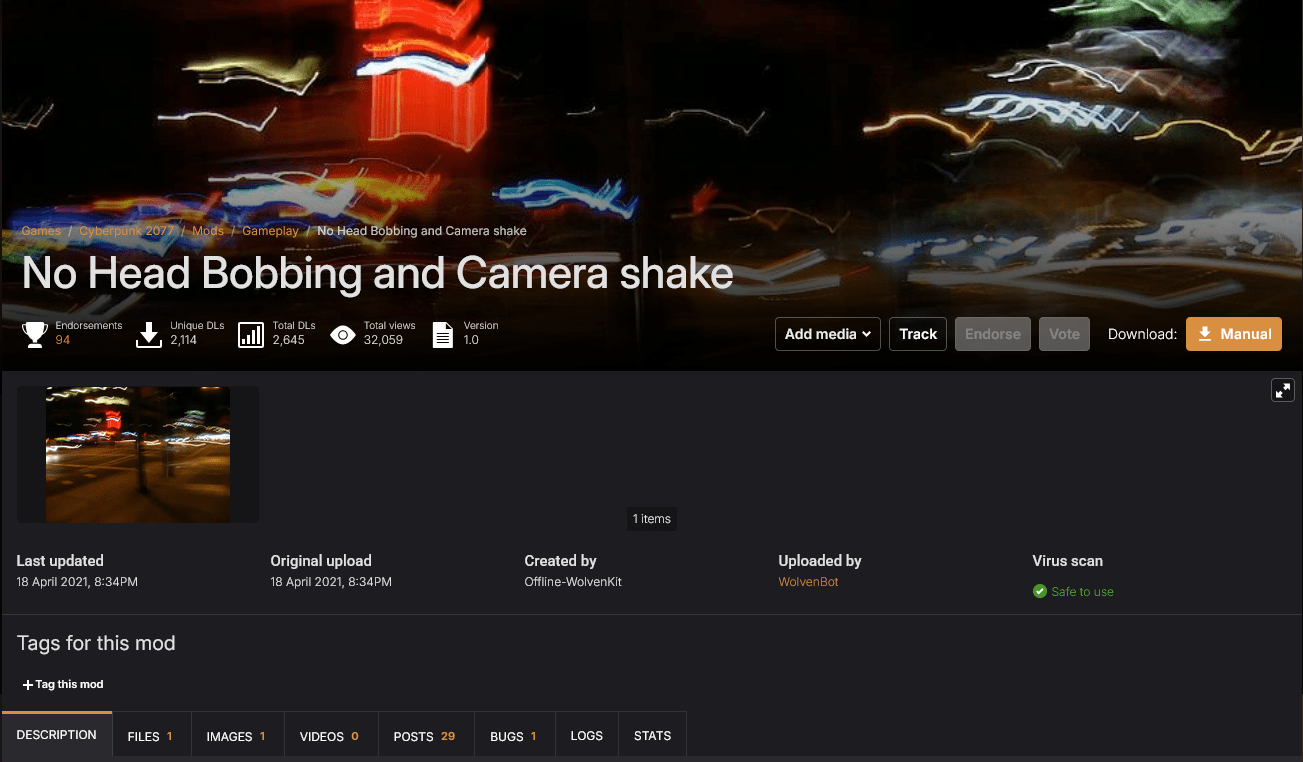
No Head Bobbing and Camera Shake (Cyberpunk 2077)
No Head Bobbing and Camera Shake disables disorienting perspective movements while exploring Night City in first person.
In Cyberpunk 2077, sprinting, vaulting, and melee combat trigger pronounced camera sway and head bobbing that cannot be fully disabled in the default graphics settings. This mod neutralizes camera sway scripts to keep the first-person perspective stable during movement and action sequences.
- Type: Accessibility Mod
- Supported platforms: PC (Steam, Epic Games Store, GOG)
- Requirements: Cyber Engine Tweaks (CET) or RED4ext framework
- Limitations: Modifies first-person movement hooks; third-person driving camera behavior remains governed by separate vehicle camera files.
- Location: Available via Nexus Mods – No Head Bobbing and Camera Shake
Disable Screen Shake Effect (The Elder Scrolls V: Skyrim Special Edition)
Disable Screen Shake Effect removes forceful camera rumble triggered by spells, environmental hazards, and giant strikes in Skyrim.
Dragon shouts, ground slams, explosions, and dungeon traps trigger intense screen shaking that can lead to vestibular distress. This mod allows players to selectively disable environmental screen shake, explosion rumbles, spell-casting vibrations, and creature stomps.
- Type: Accessibility Mod
- Supported platforms: PC (Steam, GOG)
- Requirements: Base game installation (Optional SKSE integration)
- Limitations: Disables physical screen vibration scripts but does not affect static post-processing lighting or radial blur filters.
- Location: Available via Nexus Mods – Disable Screen Shake Effect
Remove Screen Shake – LE1 (Mass Effect Legendary Edition)
Remove Screen Shake (LE1) eliminates aggressive camera vibration during sprinting and vehicle travel in Mass Effect 1.
The remastered release retains heavy camera shudder when sprinting on foot or navigating rough terrain in the Mako land vehicle. This mod patches engine settings to ensure smooth camera tracking during exploration and combat across uncharted worlds.
- Type: Accessibility Mod
- Supported platforms: PC (Steam, EA App)
- Requirements: ME3Tweaks Mod Manager
- Limitations: Designed specifically for Mass Effect 1 within the Legendary Edition compilation; Mass Effect 2 and 3 require separate title-specific files.
- Location: Available via Nexus Mods – Remove Screen Shake (LE1)
Fix the Camera (Elden Ring)
Fix the Camera disables automatic camera recentering and aggressive auto-tracking in Elden Ring.
FromSoftware’s camera system frequently auto-centers behind the player character or forcefully rotates when navigating near large bosses, leading to sudden orientation shifts. This mod prevents unwanted automatic camera resets, allowing manual camera positioning to stay fixed.
- Type: Accessibility Mod
- Supported platforms: PC (Steam)
- Requirements: Offline mode execution (Easy Anti-Cheat disabled)
- Limitations: Restricted to offline play to prevent anti-cheat flagging during online sessions.
- Location: Available via Nexus Mods – Fix the Camera